Page 6-283
Programming
INTER-TEL
®
AXXESS
®
MANUAL VERSION 11.0 – May 2008
Classes Of Service (COS)
PROGRAMMING
6
• COS 05 – Deny Local Calls: Calls to numbers that match the dial patterns for this class
of service (defaults to N+) are restricted, unless the number also matches a dial pattern
in an “allowed” class of service that is assigned to the station, Voice Processing applica-
tion, or trunk group being used.
• COS 06 – Denied Numbers: Calls to numbers that match the dial patterns for this class
of service (defaults to 0891+ and 0898+) are restricted, unless the number also matches
a dial pattern in an “allowed” class of service that is assigned to the station, Voice Pro-
cessing application, or trunk group being used.
• COS 07 – Allowed Numbers: Calls to numbers that match with the dial patterns for
this class of service, defaults to 0345+, 0500+, 0645+, and 0800+, are allowed, even if
number also matches a dial pattern in a restricted class of service that is assigned to the
station, Voice Processing application, or trunk group being used.
9.7 Calls are only restricted if the dialed patterns match the denied pattern exactly and that
is the only class of service you have. Allowed patterns, however, always override denied pat-
terns, even if the numbers are similar.
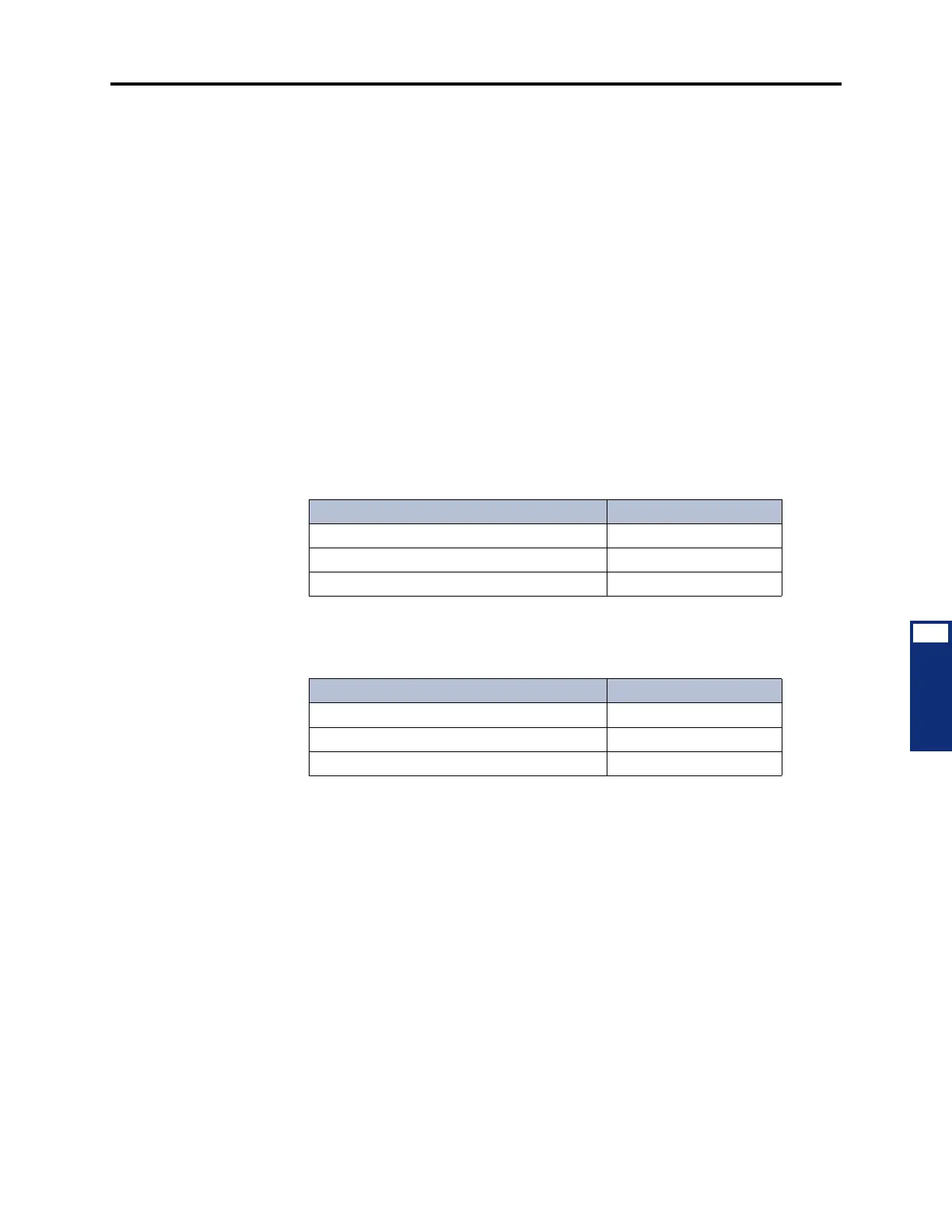
9.8 For example, with a U.S. system, the following table demonstrates what is allowed or
denied when the restricted pattern is 976+ and the allowed pattern is 976-1111.
9.9 With a European system, the following table demonstrates what is allowed or denied
when the restricted pattern is 619+ and the allowed pattern is 619000.
9.10 Program the Classes of service as described in the following paragraphs.
9.11 Description: Select the current description and enter the new description in the text
box. Then press
ENTER or select another field to save the change.
9.12 Day or Night List of devices that use the COS: Double-click on the COS to be pro-
grammed. Then double-click on either
Day List or Night List and do the following:
9.13 To add a device to the list:
1. Right-click anywhere in the right side of the window. An option box appears.
2. Select Add To List. A window appears that asks you to select the type of device to
include.
3. Select the device type(s) and then select Next. A list appears. (You can view them in a
list by selecting the List button or view details by selecting the Details button.)
Table 6-27: COS Examples (U.S.)
Number Dialed Allowed or Denied?
97 (partial match) Allowed
9761234 (exact match with “denied” pattern) Denied
9761111 (exact match with “allowed” pattern) Allowed
Table 6-28: COS Examples (Europe)
Number Dialed Allowed or Denied?
61 (partial match) Allowed
619123 (exact match with “denied” pattern) Denied
619000 (exact match with “allowed” pattern) Allowed



 To Next Page