Page 6-123
Programming
INTER-TEL
®
AXXESS
®
MANUAL VERSION 11.0 – May 2008
Executone Keyset Card Configuration
PROGRAMMING
6
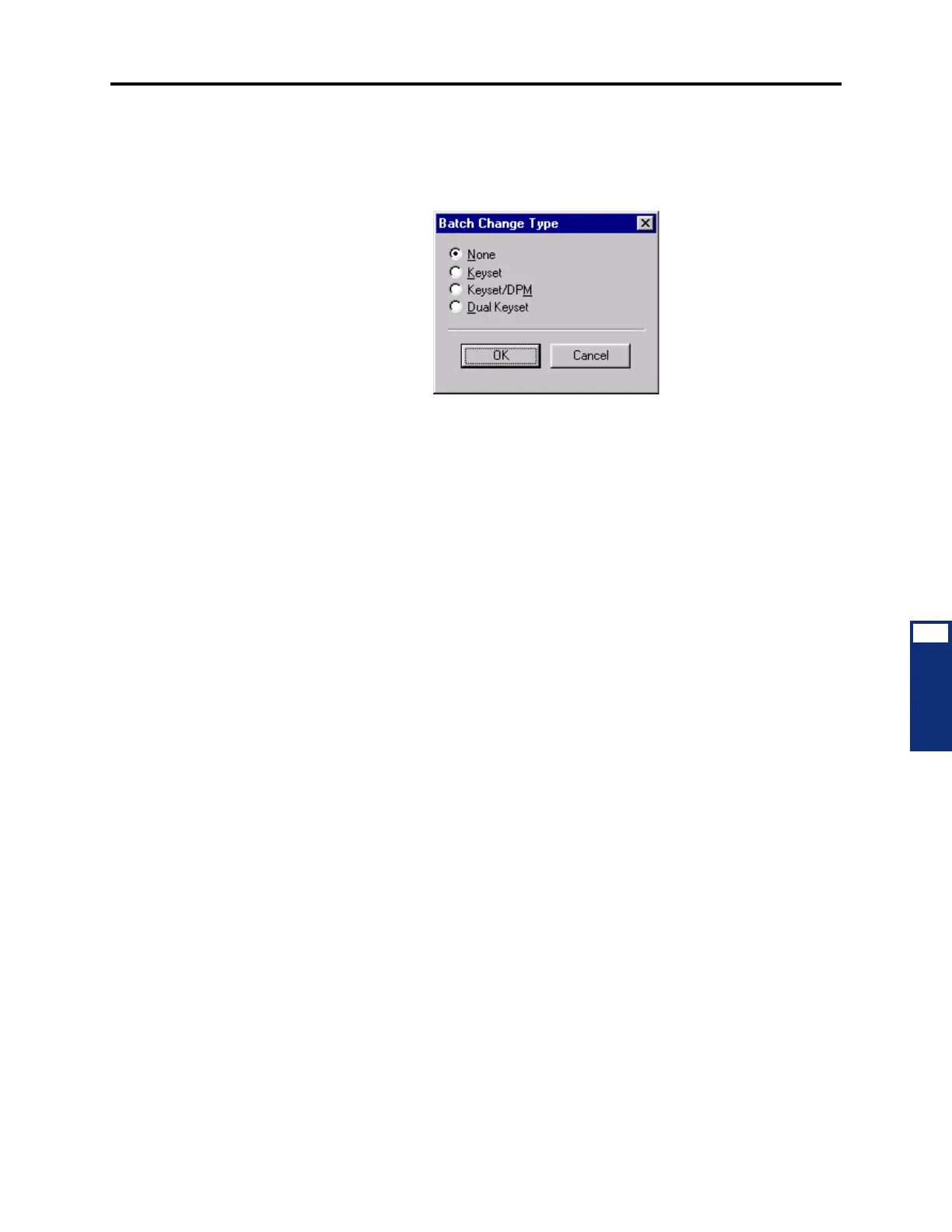
3.59 To equip several ports at once: Highlight the ports you want to equip. (To highlight a
series of items, hold down
SHIFT while selecting the first and last item. To highlight two or
more that are not consecutive, hold down
CTRL while selecting the desired items.) Then right-
click and select
Batch Change Type. The following window appears. Place a dot in the circuit
type you want to assign and select
OK.
3.60 If the new devices require extension numbers, you will be prompted to select the first
number in the batch. The available extension numbers will be assigned sequentially to the
newly equipped ports.
3.61 If you attempt to exceed the device limit of the phone system, you will see an error
message telling you the operation cannot be performed.
Executone Keyset Card Configuration
3.62 To program an individual card, select System\Cabinets then double-click on the card
(or right-click and select
Explore Card).
3.63 EKSC cards support Executone IDS Phones, Wave Phones, and DSS Consoles.
3.64 To equip a single circuit: To select the port type for a specific circuit, select the current
Port description and use the drop-down list box to scroll to the new port type. Then press
ENTER or click on another field to save the change.
3.65 To equip several circuits at once: Highlight the ports you want to equip. (To highlight
a series of items, hold down
SHIFT while selecting the first and last item. To highlight two or
more that are not consecutive, hold down
CTRL while selecting the desired items.) Then right-
click and select
Batch Change Type.
3.66 The circuit types are as follows:
• None: To disable the port, select None.
• Keyset: This option is selected if the port will be used for installing an Executone
Phone.
• DSS: This option is selected if the port will be used for installing an Executone 48-key
DSS Console (not the 60-key DSS/BLF Unit).
3.67 If you want to see the programming for a circuit (as performed in Devices and Feature
Code programming), double-click on the port number.



 To Next Page