Page 6-82
Programming
INTER-TEL
®
AXXESS
®
MANUAL VERSION 11.0 – May 2008
Printing Reports
13. PRINTING REPORTS
NOTE: The Print Report menu option is disabled if a report is currently being generated.
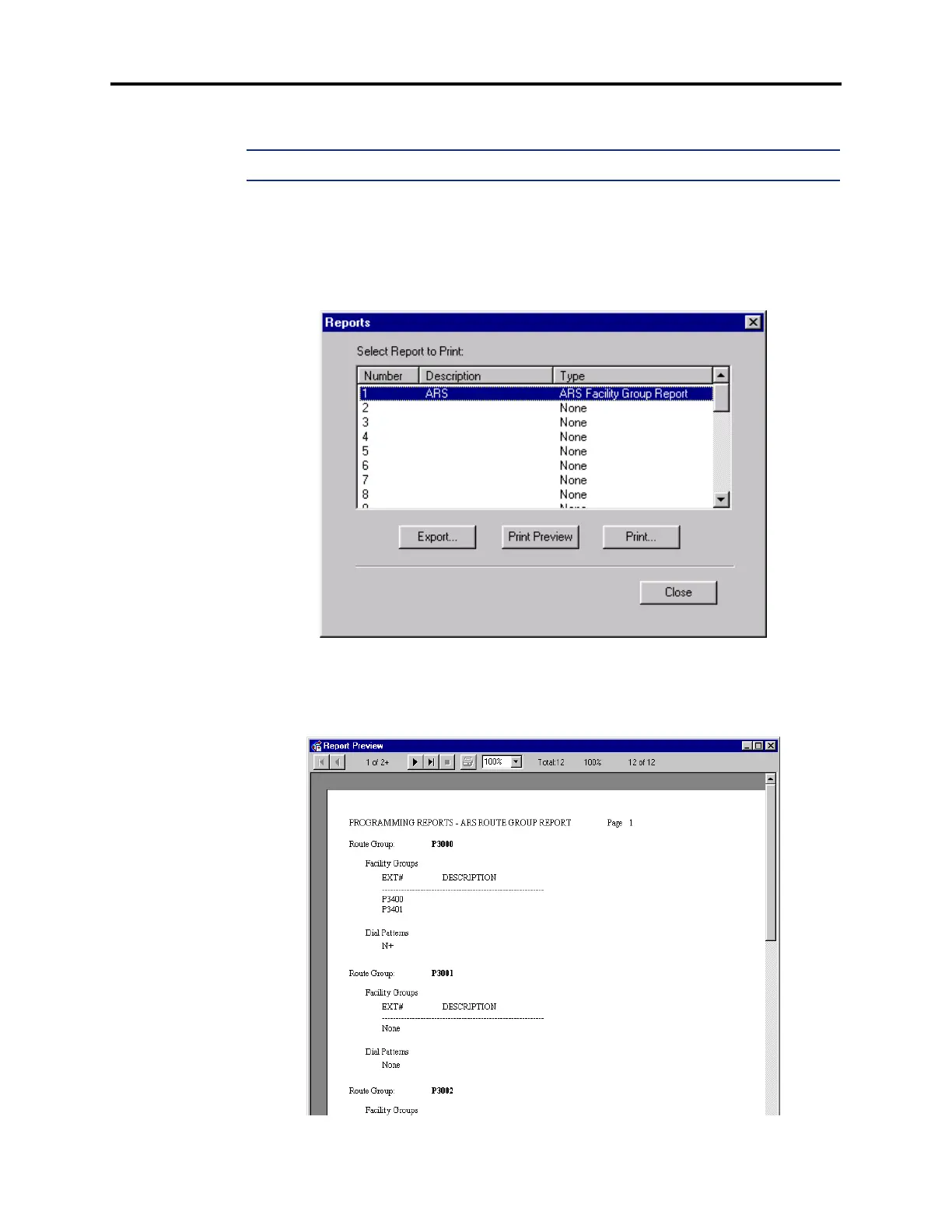
13.1 Customized report programming is described in detail on page 6-339. To print the
reports or export them to files, select
Print Reports from the Operations drop-down menu. The
following screen appears. You can see all available reports by scrolling through the Select
Report To Print box. When you find the report you want to print or export, highlight it and
select
Print or Export.
13.2 If you want to view the report before printing it, select
Print Preview. A screen appears,
as shown below, that shows you the report exactly as it will print. You can page through the
report using the arrow buttons at the top of the screen and change the view size (shown 100%
below). To print from this screen, select the printer icon.



 To Next Page