Page 6-382
Programming
INTER-TEL
®
AXXESS
®
MANUAL VERSION 11.0 – May 2008
Mailbox Programming
4.102 To configure the fields in the Unified Messaging folder:
1. Go to Voice Processor – Devices – Mailboxes – <mailbox> – Unified Messaging.
2. Configure the following fields:
• Unified Messaging Level: Specifies the level of integration for Unified Messag-
ing. This field was previously located in the E-mail Gateway field under the Fax/
E-mail Forwarding folder. It is set to Disabled by default. Options for this field
vary depending on the Voice Processor type:
– Disabled
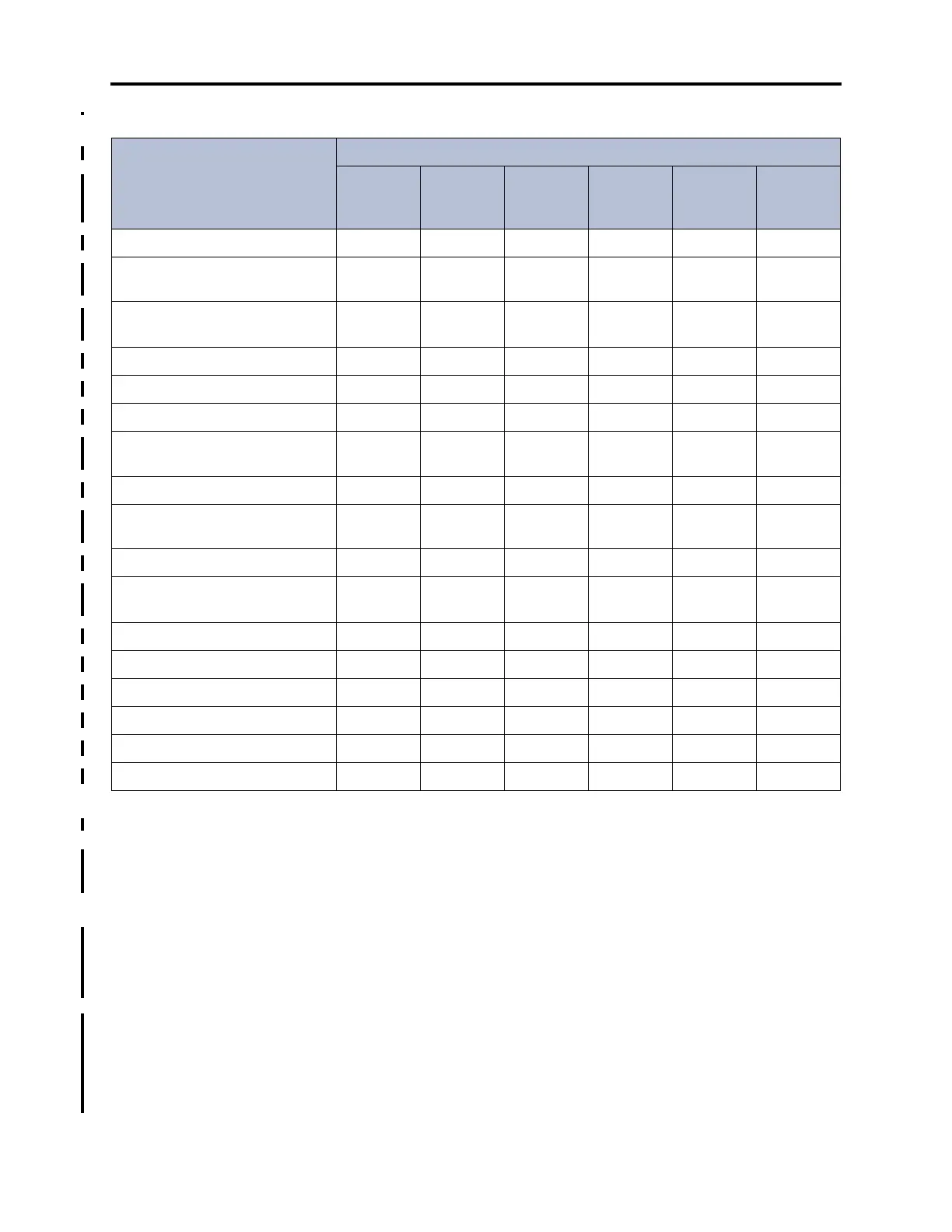
Table 6-45: Programmable Fields for the Unified Messaging Folder
Programmable Fields
Unified Messaging Level
Disabled
Forward
Only,
Forward and
Copy
Unified
Messaging
Enhanced
Forward and
Copy
Basic
Integration
Enhanced
Integration
Unified Messaging Level
999999
Enable SSL for E-mail Server
Connection
99
E-mail Account Folder for Syn-
chronization
99
E-mail Server
99
E-mail Account Password
99
E-mail Account Username
99
E-mail Address for Voice Mes-
sages
99999
Allow User to Configure Settings
99
Download Format for Mobile Web
Page'
99
E-mail Client Message Format
99
Synchronize MWI with E-mail Cli-
ent
9
E-mail Address for Fax Delivery
1
99
9
999
Copy Fax to Sender
999
Fax Delivery Destination
1
999999
IMAP Synchronization Method
2
99
IMAP IDLE Timeout
99
IMAP Polling Timeout
99
1. This field is disabled if the voice processor type is BVM, which does not support faxing.
2. The option selected for the IMAP Synchronization Method determines which related fields are programmable:
• Event (default): The IMAP IDLE Timeout field is enabled and the IMAP Polling Timeout field is disabled.
• Polling: The IMAP IDLE Timeout field is disabled and the IMAP Polling Timeout field is enabled.



 To Next Page