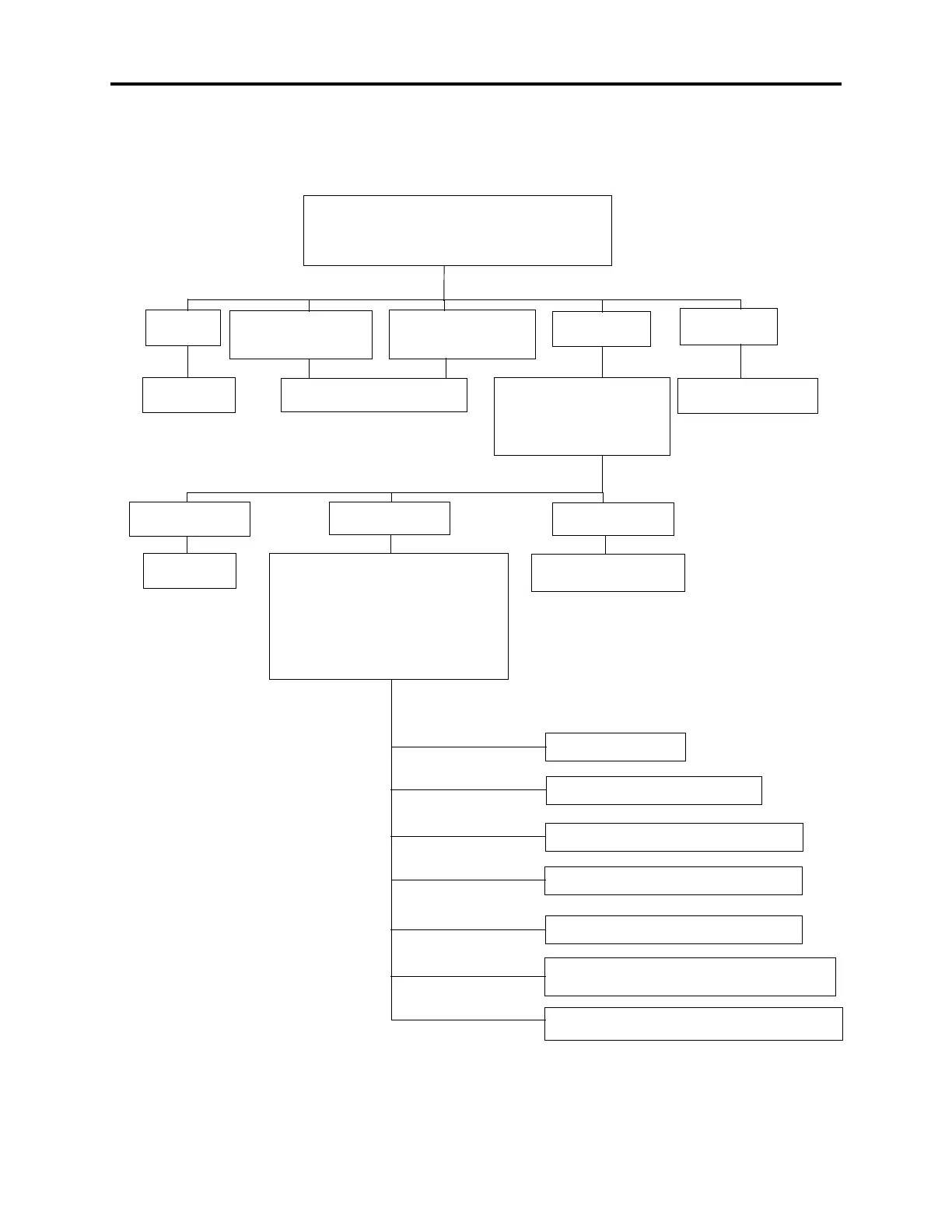
Figure 4-2. Sample Call Routing Announcement Tree
EXT 2500: “Thank you for calling X Company, if you
know the party’s extension number, you may dial it now.
For a company directory, press #. For Sales information
press 3. For technical support, press 4.”
Call is sent to extension
number dialed
Transfer to Hunt Group
2001 (Tech Support)
Company
Directory
CALLER
DIALS #
CALLER
DIALS 3
CALLER DIALS
NUMBER BEGINNING
WITH 1
CALLER DIALS
NUMBER BEGINNING
WITH 2
Transfer to Sales Node: “To
speak to the operator, press 0.
To select Sales information by
fax, press 1. To speak to a Sales
representative, press 2.”
CALLER
DIALS 1
CALLER
DIALS 2
CALLER
DIALS 0
Transfer to
Operator
Transfer to Node (Sales Info Fax): “If
you know the fax document number, please
dial it now. If you wish to speak to the oper-
ator, dial 0. For a product list, dial 2. For a
price list, dial 3. For training information,
dial 4. Then press # to check your selec-
tions and enter your fax number or press *
to cancel.”
End Fax Selections: System requests dialing infor-
mation and sends fax, then returns to Main Menu
CALLER
DIALS 4
Transfer to Extension
2000 (Sales Hunt Group)
CALLER DIALS 4
CALLER DIALS #
CALLER DIALS *
Transfer to Operator
Fax with that number is selected
Selects Fax Document 1999 - Product List
Selects Fax Document 1998 - Price List
Selects Fax Document 1997 - Training
Cancel Fax Selections: System returns to greeting
CALLER DIALS 0
CALLER DIALS
1997, 1998, or 1999
CALLER DIALS 2
CALLER DIALS 3



 To Next Page