Page 7-73
Troubleshooting
INTER-TEL
®
AXXESS
®
MANUAL VERSION 11.0 – May 2008
Serial Interface
7
TROUBLE-
SHOOTING
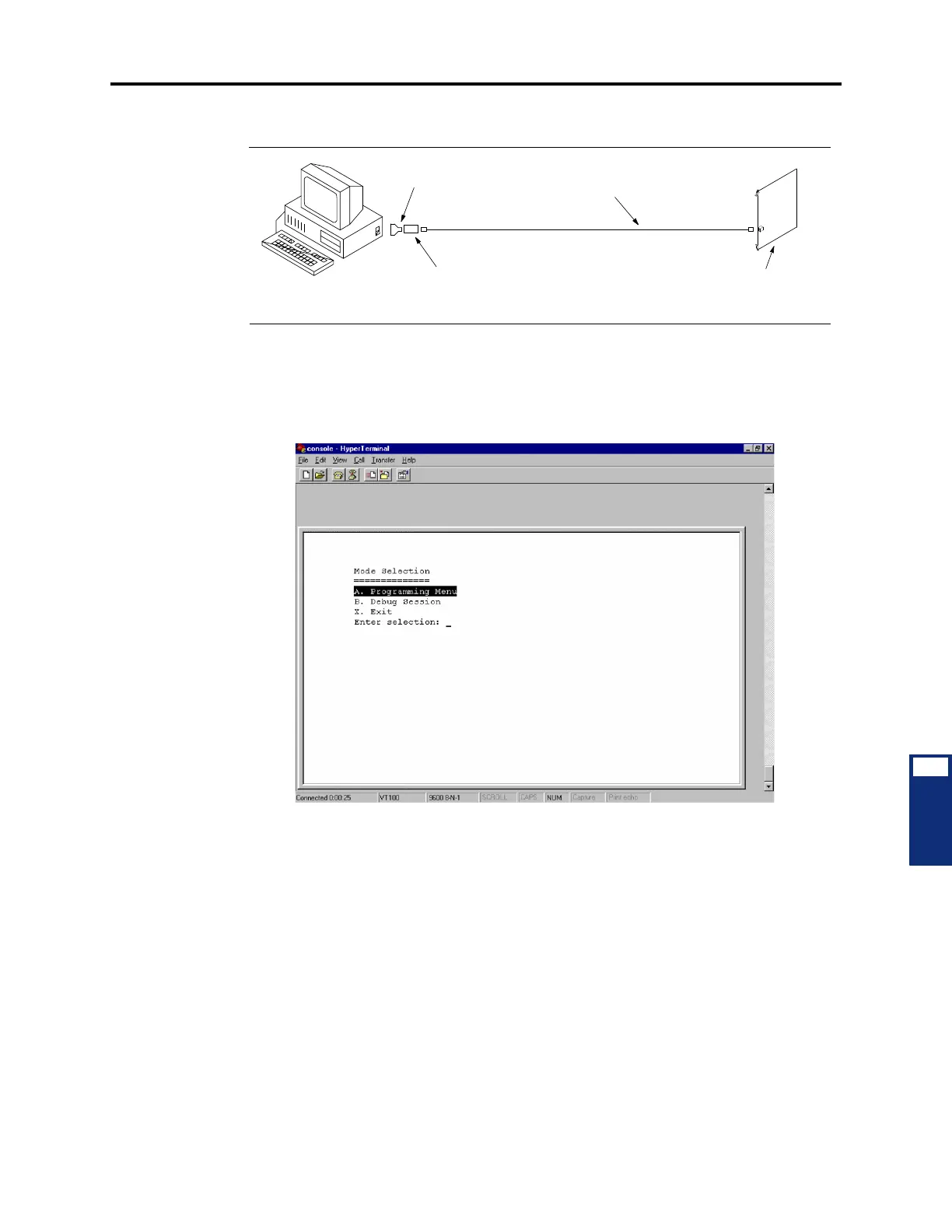
d. Connect the cable to the appropriate COM port on the programming PC.
3. Using a terminal program (such as HyperTerminal) on the PC, press ENTER several
times to establish communication. The same screen used for a Telnet session (described
on the next page) should be displayed.
4. Follow the instructions for the Telnet session (beginning with step 4) to view the diag-
nostic displays.
Optional
DB9M-to-DB25F Adapter
804.2574
8-Wire Reversing (Inverting)
Mod-to-Mod Line Cord
813.1682
DB9F-to-8P/C Modular Adapter
Use either 804.2545 with Hardware Flow Control
or 804.2420 without Hardware Flow Control
Programming PC
IPRC



 To Next Page