Page 7-74
Troubleshooting
INTER-TEL
®
AXXESS
®
MANUAL VERSION 11.0 – May 2008
Serial Interface
7.10 To use a serial interface via a Telnet connection:
1. Make sure the IPRC is connected and online.
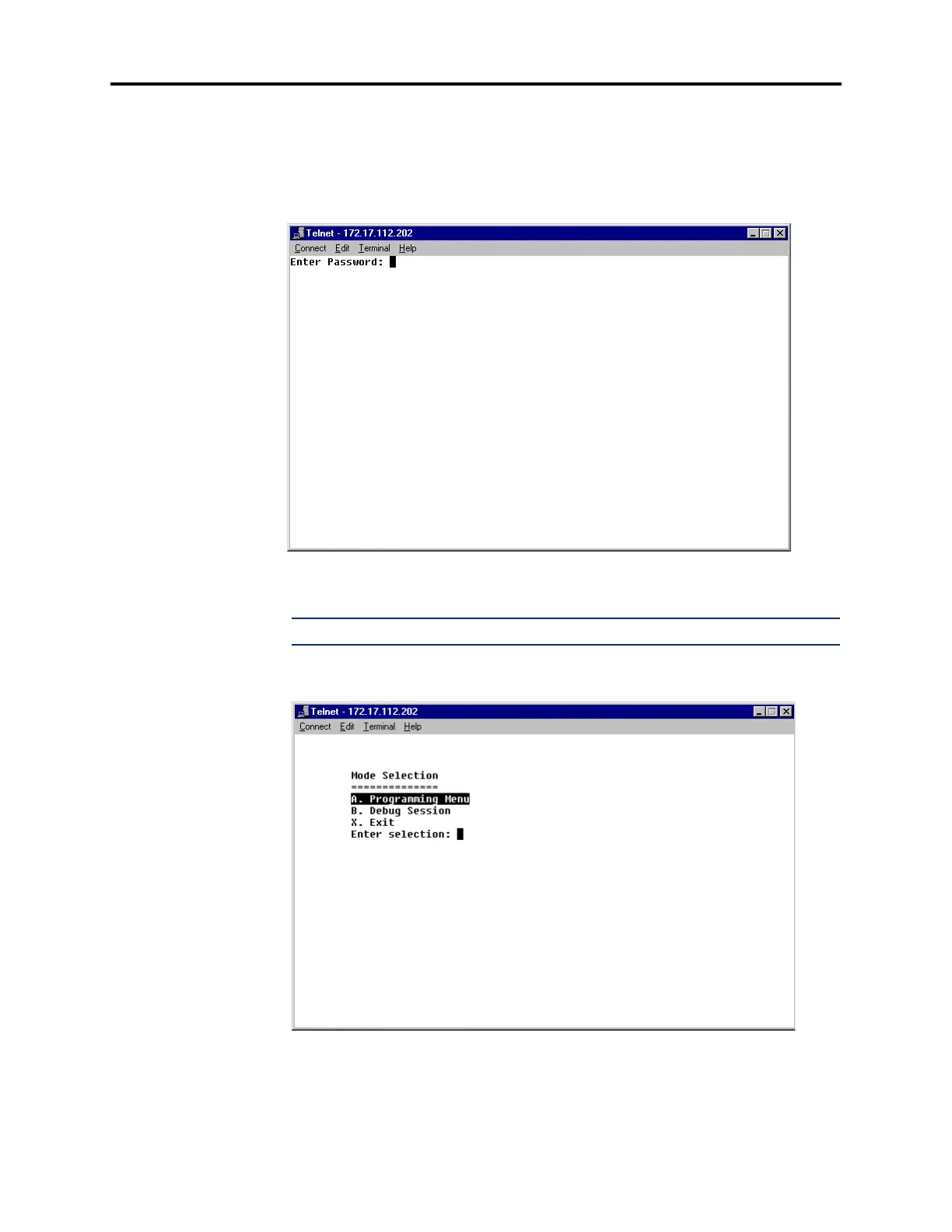
2. Establish a Telnet connection to the IPRC’s IP address using a Telnet program (such as
the Microsoft Windows Telnet program) on a PC configured to run the IPRC’s subnet.
A Telnet page similar to the one shown below appears.
3. At the prompt, enter the IPRC’s password and press ENTER. The following page
appears.
NOTE: The password is case-sensitive.



 To Next Page