Page 6-245
Programming
INTER-TEL
®
AXXESS
®
MANUAL VERSION 11.0 – May 2008
Trunks
PROGRAMMING
6
4.343 Change Extension: To change the extension of the trunk, select the current value and
enter the new extension (or scroll to the desired number).
4.344 Batch Extension Change: To change several trunk extension numbers at once, high-
light the trunks you want to change. Then right-click and select
Batch Extension Change.
When the Get Extension screen appears, select the number you want to assign to the first high-
lighted trunk (the other trunks will be numbered consecutively after this number). When you
select
OK, the trunks are automatically renumbered and re-sorted in the station list.
NOTE: To highlight a series of items, hold down SHIFT while selecting the first and last item.
To highlight two or more that are not consecutive, hold down CTRL while selecting the desired
items. (You may have to continue to hold SHIFT or CTRL while right-clicking to display the
option without changing the highlighted selections.)
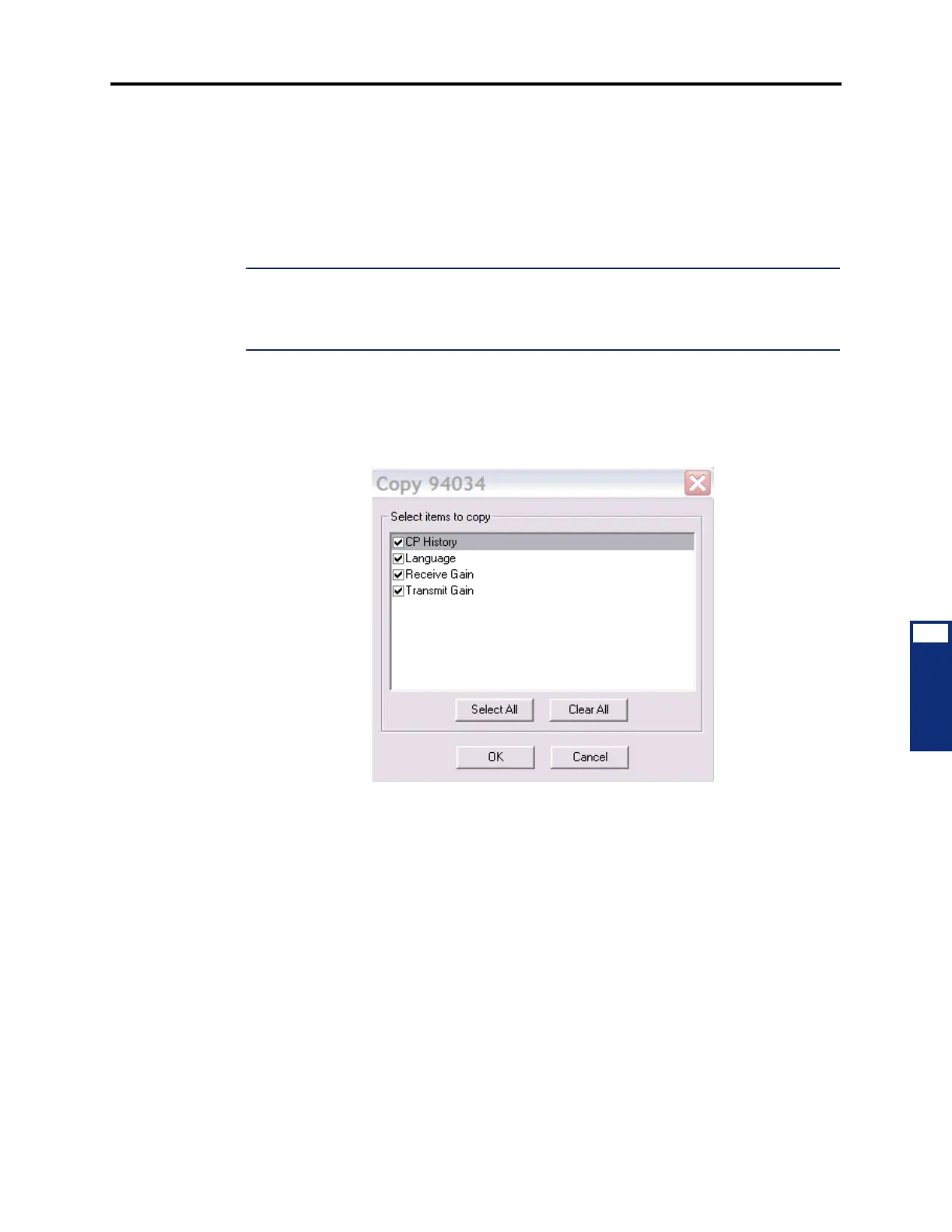
4.345 Copy Trunk: To copy a trunk, right-click on the trunk extension and then select Copy.
To paste the programming information into another trunk, right-click the trunk where you want
the information pasted. Then select
Paste. The Copy dialog box (shown below) allows you to
select the attributes you want to copy. Select the desired attributes and click
OK.
4.346 CO Trunk Group Assignment: Trunks can be assigned to trunk groups on an individ-
ual basis. To place the trunk in a trunk group, use one of the following methods:
Method A
1. Select the current Value and enter the new value in the text box.
2. Press ENTER. A screen appears showing you what is associated with the number you
entered.
3. Select OK. The new number appears in the field.



 To Next Page