Page 6-374
Programming
INTER-TEL
®
AXXESS
®
MANUAL VERSION 11.0 – May 2008
Extension IDs
• Auto Attendant Transfer Prompt: Determines whether the transfer prompt (“Please
hold while your call is being transferred to...”) plays after a caller has entered the exten-
sion number of the station associated with this extension ID. This applies to calls trans-
ferred by Automated Attendant and Call Routing Announcement applications,
including transfers to the operator’s mailbox or extension ID. To disable the prompt,
select the check box to remove the check mark. Then press
ENTER or click on another
field to save your change. To enable the prompt, select the box again.
• Unlisted Number/Private Extension: Unlisted numbers are not included in the direc-
tory, but can be dialed if the caller knows the extension number. Private numbers can be
dialed, but only the name is played in the directory. Select the desired options to place
check marks in the check boxes. Then press
ENTER or click on another field to save
your change.
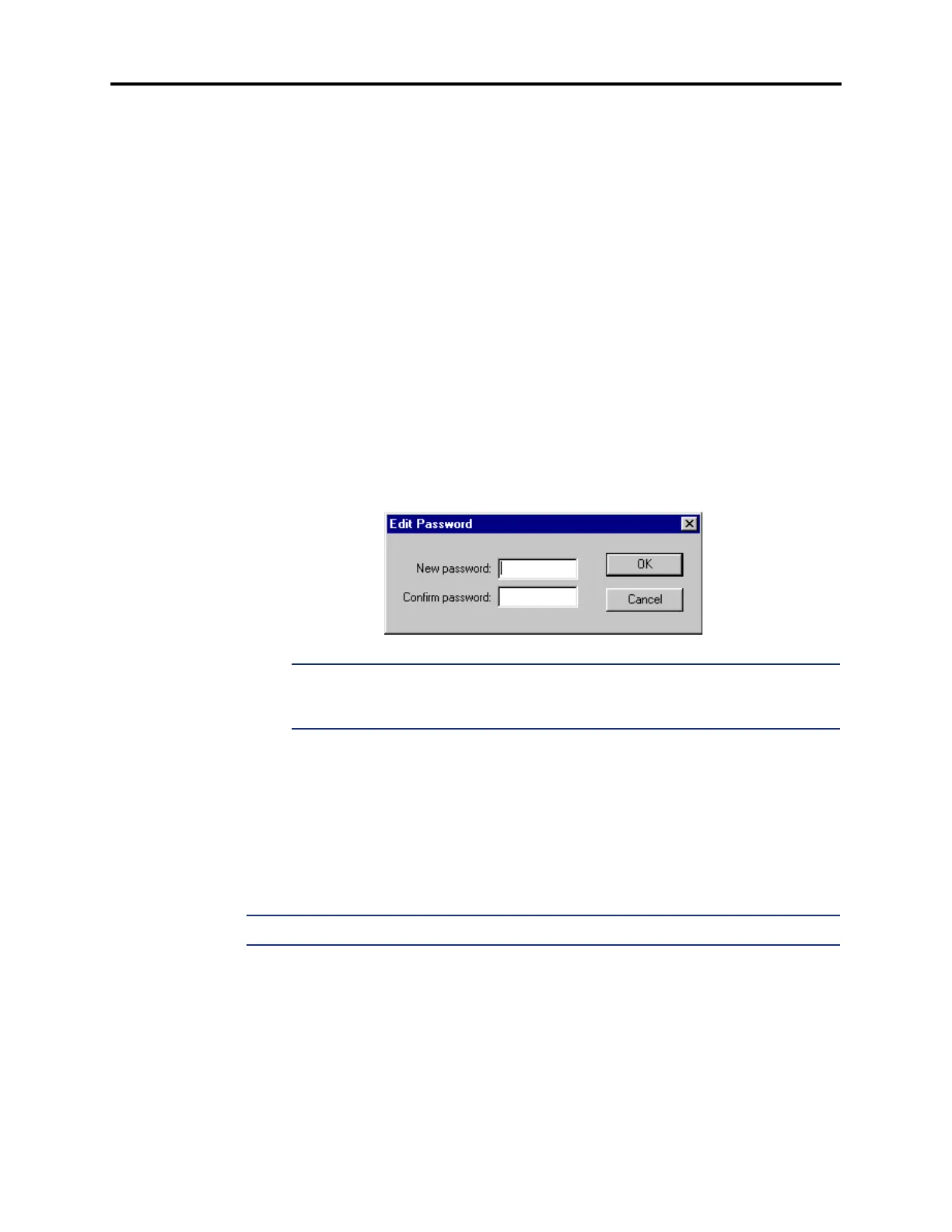
• Password: To program a password for the Extension ID right-click on the Password
field and select
Edit Password. A window appears as shown below. Enter the password
(up to 12 digits, using digits 0-9) in the New Password box. The digits will not appear
on the screen when typed; they will appear as asterisks (***). Then retype the password
exactly as before in the Confirm Password box. Then select
OK to exit and save the
password. If the entered passwords match, you will return to the Password field. If not,
you must re-enter the new password and verify it again. If you make a mistake while
entering the password or want to leave it unchanged, select
Cancel.
NOTE: To provide system security, all extension IDs should have a password. To make
the passwords difficult to guess, they should not match the mailbox number or consist
of one digit repeated several times.
• Transfer Method: Determines how transfers will be made to this extension ID. The
options are: Announce Only, Screened, and Unannounced. (Defaults to Unannounced.)
See page 5-211 for a definition of these terms. Select the drop-down list box and scroll
to the desired transfer type. Then press
ENTER or click on another field to save your
change.
4.72 Creating Extension IDs for Phantom Devices: You can create a voice processor
extension ID that references a local phantom device or an off-node phantom device (see
page 6-196).
NOTE: Older nodes (prior to v9.0) will not recognize off-node phantoms on v9.0 nodes.
4.73 To create an Extension ID for a Phantom device:
1. Open the Voice Processor\Devices\Extension IDs field in DB Studio.
2. Right-click in any area of the right window and select Create Extension ID. The Create
Extension ID dialog box appears.
3. Select Phantom Devices and then select Next. The list of devices appears. (You can
view them in a list by selecting the
List button or view details by selecting the Details
button.)



 To Next Page