Page 6-400
Programming
INTER-TEL
®
AXXESS
®
MANUAL VERSION 11.0 – May 2008
E-Mail Gateway
5.12 Gateway Password: This field specifies the E-mail password for the voice mail PC's e-
mail account. Before the voice mail PC can send or receive e-mail messages, it must log on to
the underlying e-mail system. Therefore, the voice mail PC must have an account on the cus-
tomer’s e-mail system, and this field specifies the password for that account. This field can
contain up to 40 characters and it is empty by default.
NOTE: Currently, EM does not support SMTP authentication. This field is used for MAPI/VIM
on the VPU.
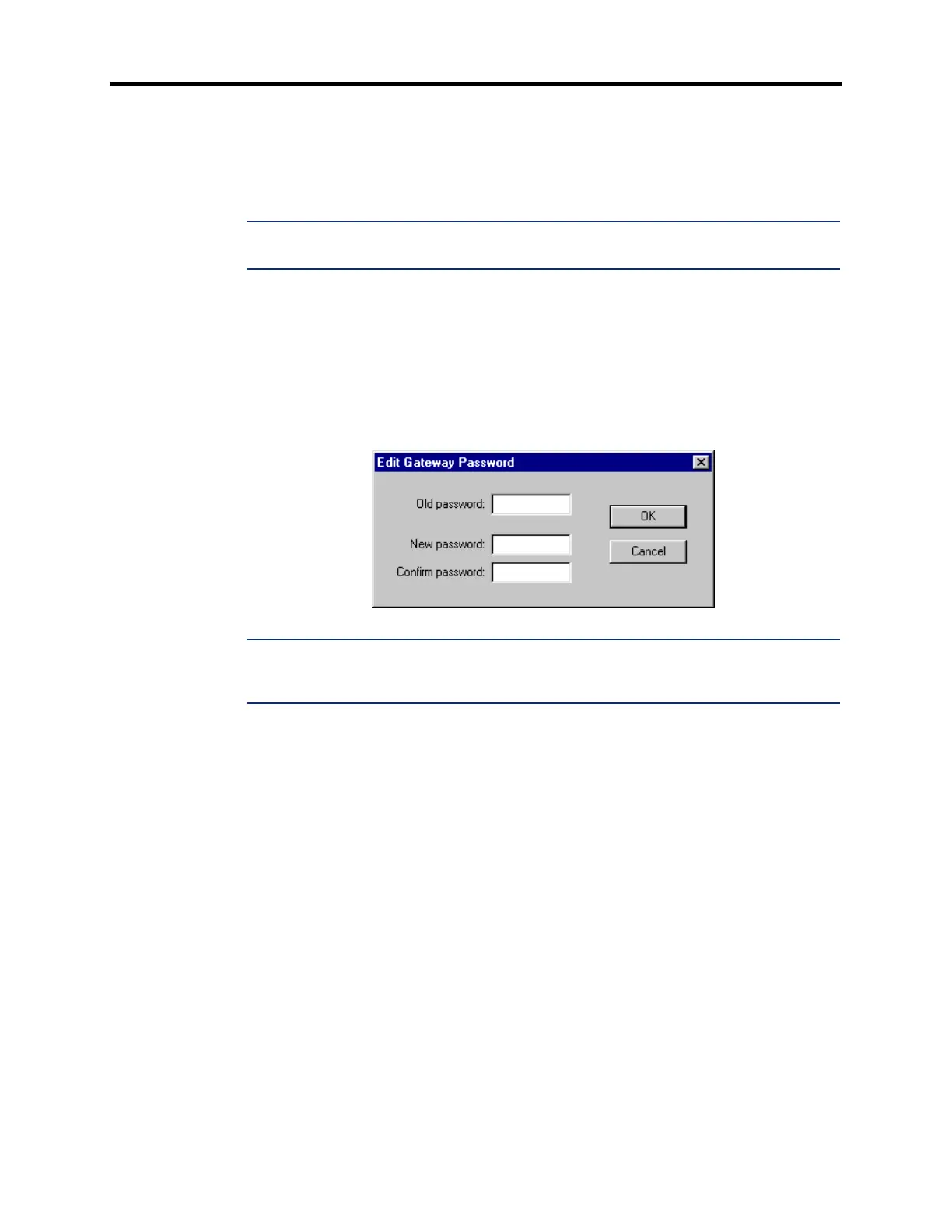
5.13 To program the password, right-click on the Password field and select Edit Password.
A window appears as shown below. Enter the current password, if one exists. Then enter the
new password in the New Password box. The characters will not appear on the screen when
typed; they will appear as asterisks (***). Then retype the password exactly as before in the
Confirm Password box. Select
OK to exit and save the password. If the entered passwords
match, you will return to the Password field. If not, you must re-enter the new password and
verify it again. If you make a mistake while entering the password or want to leave it
unchanged, select
Cancel.
NOTE: To provide system security, the e-mail system must have a password. To make the
passwords difficult to guess, they should not consist of predictable patterns, such as one digit
repeated several times.



 To Next Page