Page 7-104
Troubleshooting
INTER-TEL
®
AXXESS
®
MANUAL VERSION 11.0 – May 2008
Transferring Licenses
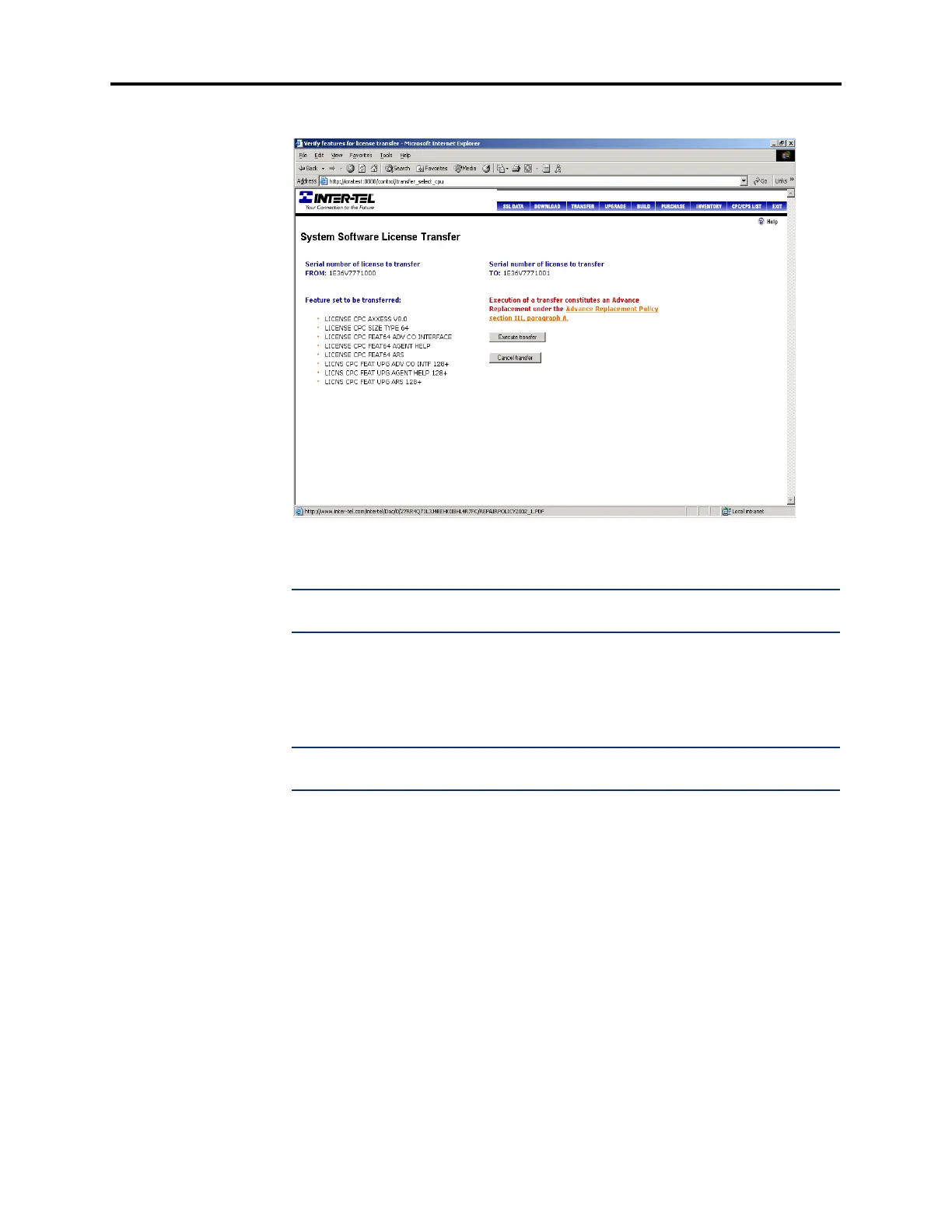
5. Click Submit. A screen that provides a summary of the license appears.
6. Click Execute transfer to transfer the license or click Cancel transfer to cancel the
transfer.
NOTE: The cost of the feature set is incurred when you transfer a license. However, a
credit is applied when the defective CPC or CP Server is returned.
7. EITHER, Click Download to download the license directly to your PC. If you select
this option, a standard Windows Save screen appears, allowing you to browse for the
file destination. Set the Save as type field to “All Files.” The license is saved as an
.isl file.
NOTE: The Save as type field is set to “Text Document” by default. If you do not
change the setting to “All Files,” the file will be downloaded as a .txt file.
OR, Click Deliver via email to e-mail the license to an address. If you select this option,
you are prompted for an e-mail address. The license is attached to the e-mail message
as an .isl file.
9.9 If necessary, contact your local sales dealer for information on returns and/or upgrades.



 To Next Page