Page 4-15
Voice Processing Features
INTER-TEL
®
AXXESS
®
MANUAL VERSION 11.0 – May 2008
TCP/IP Networking
4
VOICE
PROCESSING
C. TCP/IP NETWORKING
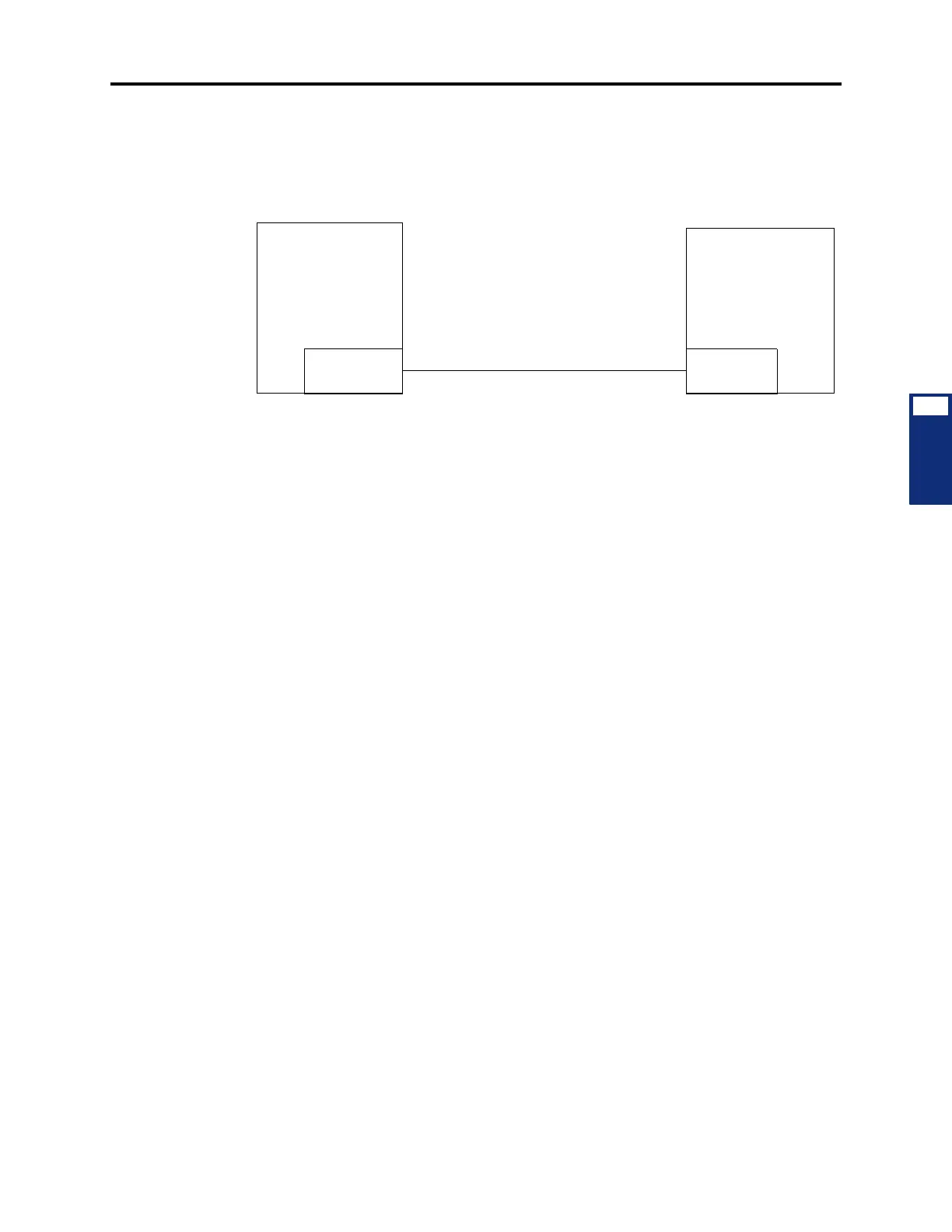
2.31 Messages are forwarded, one or more at a time, using the TCP/IP protocol. The TCP/IP
service is added to the originating and destination Voice Processing PCs. A temporary TCP/IP
session from the originating system to the destination system is established, and messages are
forwarded. See the illustration below.
2.32 To set up a TCP/IP Network:
1. Set up the TCP/IP Service as described in the INSTALLATION section (page 3-229).
2. Make sure the Inter-Tel Messaging IP Networking premium feature is enabled.
3. In the Voice Processor\Devices\Nodes directory, right-click to create your nodes. A
warning appears that states you must restart DB Programming. When you have created
all of the nodes, select
Yes and then OK to end the DB Programming session.
4. In the Session Manager, restart the DB Programming session.
5. In the Voice Processor\Devices\Nodes directory, you should see the newly created
Voice Processing Node. Program the description.
6. Select Network Type and scroll to TCPIP.
7. Select System Number next to the description you just programmed. This system num-
ber, for this method (TCP/IP), is the IP number for the Remote Node Voice Processing
Unit. Remember, this is TCP/IP Voice Mail networking, and both Voice Processing PCs
are on a TCP/IP Network. If you do not know the IP number, you must get it.
8. Create off-node associated and/or non-associated mailboxes in Devices\Mail-
boxes\Remote Node.
TCP/IP Service
Voice Processing Unit
Voice Processing Unit
TCP/IP Service
Internet Connection



 To Next Page