Page 5-119
System Features
INTER-TEL
®
AXXESS
®
MANUAL VERSION 11.0 – May 2008
Security Codes
FEATURES
5
Security Codes
10.216DISA trunks can be assigned security codes (up to eight digits in length) that are
required for access to the system. The installer can program separate codes for each DISA
trunk group to be used during day and/or night modes.
NOTE: To prevent unauthorized access to the outgoing trunks, all trunk groups using DISA
should have a security code.
10.217During DB Programming, the programmer can determine the number of times that a
caller may unsuccessfully attempt to enter a security code and/or dial an extension number. If
the user does not succeed within the determined number of attempts, the call will be discon-
nected (if the security code is invalid) or transferred to the primary attendant (if the extension
number is invalid).
Using DISA
NOTE: If DTMF decoders are unavailable when a DISA call is received, the incoming DISA
call is automatically sent to the primary attendant.
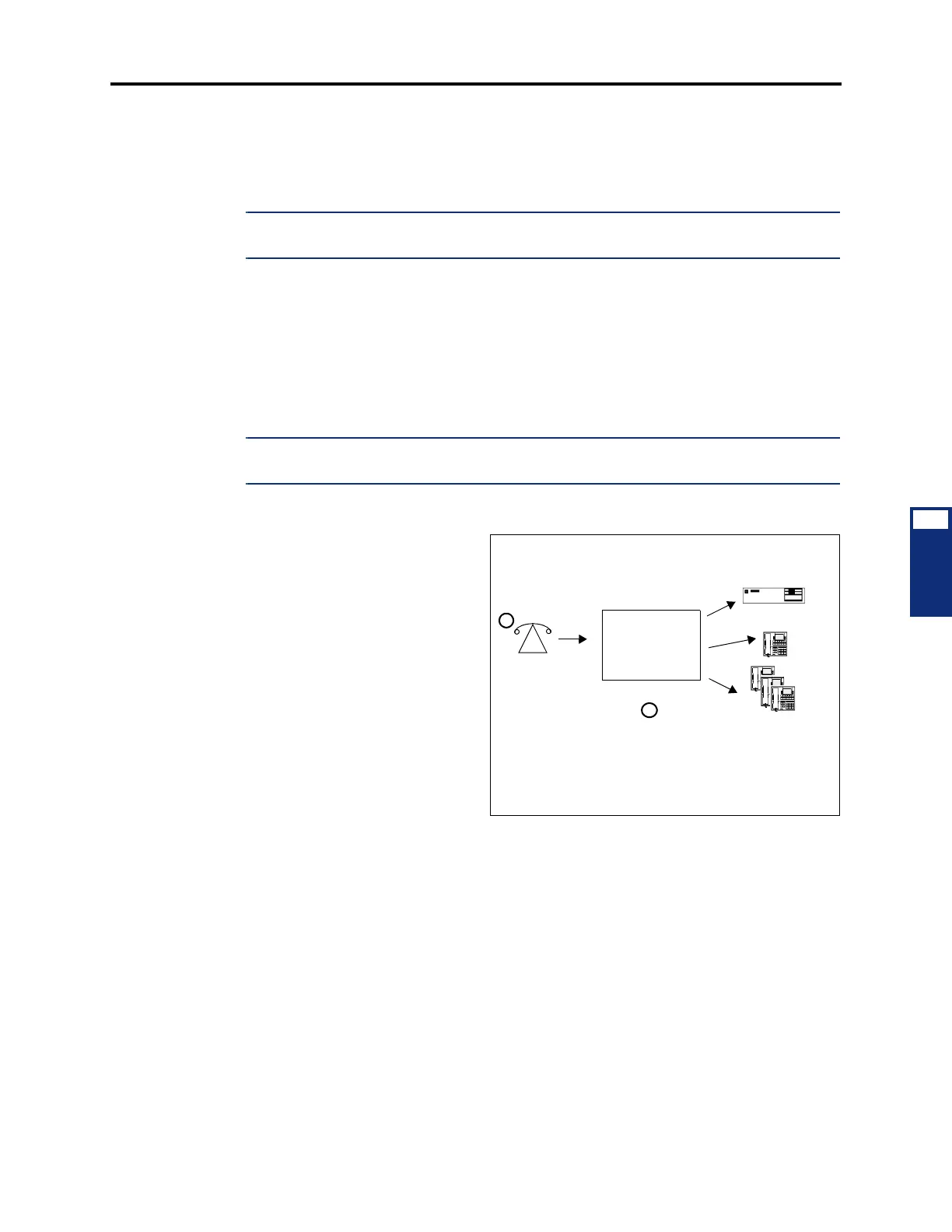
10.218 To use DISA:
1. From a DTMF telephone, dial
the telephone number of the
DISA trunk. When the call is
answered by the system, you
hear system intercom dial
tone.
If you hear a single progress
tone, enter the appropriate
(day or night) DISA security
code, followed by pound
[hash] (#).
2. Dial an extension number or a
hunt group pilot number. (To
call the primary attendant,
dial 0.) You hear music or
ringing until the call is answered.
DISA
Caller dials DISA
number, hears
dial tone, and en-
ters password (if
required)
SYSTEM
Caller can dial Voice Processing,
station, or hunt group extension
number
1
2



 To Next Page