Page 6-51
Programming
INTER-TEL
®
AXXESS
®
MANUAL VERSION 11.0 – May 2008
View Menu
PROGRAMMING
6
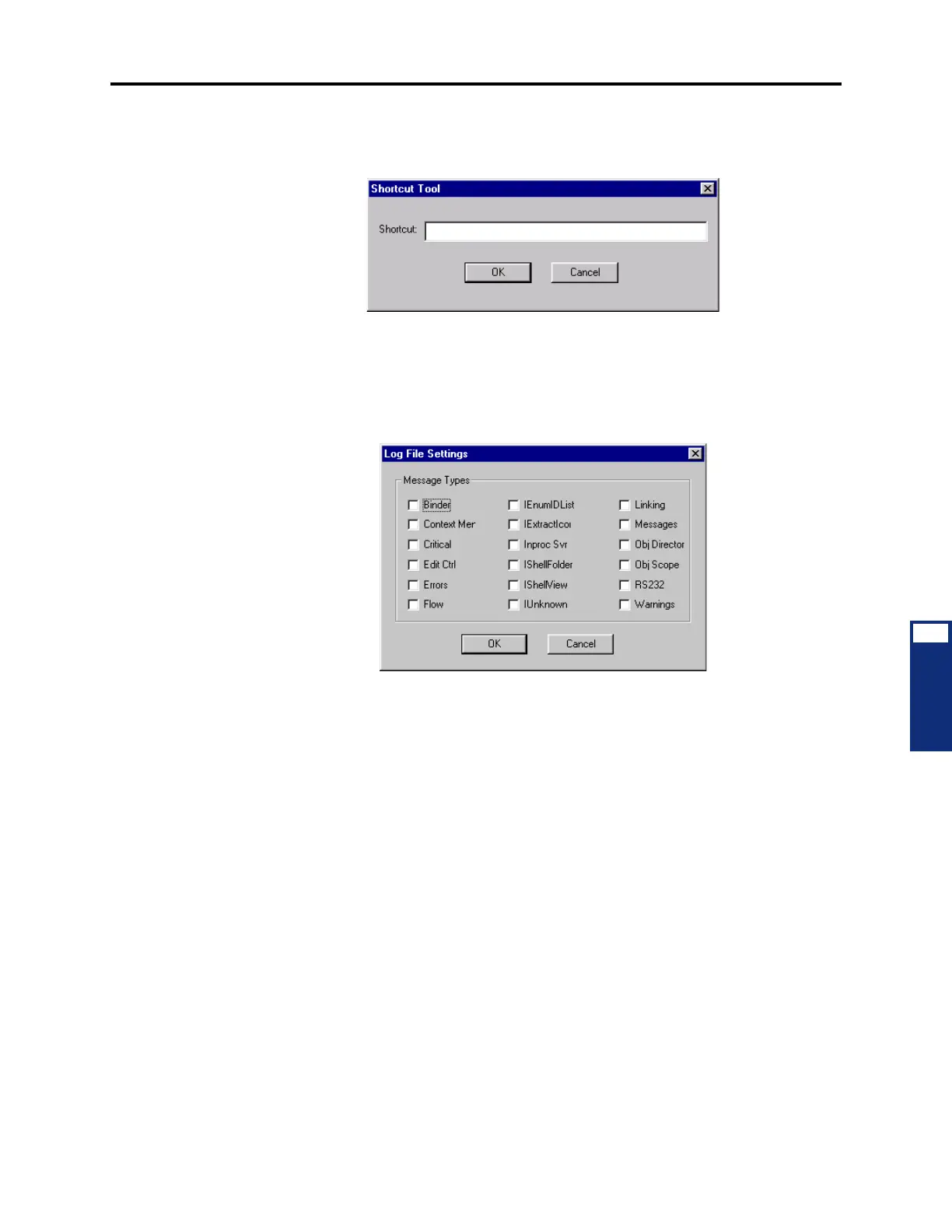
• Shortcut Tool (CTRL+T): When you select Shortcut Tool from the View menu or
press
CTRL+T, the following screen appears. To quickly jump to a specific program-
ming area, enter its abbreviation. (See page 6-95 for a list of keyboard shortcuts.)
• System Device Info: Selecting this option displays all of the system devices. The TDM
and IP devices are displayed at the top of the list, followed by the system’s non-physical
devices at the bottom.
• Log File Settings: Selecting this option displays the following window. It allows you to
select the types of log files that will be saved.
• Refresh: Select this to refresh the screen.



 To Next Page