Page 6-229
Programming
INTER-TEL
®
AXXESS
®
MANUAL VERSION 11.0 – May 2008
CO Trunk Groups
PROGRAMMING
6
• Calling Party Name (see page 6-241)
• Calling Party Number (see page 6-241)
• Force Trunk Group Calling Party Name and Number (see page 6-241)
• Wait for ISDN Caller ID Information (see page 6-241)
4.282 Trunk group programming is performed as described in the following paragraphs.
4.283 Extension: To change the trunk group’s extension, select its current Extension and enter
the new number in the text box (or scroll to an available number).
4.284 Batch Extension Change: To change several trunk group extension numbers at once,
highlight the trunk groups you want to change. Then right-click and select
Batch Extension
Change
. When the Get Extension screen appears, select the number you want to assign to the
first highlighted trunk group (the other trunk groups will be numbered consecutively after this
number). When you select
OK, the trunk groups are automatically renumbered and re-sorted in
the station list.
NOTE: To highlight a series of items, hold down SHIFT while selecting the first and last item.
To highlight two or more that are not consecutive, hold down CTRL while selecting the desired
items. (You may have to continue to hold SHIFT or CTRL while right-clicking to display the
option without changing the highlighted selections.)
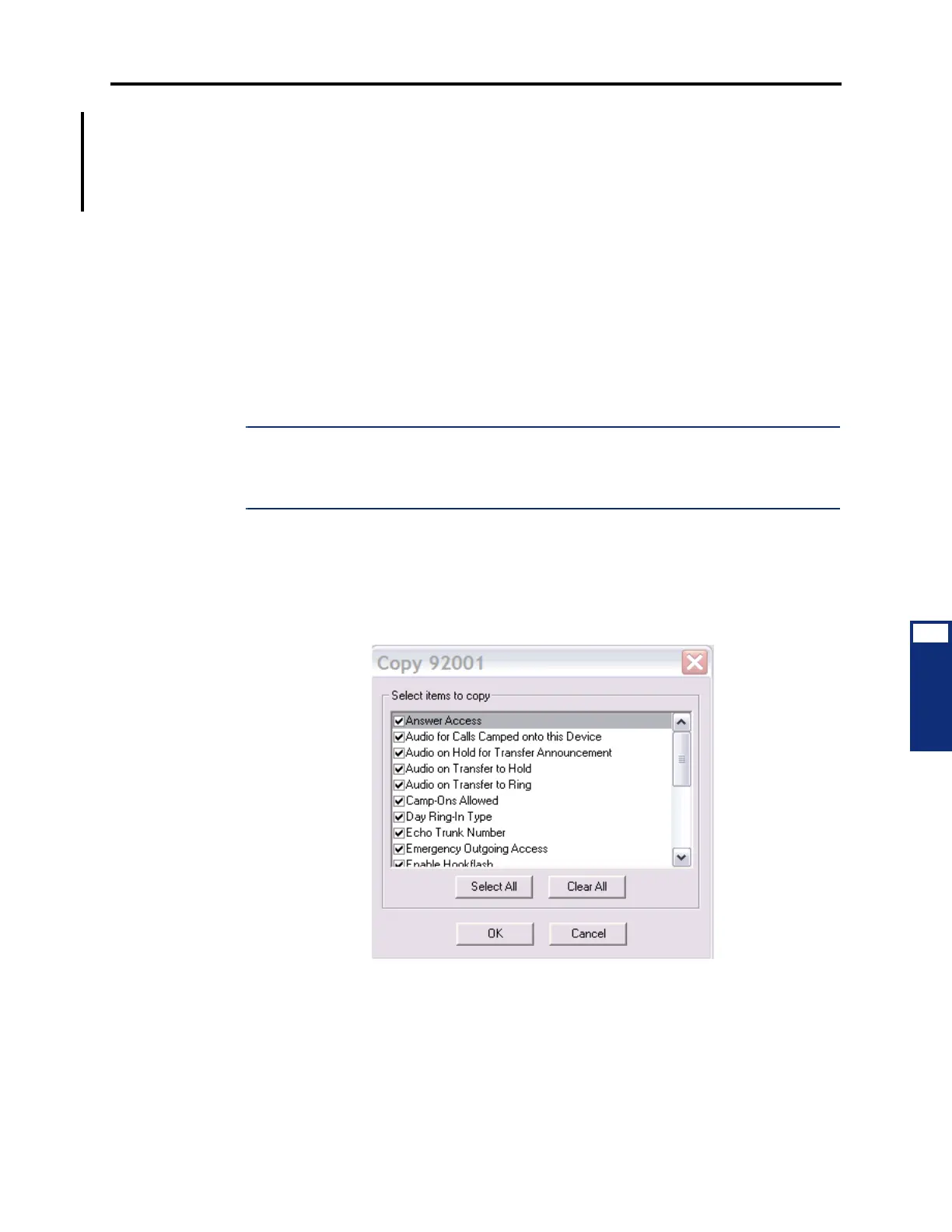
4.285 Copy CO Trunk Group: To copy a CO trunk group, right-click on the trunk group
extension and then select
Copy. To paste the programming information into another trunk
group, right-click the trunk group where you want the information pasted. Then select
Paste.
The Copy dialog box (shown below) allows you to select the attributes you want to copy.
Select the desired attributes and click
OK.
4.286 Description and Username: All trunk groups should have a description and a user-
name. The description that appears in all trunk group lists in the database can be up to 20 char-
acters long. The username, that will appear on display phones, can have up to 10 characters. To
program the names, select the desired text box and type the entry.



 To Next Page