Page 7-99
Troubleshooting
INTER-TEL
®
AXXESS
®
MANUAL VERSION 11.0 – May 2008
Obtaining a Software License
7
TROUBLE-
SHOOTING
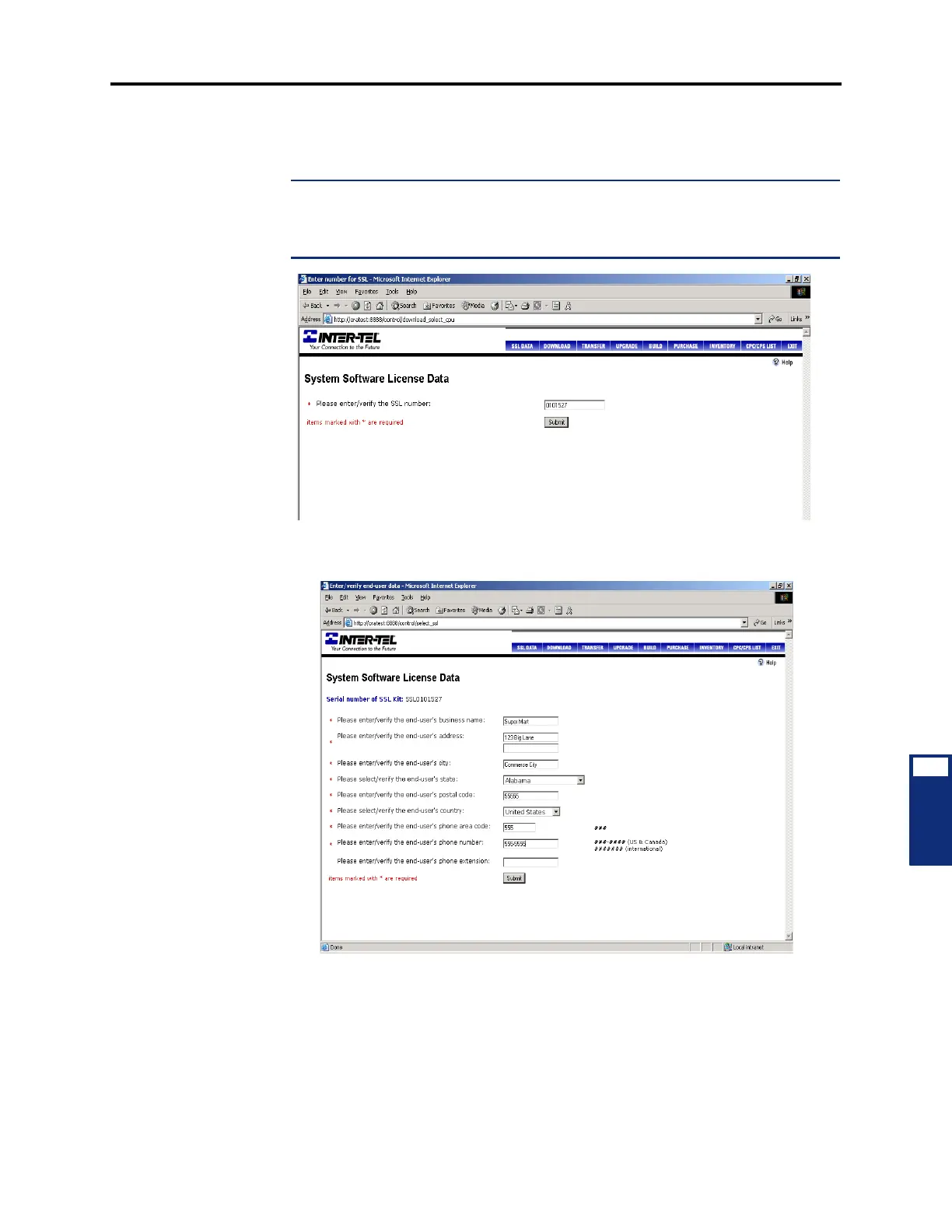
12. Enter the serial number of the CPC or CP Server software security key. Then click Sub-
mit
. You are then asked to enter the Software Site License (SSL) number that is
included with the CPC or CP Server.
NOTE: The SSL number is required for downloading a software license. If desired,
you can click SSL Data to enter the SSL number and customer information at any time.
You can also fax the SSL Data to the Software Management Center (480-961-8080) or
send the information in an e-mail to smc@inter-tel.com.
13.
Click Submit. The System Software License Data prompts you to enter data about the
customer site.
14. Enter the appropriate information. If you have already entered this data using the SSL
Data
option in the button bar, the fields are automatically populated.



 To Next Page