Page 5-183
System Features
INTER-TEL
®
AXXESS
®
MANUAL VERSION 11.0 – May 2008
Call Scenarios
FEATURES
5
• Call Log Display. When one of the call menu options (Missed=1, Received=2, or
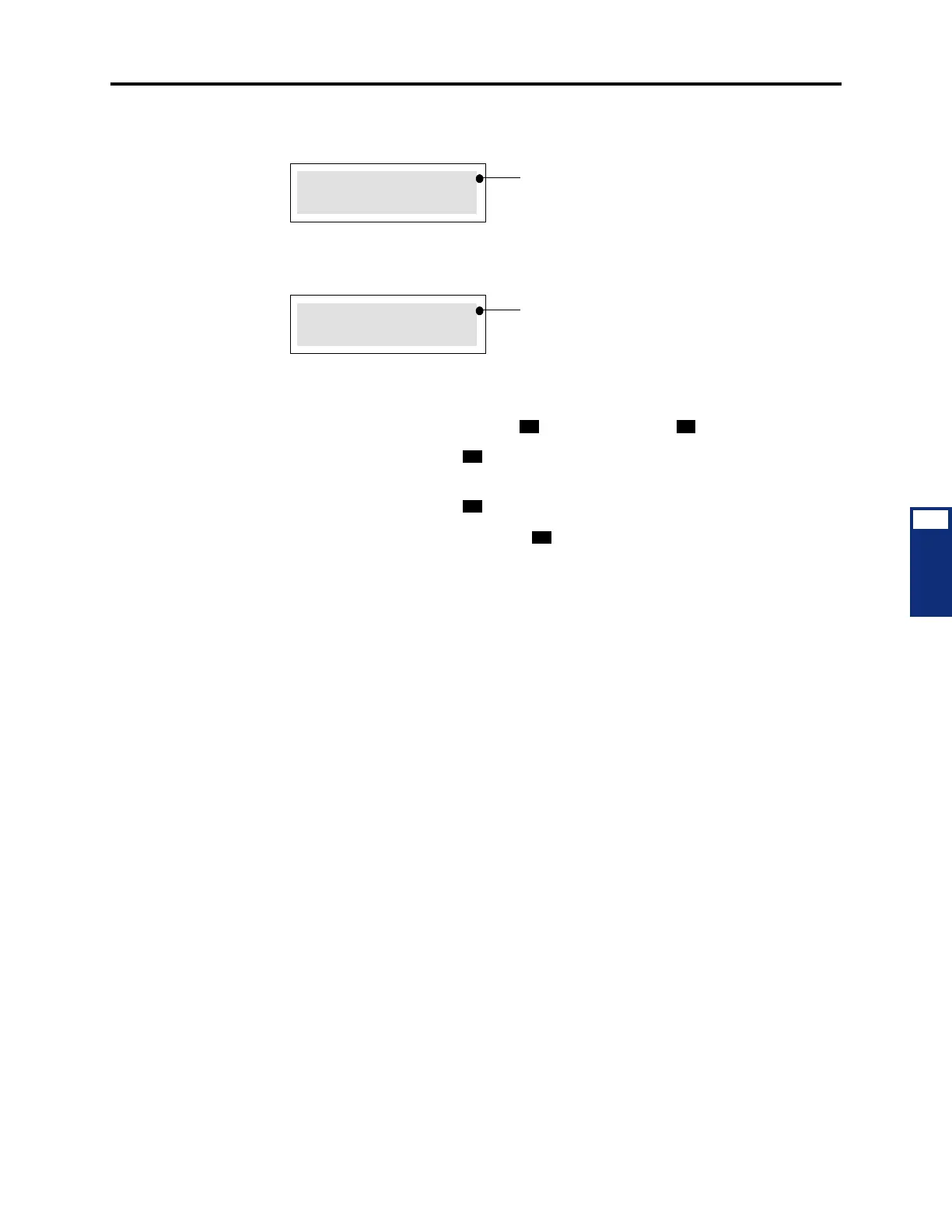
Dialed=3) is selected in the main menu, a display similar to the one below appears.
To scroll through the entries, press the volume up button to scroll forward, or press
the volume down button to scroll backward. For an analog display endpoint that does
not have a volume soft button, press to scroll forward and to scroll backward.
To delete the entry, press . The display will then show the next entry in the list or
will go back to the main menu if the list is empty.
To delete all entries, press .
To place a call, press
the pound/hash ( ) button.
C. CALL SCENARIOS
23.9 Keep in mind the following considerations regarding the Call Logging feature:
• All incoming calls are logged under the MISSED calls list as well as the RECEIVED
calls list unless the user was in DND or forwarded. If the user was in DND or for-
warded, the call would be logged as a MISSED call only.
• The following calls are logged under the RECEIVED calls list:
— Calls that answered a queue callback
— Calls that are recalled
• The following calls are not logged under the RECEIVED calls list:
— Reverse Transferred calls
— Calls that received a station message
• The following calls are logged under the DIALED calls list:
— Calls that queued onto an extension
— Conference calls (one entry per person)
— Calls that left a station message after dialing the called party
— Transfer to ring calls (both the transfer announcement call and the resulting trans-
ferred call)
— Transfer to hold calls are logged as only the transfer announcement call, however,
if the Hold timer expires, it also logs the resulting transferred call
4809619000 JOHN
FR AUG 20 11:53A
4809619000
FR AUG 20 11:53A
If both the calling number and Caller ID
name are available, the first line contains the
number and as much of the name as possible.
If neither the calling number nor Caller ID
name is available, UNKNOWN CALLER
appears.
OR
If the calling number is available, but the
Caller ID name is not available, the first line
contains only the calling number.



 To Next Page