Page 5-249
System Features
INTER-TEL
®
AXXESS
®
MANUAL VERSION 11.0 – May 2008
Hidden Entries in the Voice Mail Directory
FEATURES
5
Hidden Entries in the Voice Mail Directory
40.19 There is a Voice Mail feature that allows the administrator to program a description for
a user in DB Programming but hides the description in the Voice Mail directory. For example,
a user may have a primary extension (for example, at the office) programmed as “BOND,
JAMES.” However, the same user may have a secondary extension (for example, at home) that
he does not want to be published from the Voice Mail directory.
40.20 To hide an entry in the Voice Mail directory:
40.21 Enter “~BOND, JAMES” in the Description field under System\Devices and Feature
Codes\Stations. The tilde character (~) makes the entry unaccessible in the Voice Mail direc-
tory. Note that if someone knew the number of the secondary extension, they could dial that
extension directly. Someone entering “BOND” (
) at the Voice Mail prompt,
however, would find only the primary extension.
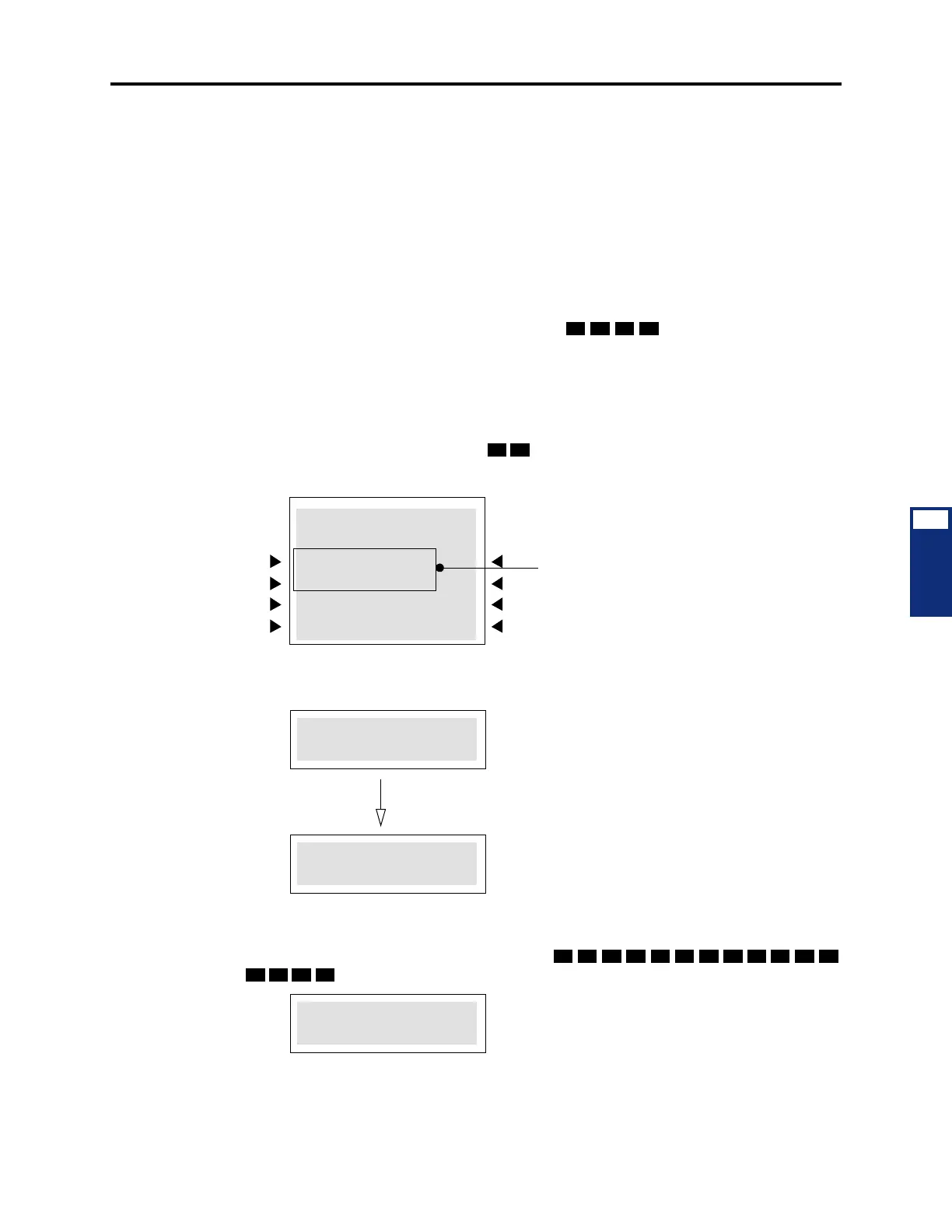
40.22 The IC directory is intended for internal use, therefore, both entries will be in the IC
directory. There may be any number of primary (no tilde in description) and secondary exten-
sions (first character of description is a tilde). To differentiate between these two, an asterisk
appears immediately before the entry as shown below. The following is an example of what an
IDS user may see after pressing “JA” ( ).
40.23 The asterisk remains in the entry even if the user enters digits beyond what the display
can hold. In the following example, the username is “WILLIAM JEFFERSON,” but the user
has already entered “WILLIAMJEFFERSON” (
).
The user is able to tell that the first is the
primary extension and the second is the
secondary extension.
Six-Line Display Endpoint:
JA_MES BOND
21707
JANET SMITH
1/4 >>
JAMES BOND
*JAMES BOND
JA_MES BOND
21169
Two-Line Display Endpoint:
*JAMES BOND
22356
To scroll through the entries, press the volume up button to scroll
forward, or press the volume down button to scroll backward.



 To Next Page