Page 6-221
Programming
INTER-TEL
®
AXXESS
®
MANUAL VERSION 11.0 – May 2008
Stations on the Local Node
PROGRAMMING
6
Password
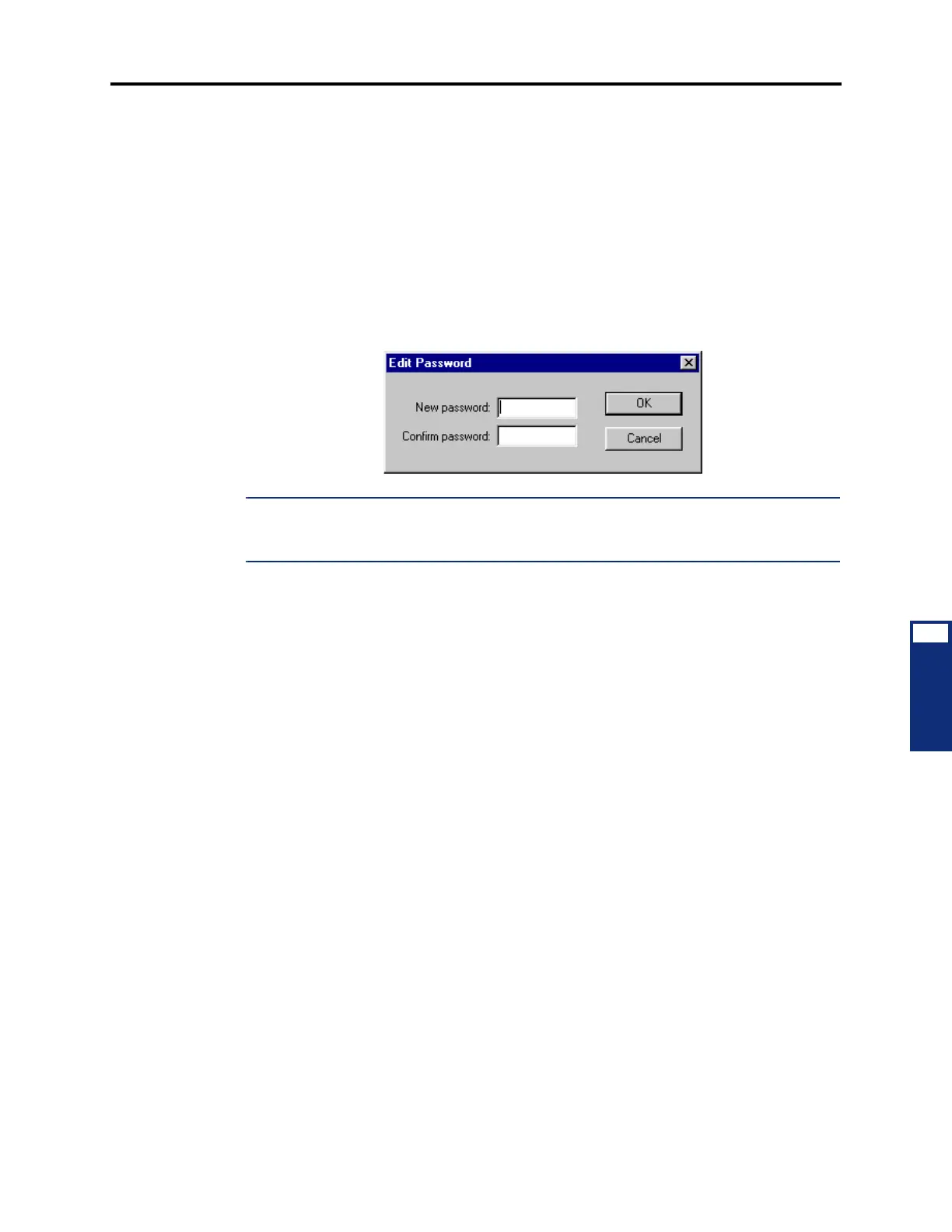
4.255 This password is used for the Remote Programming feature. The station password can
be up to 8 digits in length. The default password is the extension number of the station. The
password can also be changed by entering the Program Station Password feature code at the
station or when using the Remote Programming feature (described in detail on page 5-262). To
program a password for the station double-click on
Password. A window appears as shown
below. Enter the password in the New Password box. The digits will not appear on the screen
when typed; they will appear as asterisks (***). Then retype the password exactly as before in
the Confirm Password box. Then select
OK to exit and save the password. If the entered pass-
words match, you will return to the Password field. If not, you must re-enter the new password
and verify it again. If you make a mistake while entering the password or want to leave it
unchanged, select
Cancel.
NOTE: To prevent unauthorized use of call forward to the public network, all stations using
Remote Programming should have a password. To make the passwords difficult to guess, they
should not match the extension number or consist of one digit repeated several times.
Programmable Keys
4.256 You determine the default values of the user-programmable buttons for each station.
Select
Programmable Keys to see a list of programmable buttons 1-35 and their current Val-
ues. To change the Key Type, Selection, or Ring When field for a programmable button at this
station, do the following:
• Key Type: Select the current Key Type for the button and scroll through the drop-down
list box until the desired key type is highlighted.
• Selection: The Selection programming required for each of the key types are as fol-
lows:
— DSS/BLF Key: Select the circuit or extension number of the station that will
appear under the selected DSS/BLF button.
— Feature Key: Select the feature code that will be entered when this button is
pressed.
— Hunt Group Key: Select the pilot number of the desired hunt group.
— Intercom (IC) Key: No further programming is necessary. This button will be
used for seizing an intercom channel or answering a waiting intercom call.
— Page Zone Key: Select the page zone 0-9 or 0-49 that will be used by selecting
the page zone access code 9600-9609 or 9600-9649 (respectively).
— Secondary Extension Key: Select the primary station that will be associated with
this secondary extension button.
— Station Speed Dial Key: Select the station speed-dial location (0-9) that will be
assigned.



 To Next Page