Installation
INTER-TEL
®
AXXESS
®
MANUAL VERSION 11.0 – May 2008
Page
3-192
Optional Personal Computer Data Port Modules (PCDPMs)
4. Depending on the PCDPM’s intended use, do one of the following:
• To connect to a PC/output device:
Attach one end of a PCDPM-to-DSS interface cable (part no. 813.1519) or
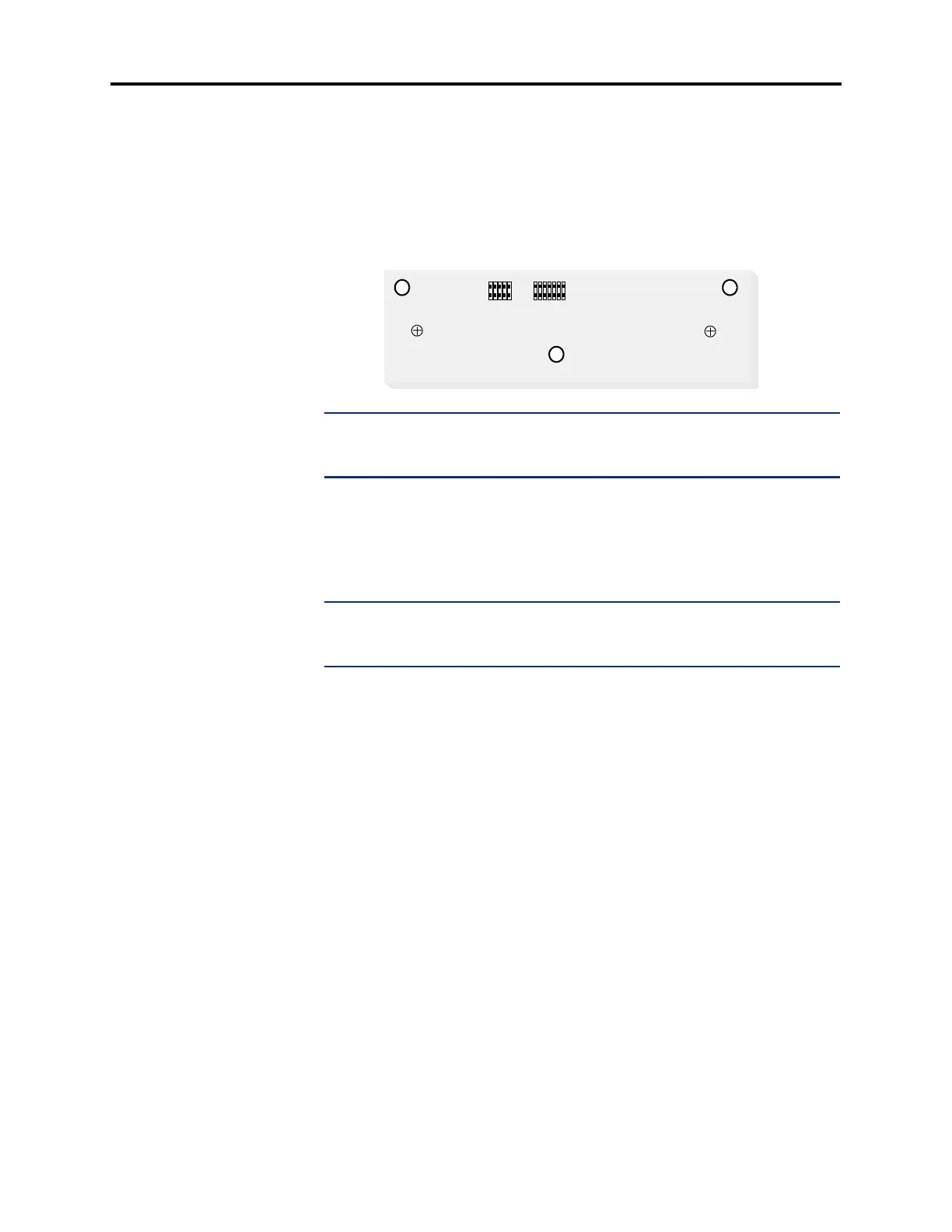
PCDPM-to-RS232 interface cable (part no. 813.1631) to the RS-232 connector
(J2) on the module, as shown below. (The other end of the cable is attached later
to the 60-key DSS/BLF Console or PC/output device.) For complete RS232 cable
pinout requirements, see page B-5.
NOTE: Pin 1 of the cable (indicated by the stripe on the edge of the cable) must
correspond to pin 1 on the RS-232 connector (indicated by the notch silk-screened
on the module).
• To connect to an MDPM:
Plug the appropriate end of the PCDPM-to-MDPM interface cable (part no.
813.1566) into the MDPM connector (J1), shown above, on the module. (The
other end of the cable is later attached to the MDPM after it is installed.)
NOTE: Pin 1 of the cable (indicated by the stripe on the edge of the cable) must
correspond to pin 1 on the MDPM connector (indicated by the notch silk-screened
on the module).
• To connect to a DSS/BLF Unit:
See page 3-205.
5. Carefully thread the cables connected to the PCDPM through the slots on the access
panel, and re-attach the access panel to the phone. The cables should exit through the
slot between the cover and the bottom of the display phone, as shown on the next page
on the left.



 To Next Page