Page 6-379
Programming
INTER-TEL
®
AXXESS
®
MANUAL VERSION 11.0 – May 2008
Mailbox Programming
PROGRAMMING
6
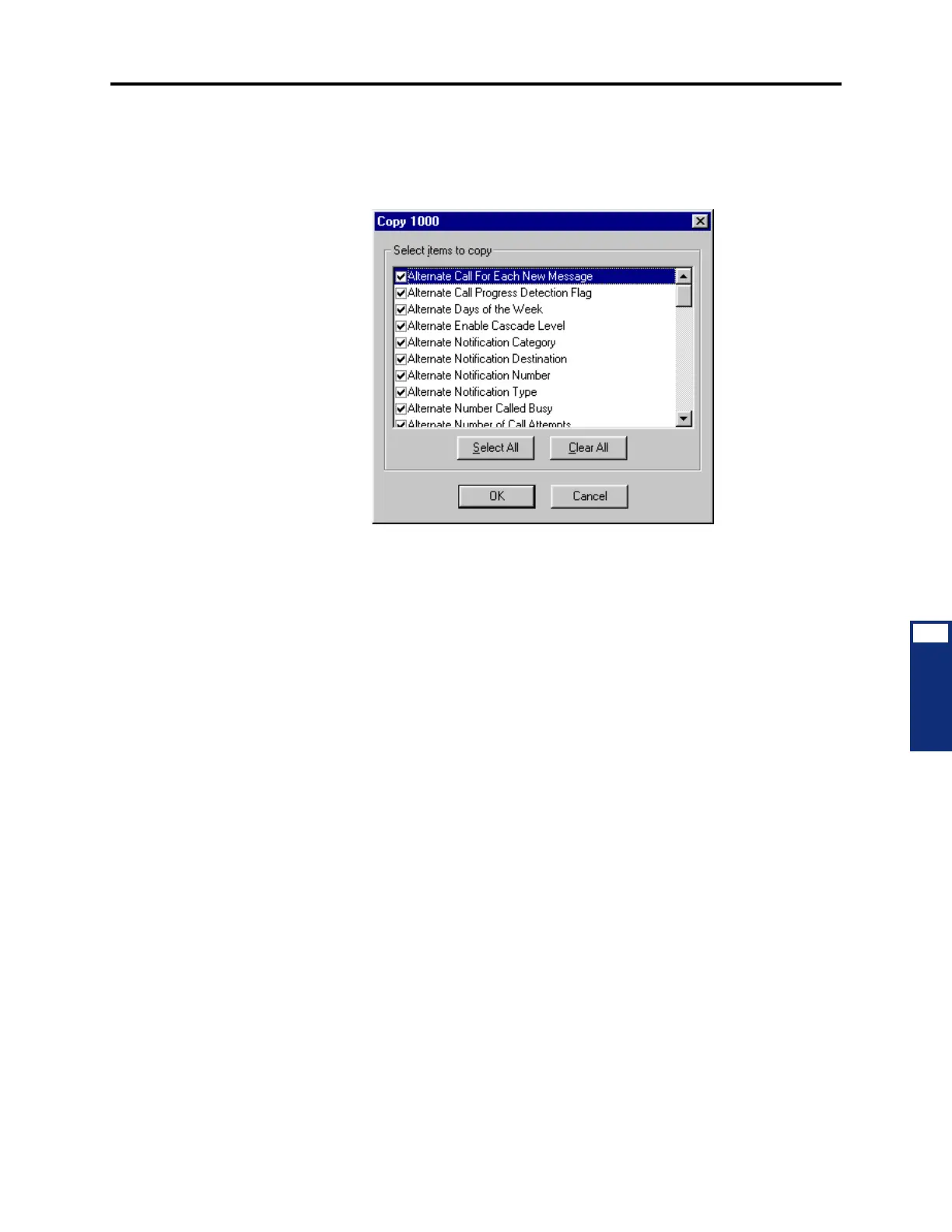
— Copy Mailbox: To copy a mailbox, right-click on the mailbox number and then
select
Copy. To paste the programming information into another mailbox, right-
click on the mailbox where you want the information pasted. Then select
Paste.
You will see a screen like the one shown below that allows you to select the
attributes you want to copy.
— Mailbox Associated Devices: The Associated Devices and References feature
(see page 5-31) allows you to see the associated devices for a station, mailbox,
and hunt group. This feature also allows you to query various groups in the data-
base to locate the associated references to the extension.
To search for devices associated with the mailbox, right-click the mailbox and
select
Associated Devices and References. A dialog box, containing associated
device(s) and references for the mailbox appears.
4.93 To program a mailbox, double-click on it. (Or, right-click and select
Explore.) The fol-
lowing options appear:
• Directory Information (see page 6-380)
• Envelope Settings (see page 6-380)
• Unified Messaging (see page 6-381)
• Recording Length (see page 6-385)
• Message Limits (see page 6-385)
• Subscriber Statistics (see page 6-386)
• Primary and Alternate Message Notification (see page 6-386)
• E-mail Reader Profiles (see page 6-389)
• Dial-0 Destination Type and Dial-0 Destination (see page 6-390)
• Remote Messaging (see page 6-390)
• Mailbox Initialized (see page 6-390)
• Receive Only (see page 6-390)
• Allow Transfer Method Programming (see page 6-391)
• Play Recording Instructions (see page 6-391)



 To Next Page