www.ti.com
1004
SPRUH91D–March 2013–Revised September 2016
Submit Documentation Feedback
Copyright © 2013–2016, Texas Instruments Incorporated
Multichannel Audio Serial Port (McASP)
Figure 24-22. McASP I/O Pin to Control Register Mapping
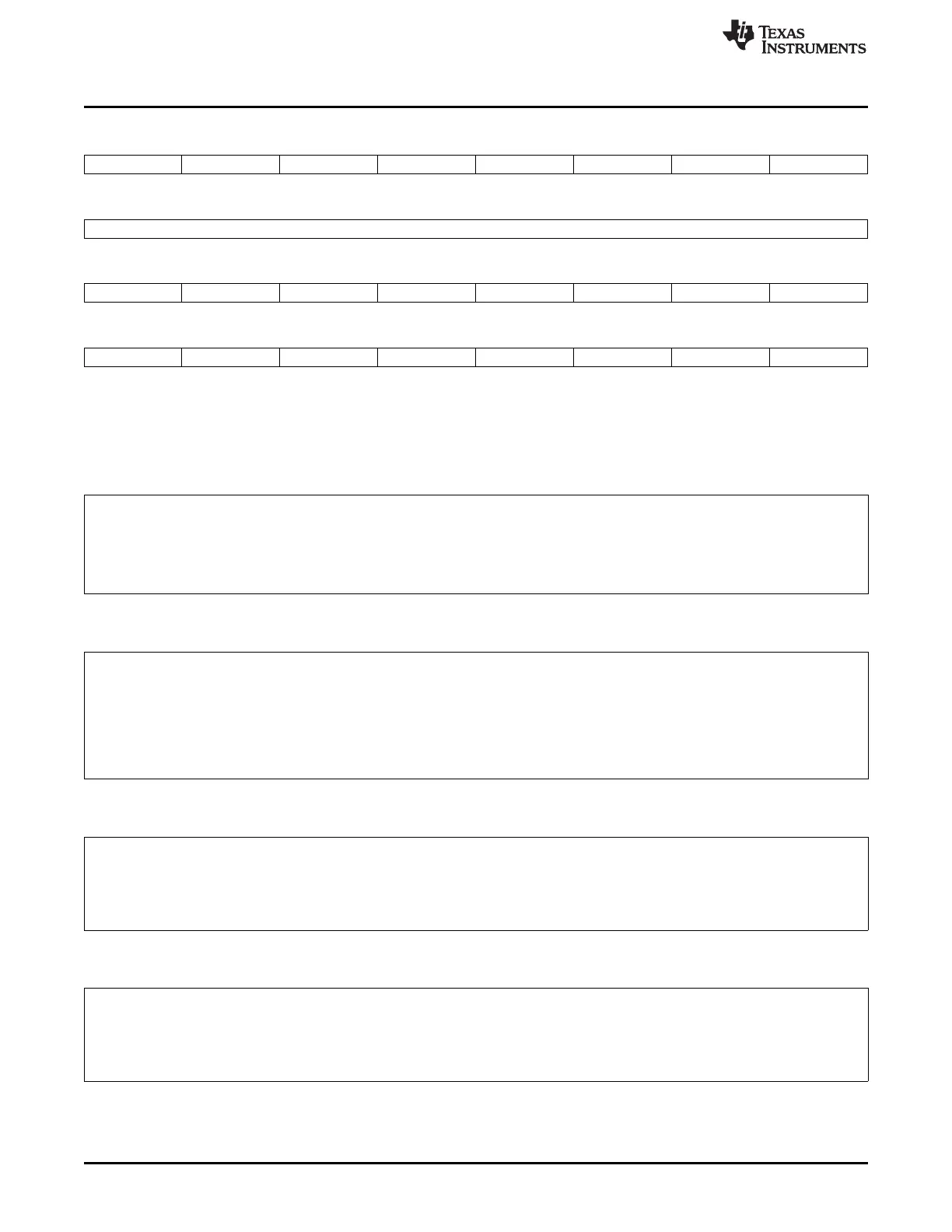
31 30 29 28 27 26 25 24
AFSR AHCLKR ACLKR AFSX AHCLKX ACLKX AMUTE Reserved
R/W-0 R/W-0 R/W-0 R/W-0 R/W-0 R/W-0 R/W-0 R-0
23 16
Reserved
R-0
15 14 13 12 11 10 9 8
AXR15 AXR14 AXR13 AXR12 AXR11 AXR10 AXR9 AXR8
R/W-0 R/W-0 R/W-0 R/W-0 R/W-0 R/W-0 R/W-0 R/W-0
7 6 5 4 3 2 1 0
AXR7 AXR6 AXR5 AXR4 AXR3 AXR2 AXR1 AXR0
R/W-0 R/W-0 R/W-0 R/W-0 R/W-0 R/W-0 R/W-0 R/W-0
LEGEND: R/W = Read/Write; R = Read only; -n = value after reset
Example 24-1. General-Purpose Input Pin
Because the PDIN register always reflects the state at the pin, you can read the PDIN register to obtain the
pin input state. To explicitly set the pin as a general-purpose input pin, you can set the registers as follows:
• PDIR[n] = 0 (input)
• PFUNC[n] = 1 (GPIO function)
Example 24-2. General-Purpose Output Pin—Initialization Using PDOUT
All pins default as inputs. To initialize a pin as output, you should follow this sequence:
1. PDIR[n] = 0 (default as input)
2. PFUNC[n] = 1 (GPIO function)
3. PDOUT[n] = desired output value
4. PDIR[n] = 1 (change to output after desired value is configured in PDOUT[n])
Example 24-3. General-Purpose Output Pin—Change Data from 0 to 1 Using PDSET
If the pin is already configured as a general-purpose output pin driving a 0, and you want to change the output
from 0 to 1, the recommended method is to use the PDSET register instead of the PDOUT register. This is
because writing to the PDSET register only affects pin(s) in concern. To change a pin from 0 to 1:
• Set PDSET[n]. This sets the respective PDOUT[n].
Example 24-4. General-Purpose Output Pin—Change Data from 1 to 0 Using PDCLR
If the pin is already configured as a general-purpose output pin driving a 1, and you want to change the output
from 1 to 0, the recommended method is to use the PDCLR register instead of the PDOUT register. This is
because writing to the PDCLR register only affects pin(s) in concern. To change a pin from 1 to 0:
• Set PDCLR[n]. This clears the respective PDOUT[n].







 To Next Page