Embedded NVM (eNVM) Controllers
UG0331 User Guide Revision 15.0 168
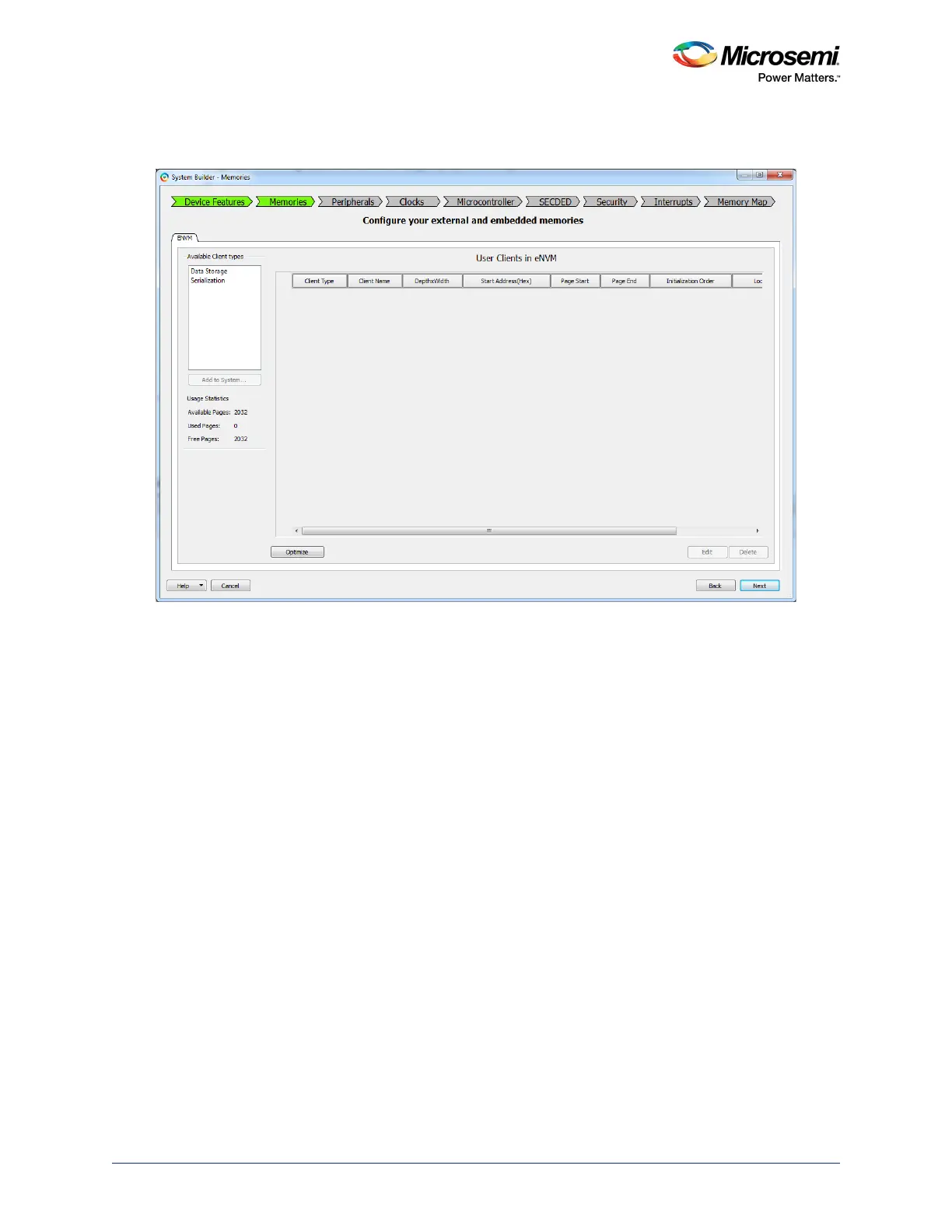
2. Click Next to navigate to the Memories tab. The following figure shows the System Builder -
Memories tab.
Figure 89 • System Builder - Memories Tab
3. Select Data Storage under Available Client Types and click Add to System.
The following figure shows the Add Data Storage Client dialog. It supports the following file for-
mats:
• Intel-Hex
• Motorola-S
• Microsemi-Hex
• Microsemi-Binary
4. Create the memory file in any one of the above formats with the executable code or data. Memory
file can be created for the code using the SoftConsole 3.4 or later with the linker script "production-
execute-in-place.ld". For more details on using the SoftConsole, refer to the SoftConsole User
Guide.





 To Next Page