MMUART Peripherals
UG0331 User Guide Revision 15.0 486
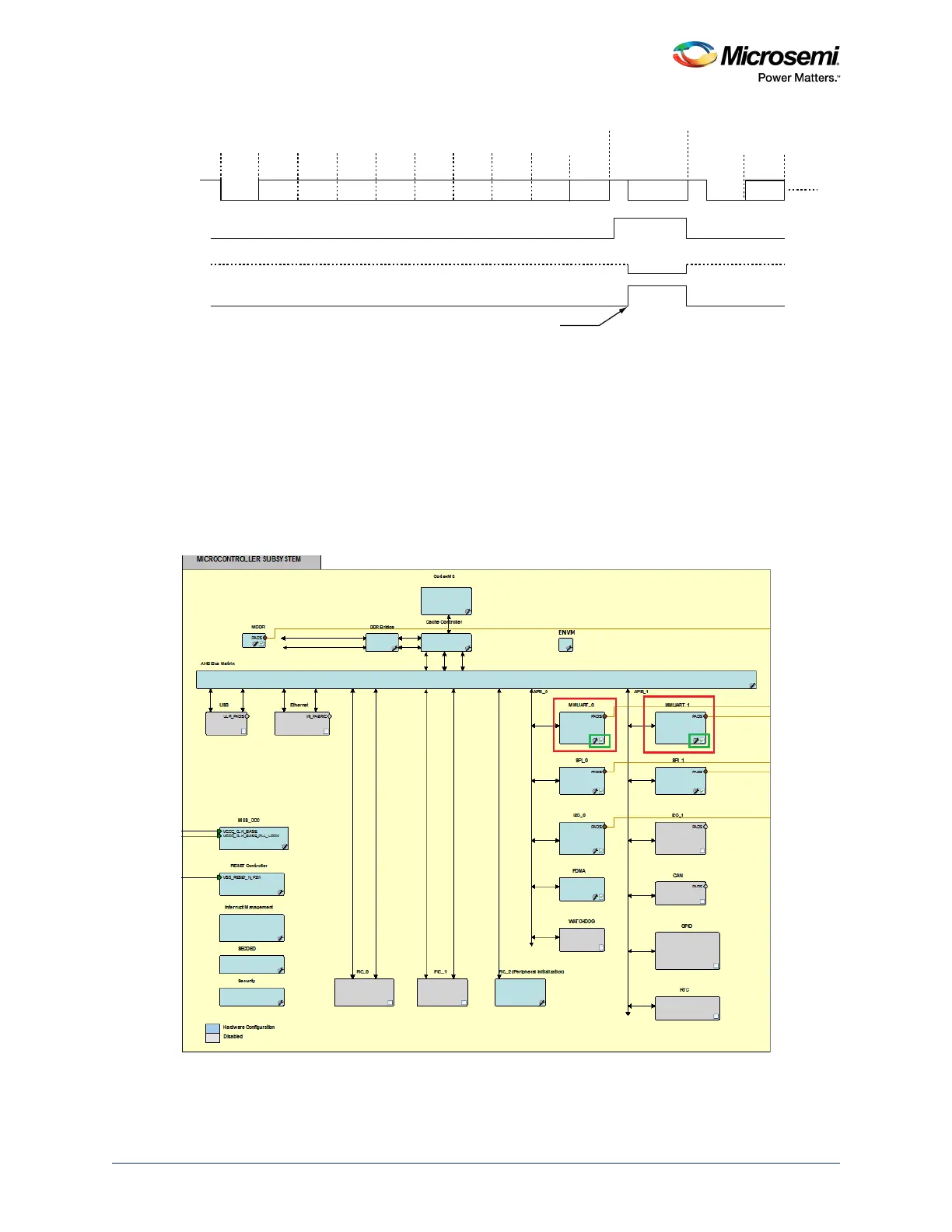
Figure 197 • Receive Mode TE Output Enable and NACK Timing when EERR=1
13.3 How to Use MMUART
This section describes how to use MMUART in an application.
13.3.1 Design Flow
The following steps are used to enable the MMUART in the application by using Libero SoC.
1. Enable MMUART_0 and/or MMUART_1 instance by using the MSS configurator in the application,
as shown in the following figure
.
Figure 198 • Enable MMUART
2 Stops Bits
TbitTbit
Tbit
Tbit
Tbit
Tbit
Tbit
Tbit
Tbit
Tbit
Tbit
Tbit
TbitTbit
ACK/NACK
210121110.5109876543210
Parity
Rx Data
TE
Tx (sout)
Parity Error
NACK
Transmit Enable Output enabled during Rx ACK/NACK
window when there is a parity error. If no parity error, then
TE remains deasserted.




 To Next Page