CAN Controller
UG0331 User Guide Revision 15.0 447
For firmware development, double-click Export Firmware under Handoff Design for Firmware
Development in the Libero SoC design flow window to generate the SoftConsole Firmware Project. The
SoftConsole folder contains the required mss_driver which provides a set of functions for controlling the
MSS CAN peripheral.
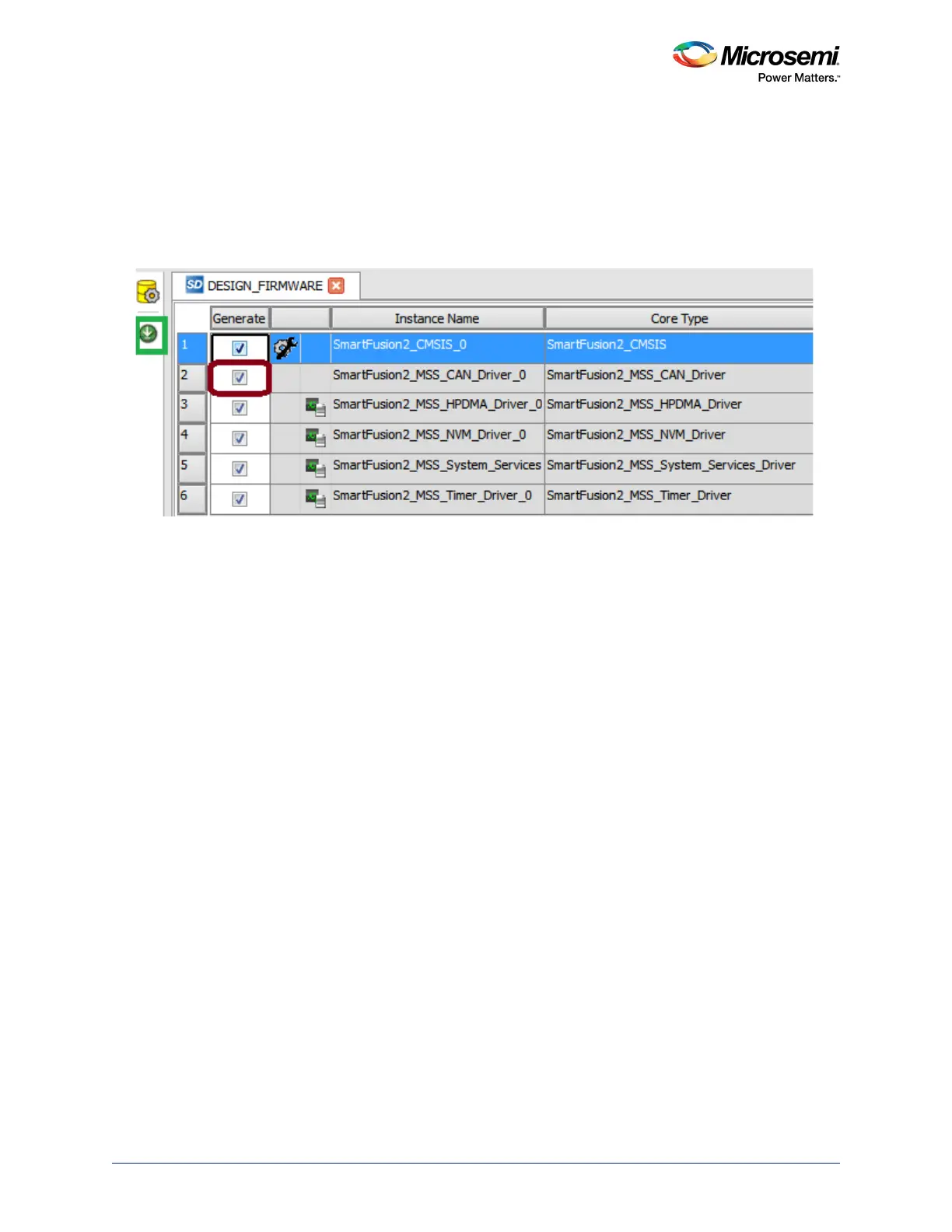
Note: If the drivers are not generated, make sure that the CAN firmware driver downloaded into the vault from
the repositories is available and Generate option is enabled in the DesignFirmware window, as shown
in the following figure.
Figure 176 • Firmware Driver Enable and Generate





 To Next Page