Fabric Interface Controller
UG0331 User Guide Revision 15.0 776
The following steps describe how to configure the clock networks for all FIC subsystems.
24.7.2.1 Step 1: Configure the MSS CCC Sub-Block
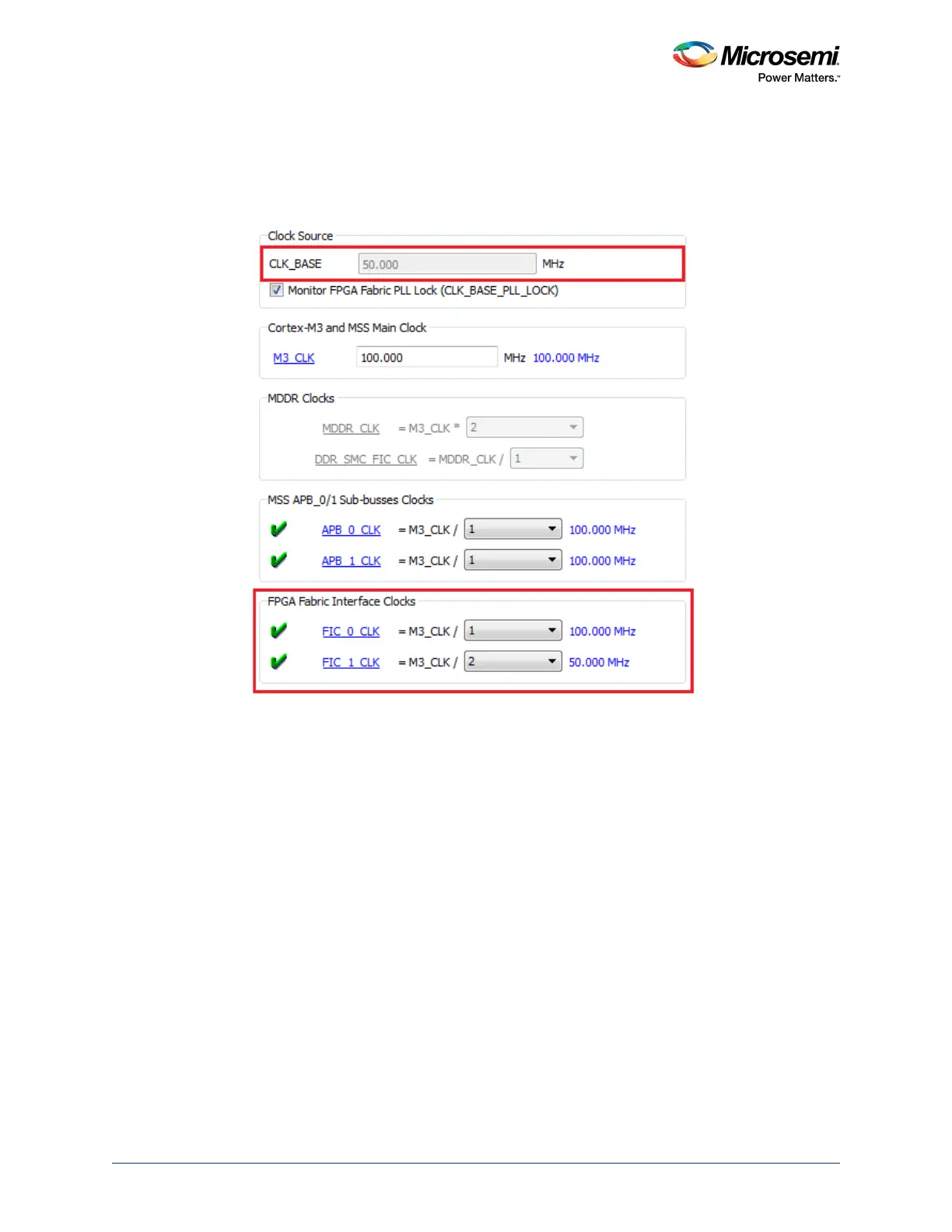
For each FIC block (FIC_0 and FIC_1) used in your design, select the clock divisors in the MSS clock
configurator (MSS_CCC), as shown in the following figure.
Figure 350 • MSS CCC FIC Clock Configuration
Note that the CLK_BASE field is non-editable. CLK_BASE frequency, as imposed by the SmartFusion2
architecture, must be the minimum frequency of all FIC clock frequencies and is automatically computed
by the MSS CCC configurator.





 To Next Page