High Performance DMA Controller
UG0331 User Guide Revision 15.0 244
4. Generate the component by clicking Generate Component or by selecting SmartDesign >
Generate Component from the menu. The firmware driver folder and SoftConsole workspace is
included in the project. For more information on generation of the component, refer to the Libero
SoC User Guide. The firmware driver folder and SoftConsole workspace is included in the project.
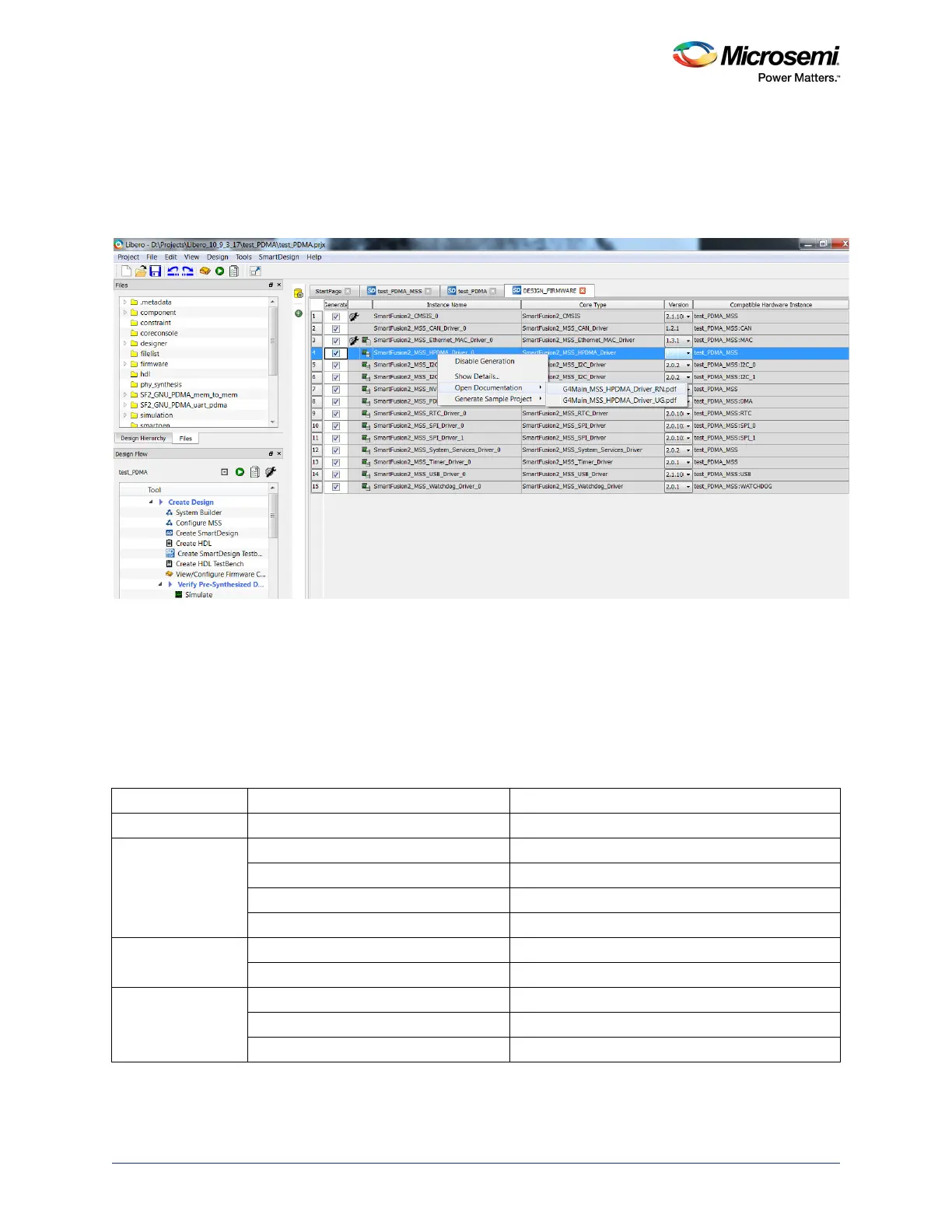
Click the highlighted Configure firmware button as shown in the following figure to find the RTC
drivers.
Figure 127 • HPDMA Driver User Guide
5. Click Generate Bitstream under Program Design to complete *.fdb file generation.
6. Double-click Export Firmware under Handoff Design for Firmware Development in the Libero
SoC design flow window to generate the SoftConsole Firmware Project. The SoftConsole folder
contains the mss_hpdma firmware driver (
mss_hpdma.c and mss_hpdmac.h), which provides a set of
functions for controlling the MSS HPDMA transfers. The mss_hpdma firmware driver can also be
downloaded from the Microsemi firmware catalog. The following table shows the list of APIs for
HPDMA. For more information on the APIs, refer to the SmartFusion2_MSS_HPDMA_Driver_UG
shown in the preceding figure.
Table 148 • MSS HPDMA APIs
Category API Description and Usage
Initialization MSS_HPDMA_init() Initializes HPDMA
Control of descriptor
transfer
MSS_HPDMA_start() Starts HPDMA transfer
MSS_HPDMA_pause() Pauses HPDMA transfer
MSS_HPDMA_resume() Resumes HPDMA transfer
MSS_HPDMA_abort() Aborts the HPDMA transfer
Status of current
transfer
MSS_HPDMA_get_pending_counters() Gets the number of pending transfers in bytes
MSS_HPDMA_get_transfer_state() Gets the transfer state when transfer in progress
Interrupt control
functions
MSS_HPDMA_enable_irq() Enables either transfer interrupt or error interrupt
MSS_HPDMA_disable_irq() Disables either transfer interrupt or error interrupt
MSS_HPDMA_clear_irq() Clears either transfer interrupt or error interrupt




 To Next Page