Embedded NVM (eNVM) Controllers
UG0331 User Guide Revision 15.0 169
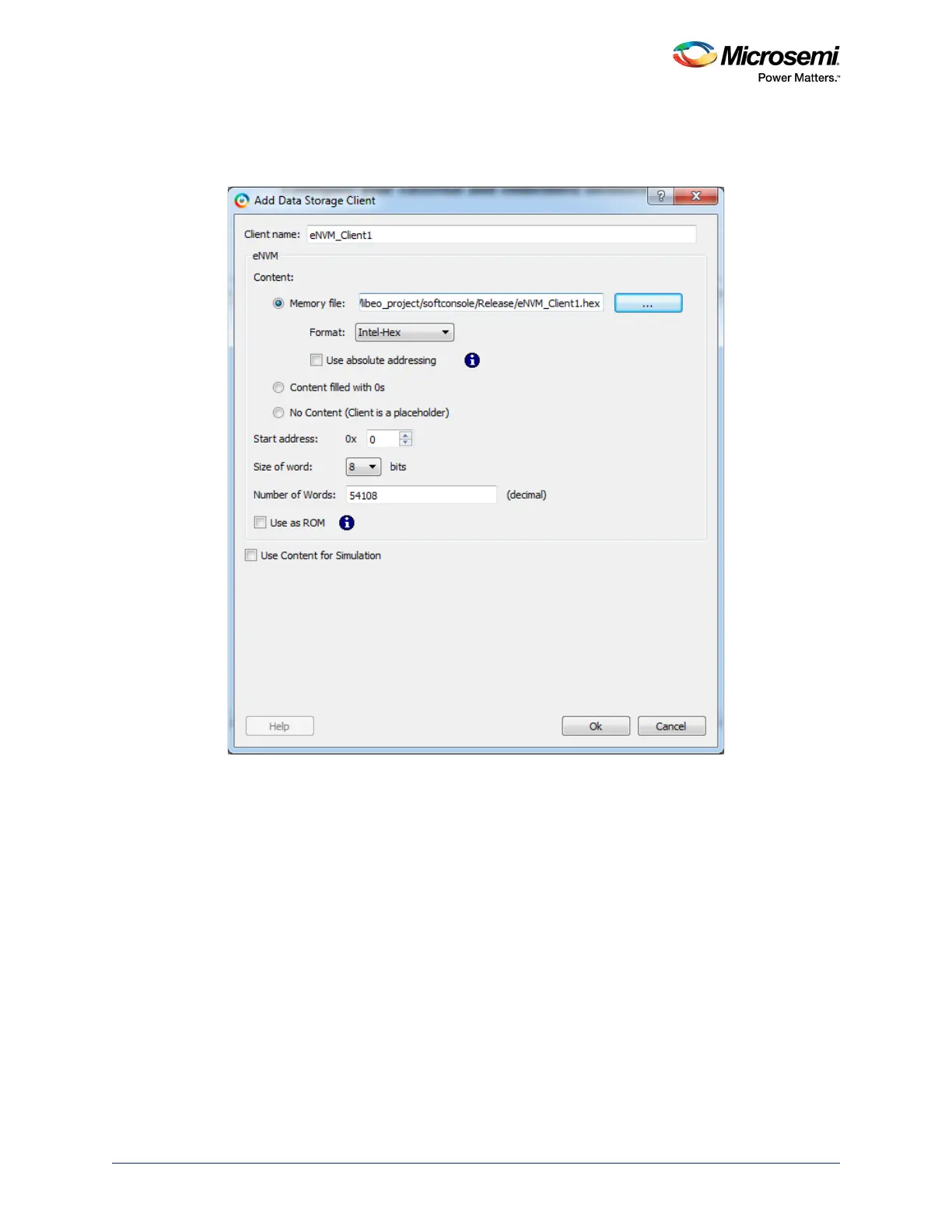
5. Enter the Client name, navigate to the memory file location using Browse, and select it. Give the
rest of the parameters according to the requirements and click OK to add the eNVM client. For more
information on Use absolute addressing, Use as ROM and other options, click Help.
Figure 90 • Add Data Storage Client Dialog





 To Next Page