Watchdog Timer
UG0331 User Guide Revision 15.0 637
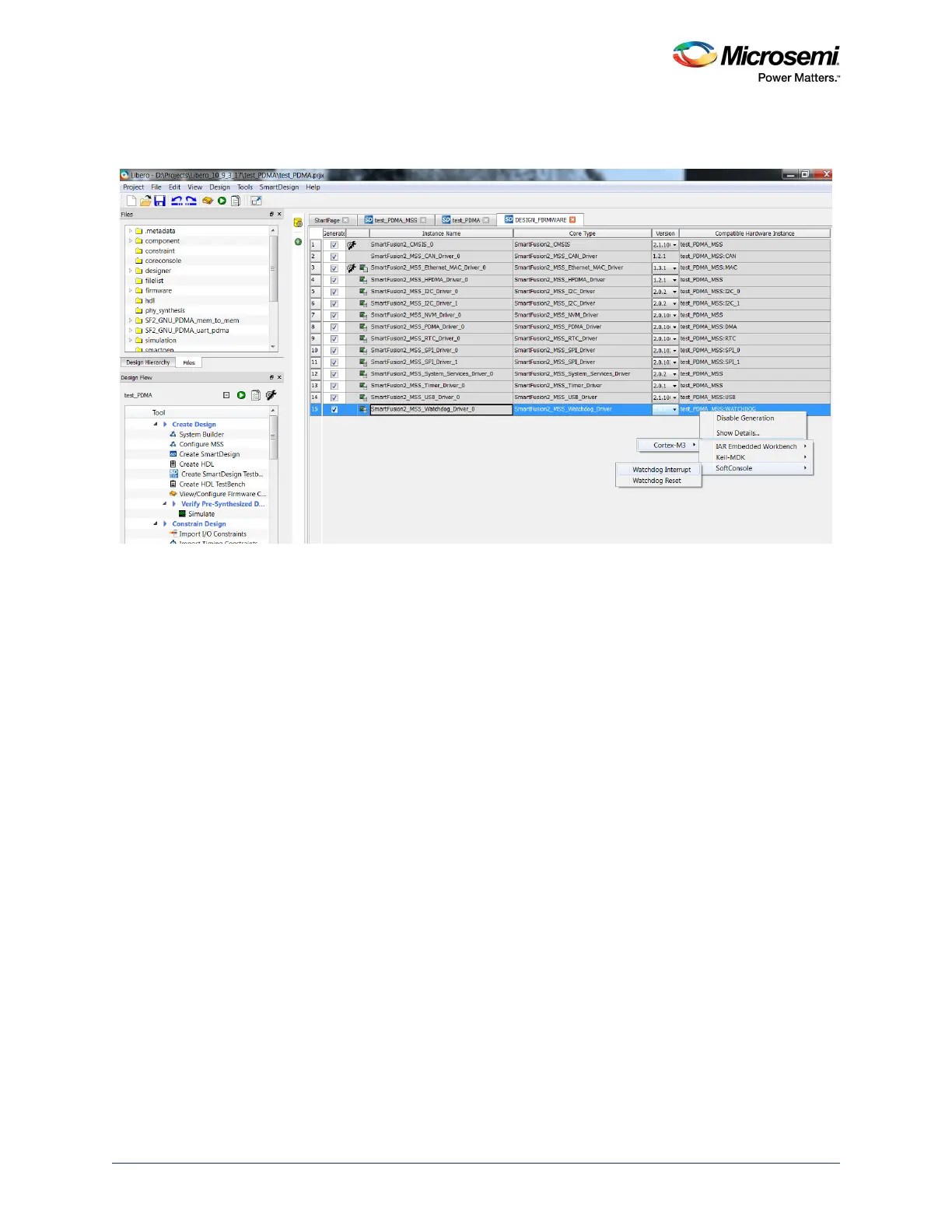
7. For more information on Watchdog usage, the sample projects are available and can be generated,
as shown in the following figure.
Figure 274 • Watchdog Timer Examples
20.3.2 Watchdog Timer Use Models
20.3.2.1 Use Model 1
The steps below are used to generate a reset by the watchdog timer on timeout.
1. Enable the watchdog timer in MSS configurator of your Libero project.
2. Select timeout behavior as reset in watchdog timer configuration window.
3. Initialize the watchdog timer in the SoftConsole application using MSS_WD_init() function.
4. Use MSS_WD_reload() function to reload its down counter timer with the load value configured
through the call to WD_init().This function must be called regularly to avoid a system reset.
5. Use MSS_WD_timeout_occured() to report the occurrence of a timeout event. It can be used to
detect if the reset is resetting as part of a watchdog timeout.
6. Call MSS_WD_clear_timeout_event() function after a call to MSS_WD_timeout_occured() function
to clear the hardware's report of a time out event.
20.3.2.2 Use Model 2
The steps below are used to generate a watchdog timer interrupt on timeout.
1. Enable the watchdog timer in MSS configurator of your Libero project.
2. Select timeout behavior as interrupt in the watchdog timer configuration window.
3. Initialize the watchdog timer in SoftConsole application using MSS_WD_init() function.
4. Enable the watchdog timer timeout interrupt using MSS_WD_enable_timeout_irq() function.
5. Use MSS_WD_reload() function to reload its down counter timer with the load value configured
through the call to WD_init().
6. Use MSS_WD_clear_timeout_irq() function in interrupt handler to clear the watchdog timeout
interrupt.
Notes:
• The watchdog timer cannot be disabled through software. Only the interrupts can be disabled.
• The MSS Watchdog timer does not support full behavioral simulation models. Refer to
SmartFusion2 MSS BFM Simulation User Guide for more information.




 To Next Page