MSS GPIO
UG0331 User Guide Revision 15.0 570
16.3.1.2 Initializing the MSS GPIO
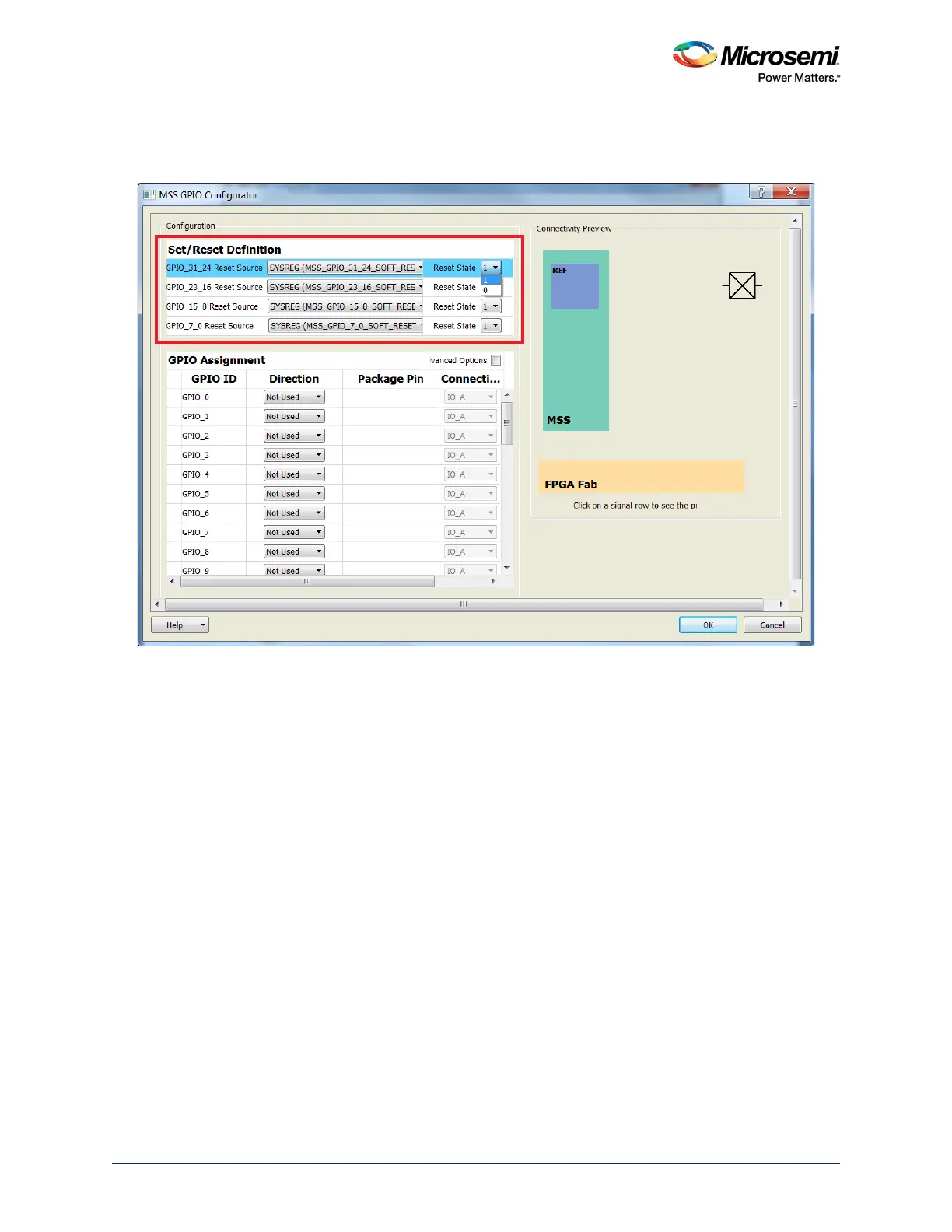
The highlighted section in the following figure shows the byte-wise initialization of GPIOs in Libero SoC.
Figure 245 • Configuring GPIO Byte-Wise Reset
16.3.1.3 Configuring MSS GPIOs as Input, Output, Tristate, and Bi-directional
There are four modes of MSS GPIO, which can be configured using Libero SoC:
• Input
• Output
• Bi-directional
• Tristate
To configure a GPIO as an interrupt, configure GPIO as an input in Libero SoC. Enable the interrupt in
SoftConsole using MSS GPIO application program interfaces (APIs). Refer to the Use Model 1:
Configuring GPIOs to Act as Interrupt to Cortex-M3 Processor, page 573.





 To Next Page