GPIO Registers
www.ti.com
168
SWRU543–January 2019
Submit Documentation Feedback
Copyright © 2019, Texas Instruments Incorporated
General-Purpose Input/Outputs (GPIOs)
5.5.7 GPIORIS Register (offset = 414h) [reset = 0h]
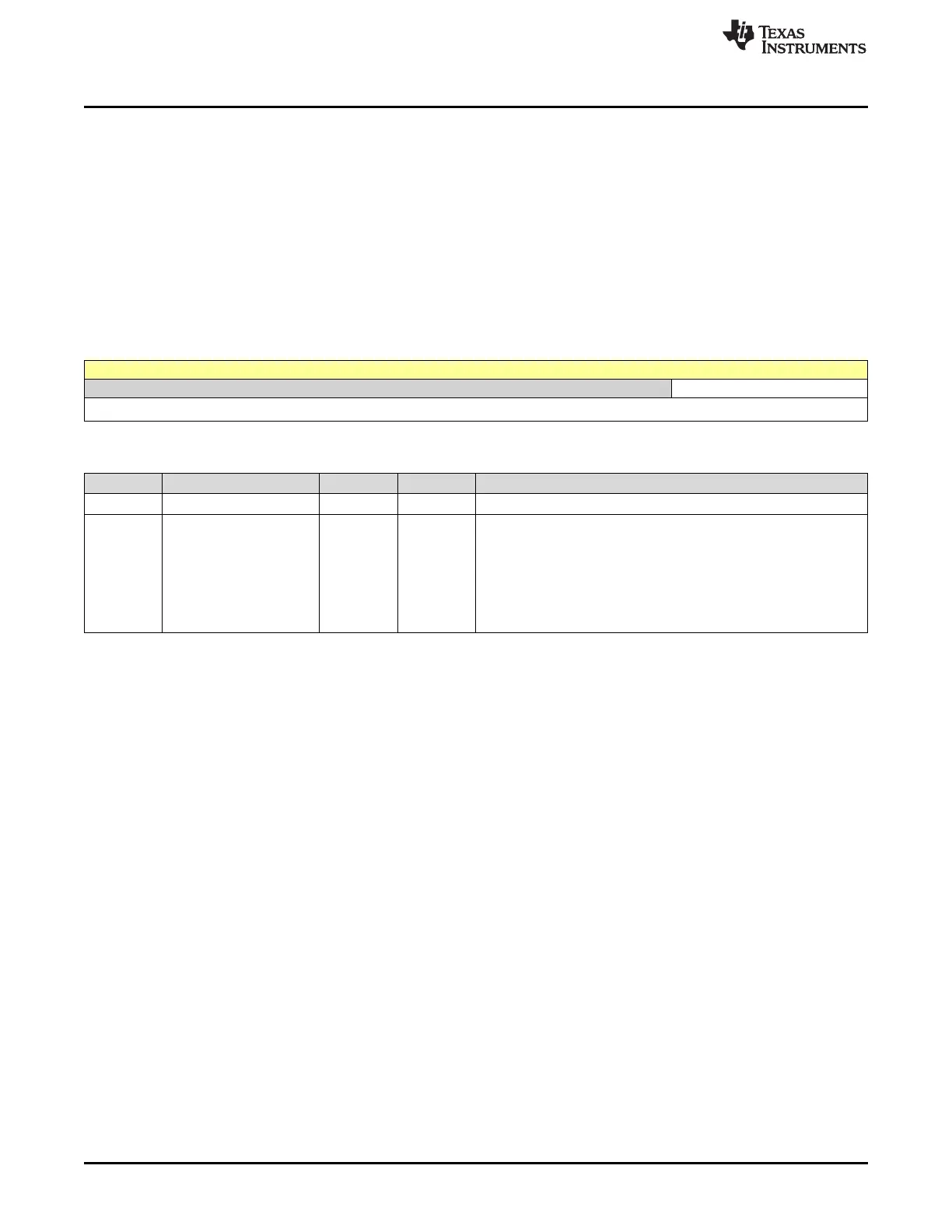
GPIORIS is shown in Figure 5-10 and described in Table 5-10.
The GPIORIS register is the raw interrupt status register. A bit in this register is set when an interrupt
condition occurs on the corresponding GPIO pin. If the corresponding bit in the GPIO Interrupt Mask
(GPIOIM) register is set, the interrupt is sent to the interrupt controller. Bits read as 0 indicate that
corresponding input pins have not initiated an interrupt. For a GPIO level-detect interrupt, the interrupt
signal generating the interrupt must be held until serviced. Once the input signal deasserts from the
interrupt generating logical sense, the corresponding RIS bit in the GPIORIS register clears. For a GPIO
edge-detect interrupt, the RIS bit in the GPIORIS register is cleared by writing 1 to the corresponding bit in
the GPIO Interrupt Clear (GPIOICR) register. The corresponding GPIOMIS bit reflects the masked value
of the RIS bit.
Figure 5-10. GPIORIS Register
31 30 29 28 27 26 25 24 23 22 21 20 19 18 17 16 15 14 13 12 11 10 9 8 7 6 5 4 3 2 1 0
RESERVED RIS
R-0h R-0h
Table 5-10. GPIORIS Register Field Descriptions
Bit Field Type Reset Description
31-8 RESERVED R 0h
7-0 RIS R 0h
GPIO Interrupt Raw Status
For edge-detect interrupts, this bit is cleared by writing a 1 to the
corresponding bit in the GPIOICR register. For a GPIO level-detect
interrupt, the bit is cleared when the level is deasserted.
0h = An interrupt condition has not occurred on the corresponding
pin.
1h = An interrupt condition has occurred on the corresponding pin.









 To Next Page