Camera Image InputFH/FZ5 Processing Item Function Reference Manual
37
1
Input image
Line Bright
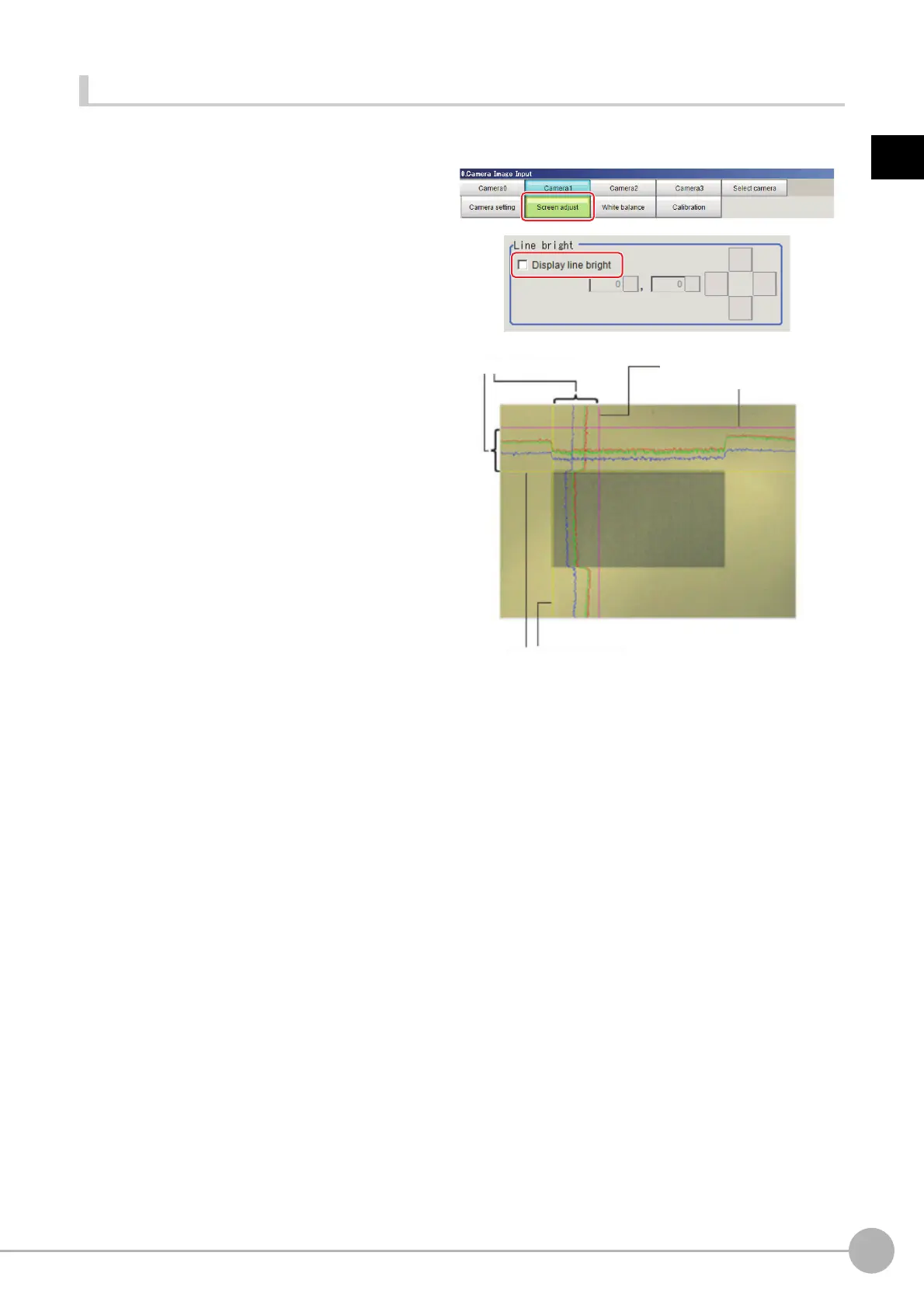
The graph showing the gray distribution for 1 line in the image is called the "Line bright". You can display the line
brights for R, G and B for any horizontal or vertical line.
1 In the item tab area, click [Screen
adjust].
2 Select the [Display line bright] check
box.
3 Move the line to the position
whose density distribution you
want to see.
R, G, B graph lines
Max. density value (red)
Indicates the max. density value.
Coordinate axis (yellow)
This line is moved to the location in which
density is to be checked.



 To Next Page
 Loading...










