Glue Bead Inspection
496
FH/FZ5 Processing Item Function Reference Manual
About color charts
5 In multiple setting areas, specify each
item.
6 If necessary, set the display conditions
for displayed images.
Setting item
Setting value
[Factory default]
Description
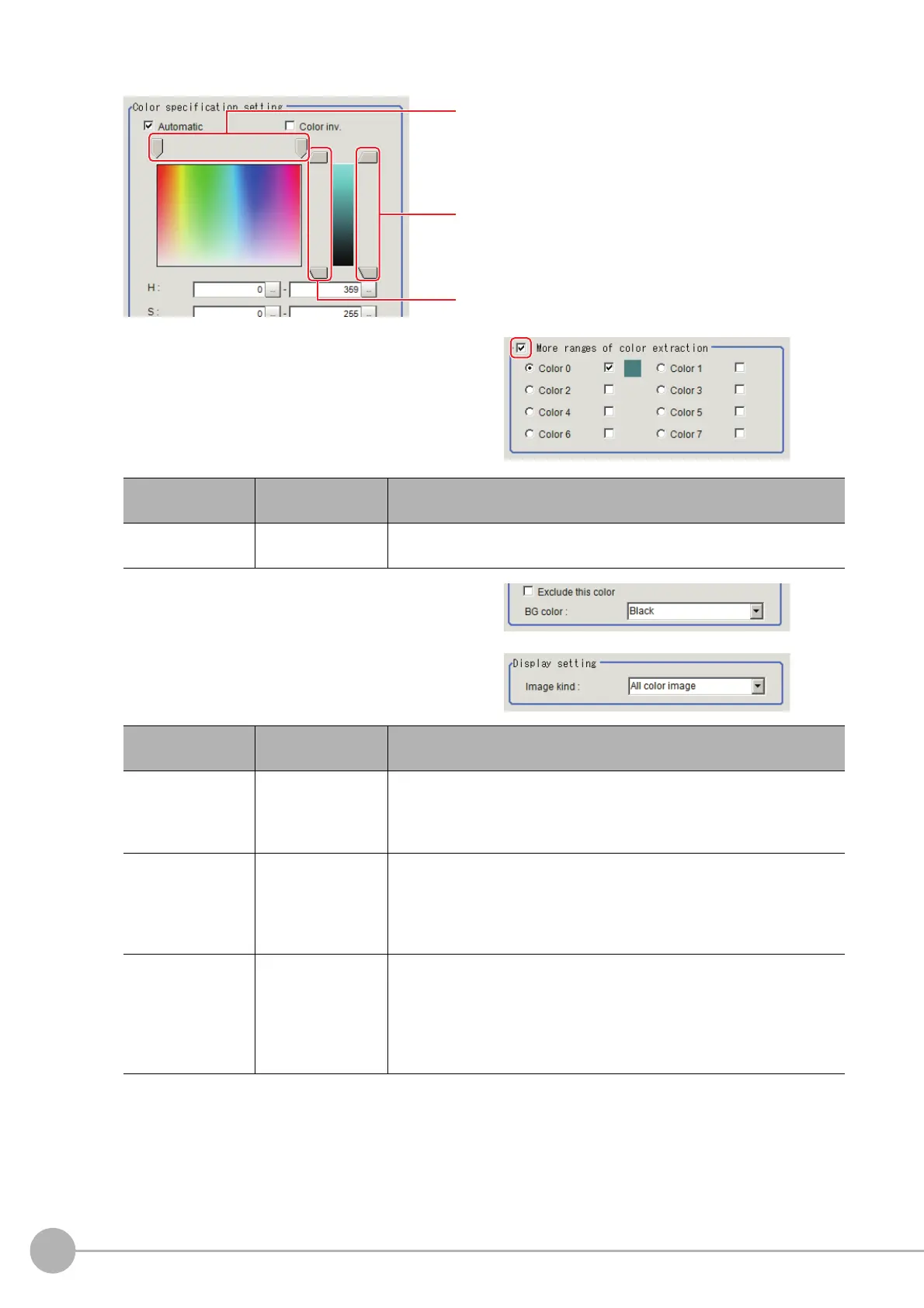
More ranges of
color extraction
Checked
[Unchecked]
If you place a check at this option, you can set up to 8 colors.
Setting item
Setting value
[Factory default]
Description
Exclude
this color
• Checked
•[Unchecked]
Placing a check here excludes the pixels in the specified co
lor range from
the extraction target. The priority order for exclusion is that the higher
color extraction range numbers are given priority. This setting is disabled
if "More ranges of color extraction" is unchecked.
BG color
• [Black]
•White
•Red
• Green
•Blue
The background section outside the e
x
tracted image is filled with the
selected colors.
Image kind
• Measurement
image
•
[All color image]
• Selection color
imag
e
• Binary image
This selects the state of the image to display.
Color phase
Color saturation
Brightness



 To Next Page
 Loading...










