Circular Scan Edge PositionFH/FZ5 Processing Item Function Reference Manual
275
2
Inspecting and Measuring
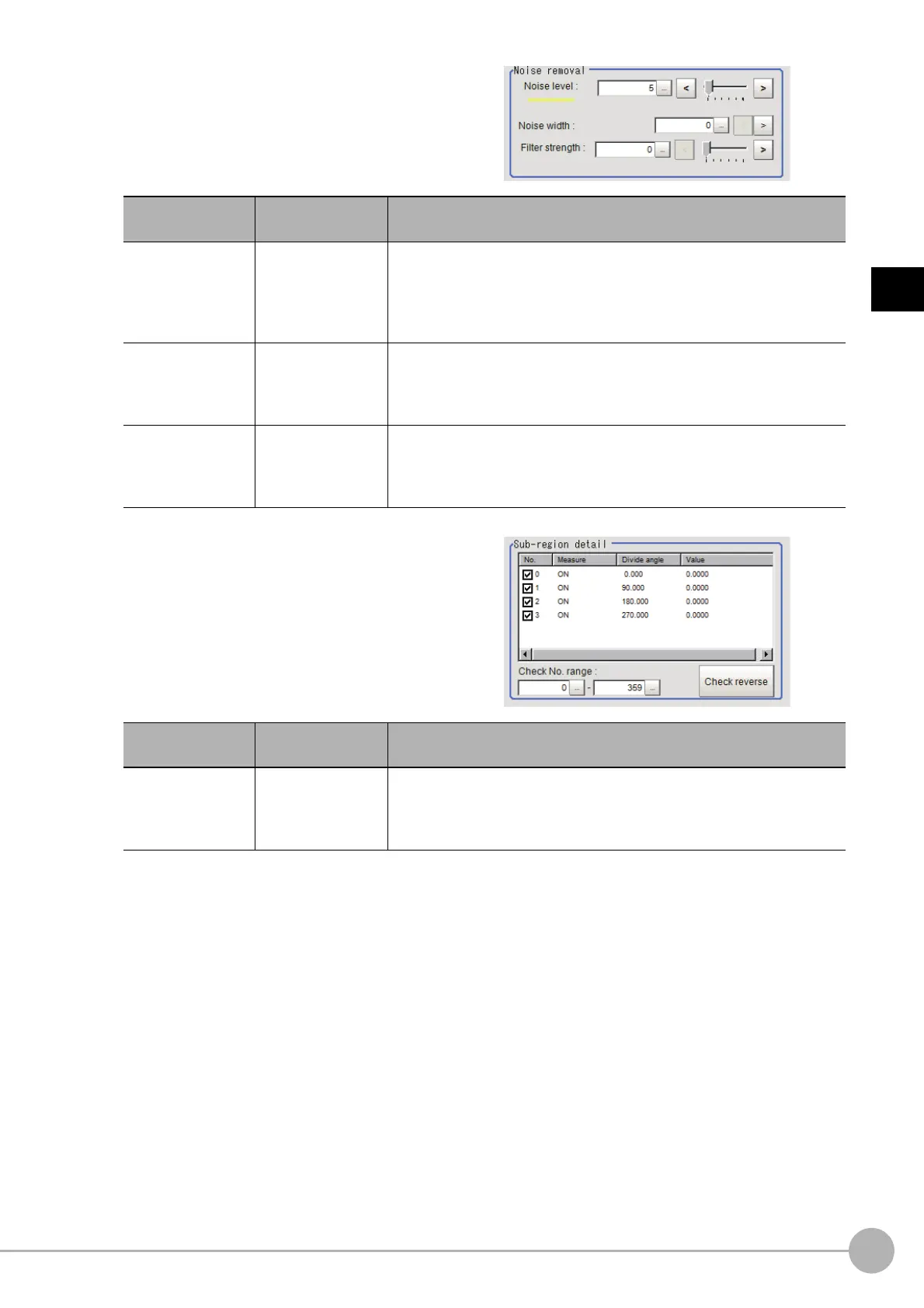
3 If necessary, set each item in the "Noise
removal" area.
4 In the "Sub-region detail" area, set
enable or disable measurement as
required.
Setting item
Set value
[Factory default]
Description
Noise level
• For color cameras
3 to 442 [5]
• For monochrome
cameras
0 to 255 [5]
When detection is affected by noise, increase this value.
Reference: "Appendixes Measurement Mechanism Noise Level" in
th
e "Vision System FH/FZ5 Series User's Manual (Z365)"
Noise width
0 to 9999
[0]
Set the width for judging noise.
When detection is affected by noise, increase this value.
Reference: "Appendixes Measurement Mechanism Noise Width" in
th
e "V
ision System FH/FZ5 Series User's Manual (Z365)"
Filter strength
0 to 100
[0]
If a valley appears in the histogram a
round the edge threshold value due
to noises, smoothen the edge profile using a filter to prevent wrong error
detection from being detected.
Strengthening the filter smoothen the edge profile further.
Setting item
Set value
[Factory default]
Description
Check No. range
0 to 359
[0] to [359]
Specify the edge measurement number fo
r
which to perform batch
reversing of the enable or disable measurement setting.
Click [Check reverse] to reverse the check box settings of the edge
measureme
nt nu
mber within the range.



 To Next Page
 Loading...










