1/05
4-43
DocuColor 12/DCCS50
REP 2.21.2, REP 2.21.3
Repairs and Adjustments
Reissue
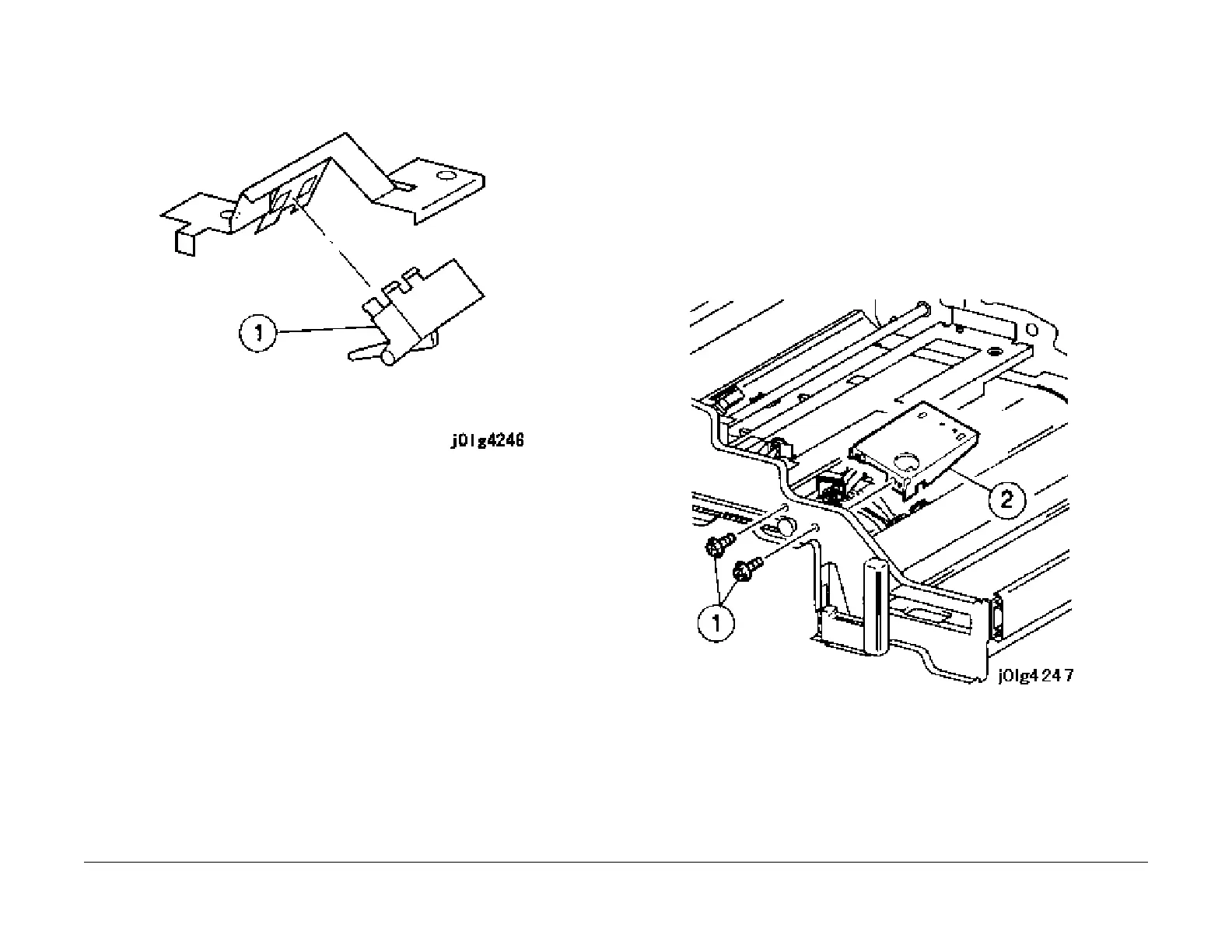
Figure 2 Removing the Duplex Out Sensor
Installation
1. Reinstall the parts in the reverse order of disassembly.
REP 2.21.3 Duplex Belt 1/2
Parts List on PL 2.21
Removal
WARNING
Turn power off and disconnect the power plug.
1. Open the Front Door.
2. Remove the following parts:
a. 2nd BTR (REP 7.9.
1).
b. Vacuum Transport Unit (REP 2.17.
1).
3. Remove the bracket (Figur
e 1).
1. Remove the screws (2).
2. Remove the bracket.
Figure 1 Removing the Bracket
4. Remove the joint (Figure 2
).
1. Remove the E-clips (2).
2. Remove the pulley.
3. Remove the bearing and shaft.
4. Remove the bearing.
5. Remove the joint.


 To Next Page
 Loading...










