CHYRON Corporation
Installation 2-50 Revision D
''56HWXS0$;!DQG0$;,1(
The new Program Loader Serial Communications Setup menu
allows a serial port to be configured for the DDR. In this menu,
the two serial ports, J1 and J2 on the MAX!>, and Intelligent
Interface and Tablet on the MAXINE!, can each be configured
for an external device, one of which can be a DDR.
NOTE
After proper installation, it may happen
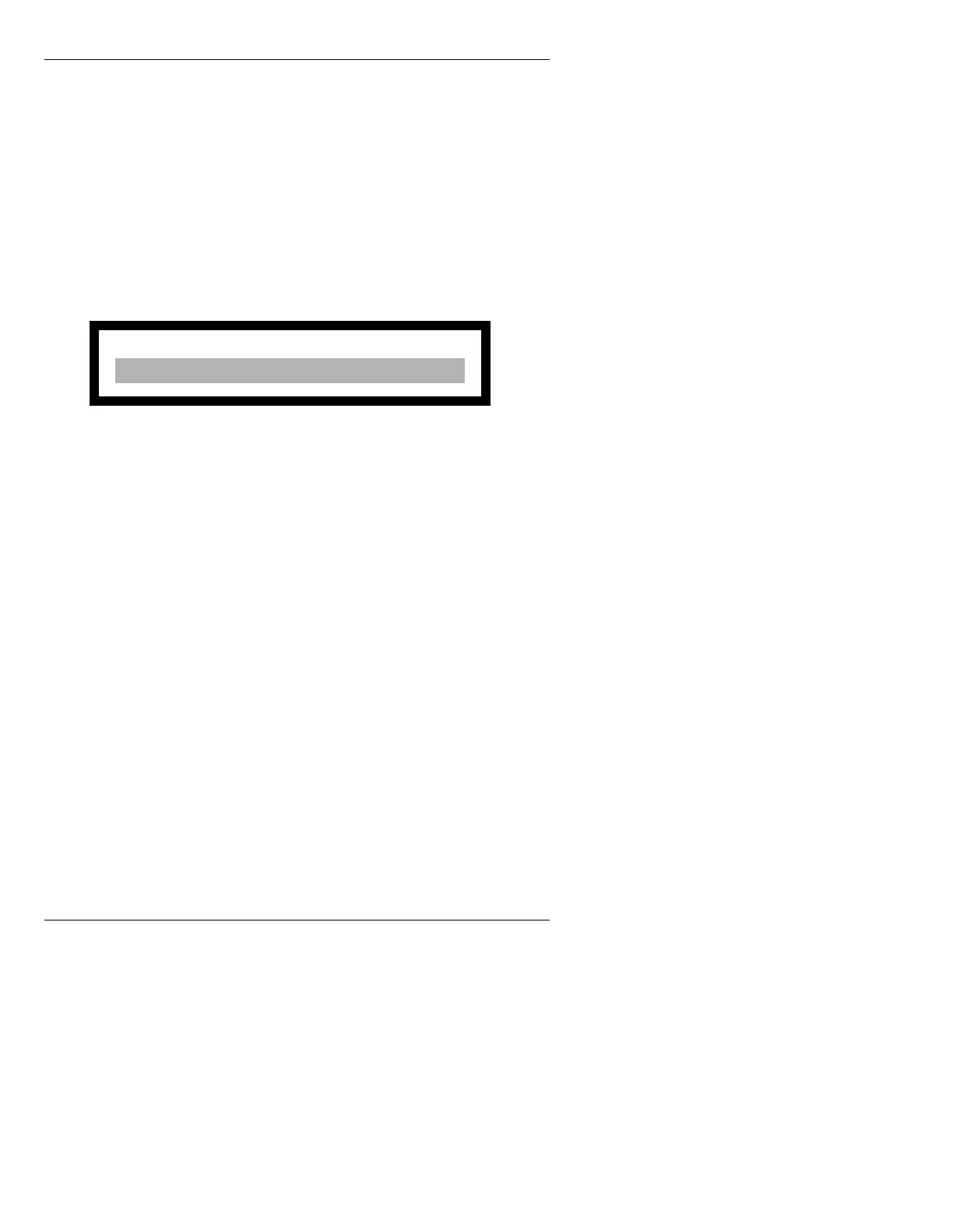
that the following DDR Off Line Warning is
displayed on entering the DDR Control
menu:
Figure 2-24. DDR Off Line Warning
To bring the DDR on line:
• Press the Reset button on the
CPU to reboot the system.
On re-entering the DDR Control menu, the
DDR is now on line.
Please refer to the Machine Control Option Handbook (Pub.
No. 2A01918) for more information.
6RIWZDUH,QVWDOODWLRQ
1RWHV
• The iNFiNiT! Family system is delivered with the
software already installed. If it is necessary to re-
install software or install new software, follow the
procedure described below.
• The software installation procedure is performed
using the Disk Utilities Program.
For detailed
information on all Disk Utilities functions, see
Section 19 of this manual.
WARNING! - Press any key to continue.
DDR Device is Off LIne



 To Next Page