CHYRON Corporation
Start-Up 3-8 Revision D
3URJUDP/RDGHU
After diagnostics have run, the system attempts to locate
and load the Operating System software from disk. The
following locations are checked for the OS software:
Because the floppy drive (and removable cartridge
drives) are checked first, remove any disk from these
drives if you intend to boot from the hard disk.
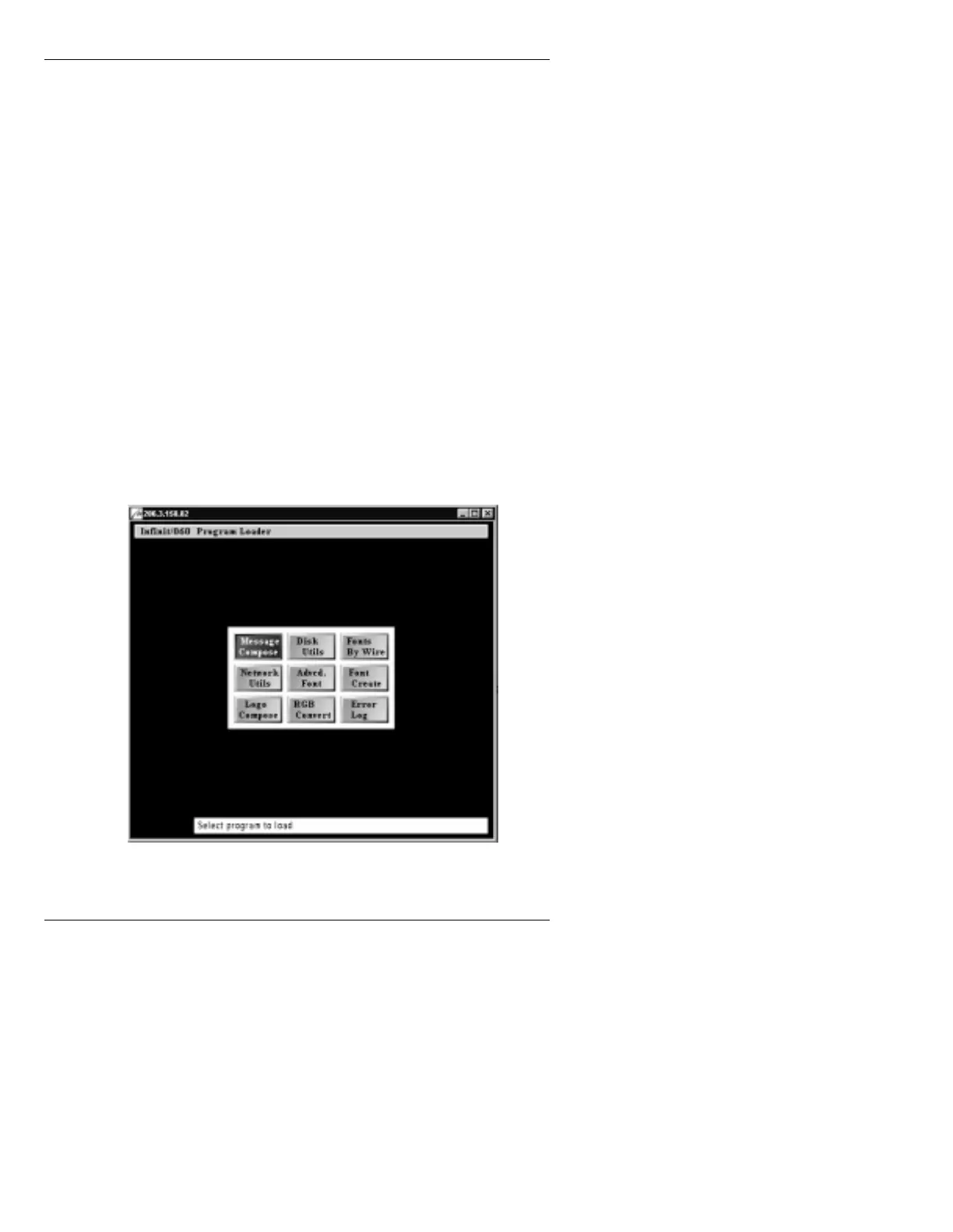
Once the OS software has loaded, the system displays the
Loader menu.
Figure 3-7. Program Loader Menu
Checked 1st:
The keyboard floppy drive (Drive A)..31w
NOTE: When run remotely from a WiNFiNiT! interface,
floppy drive detection is bypassed during booting. This
allows Message Compose to start more quickly when not
using an ArcNet keyboard.
Checked 2nd:
Any factory-equipped internal cartridge drive (Drive B)
and external storage.
Checked Last:
The internal hard disk drive (Drive C).



 To Next Page