CHYRON Corporation
Advanced Read FX 15-16 Revision D
Off), or from the bottom of the screen to the top
(
Reverse: On). The rows are not individually
controllable when using this Transition Pattern.
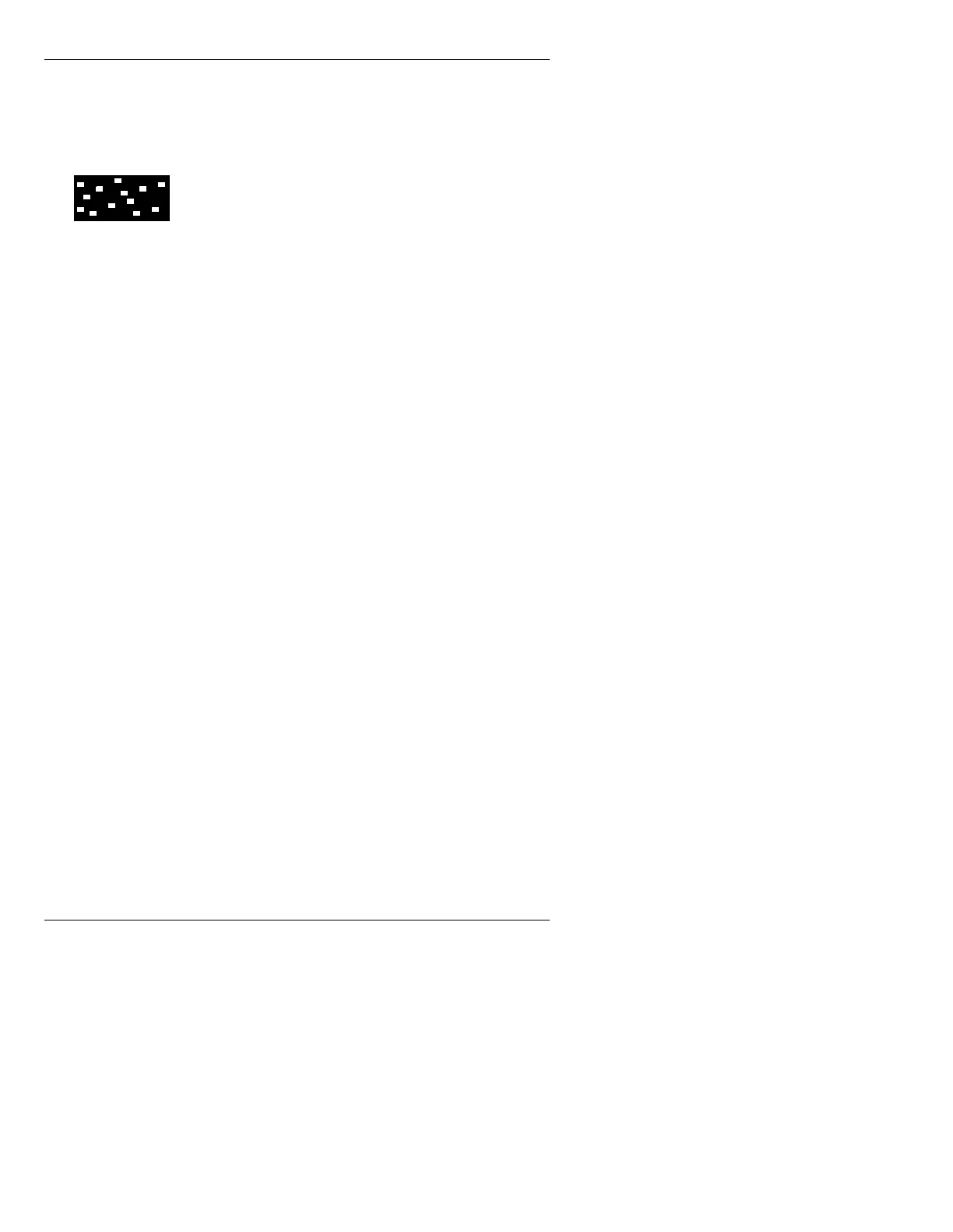
Pixel Wipe:
Displays the new image by
randomly selected pixels. The
Speed and
Reverse fields are disabled, and the rows are not
individually controllable. This Transition
Pattern works only within the Safe Title area that
was already set when Read Effects was entered.
The pattern executes, and then the new image
that is outside the Safe Title area pops in. To
make sure that the entire screen changes at one
time using a Pixel Wipe, the Safe Title Box
should extend beyond the screen. A Pixel Wipe
completes a full screen transition in
approximately 2 seconds. If it is executed using
a smaller Safe Title area, it completes the
transition more quickly. The
Ease: and
Reverse: Off/On fields are not used for this
effect.
3XVKHV
A Push can be executed screen by screen, or row by row
from screen to screen. As the Push executes, the new
image “pushes” the old image off of the screen. Both
images move. Transition Patterns
A, B, and F - J are
available to
Push. Patterns G - J execute exactly as in
Wipe (§15.5.1).
Transition Patterns
A, B, I, and J treat a message as a full
screen image. Using Transition Patterns
F - H, rows of
text can be controlled individually using the Row Menu
(§15.4).
J



 To Next Page