CHYRON Corporation
Mix Effects 16-2 Revision D
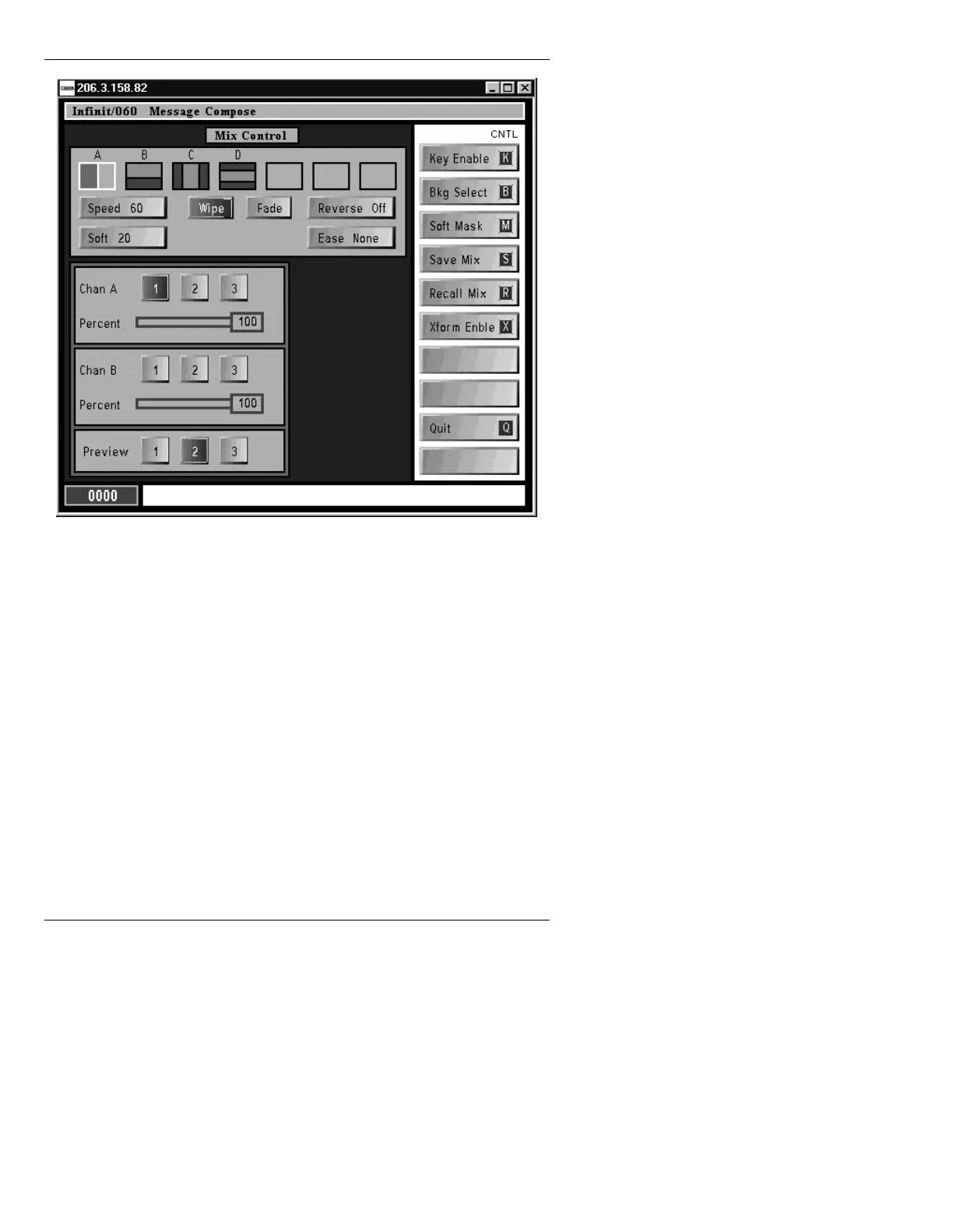
Figure 16-1. Mix Effects Main Menu
The Mix Effects menu consists of a Mix Control window,
the Mix Settings window and the function icons. Use the
cursor keys to move through the Mix Effects main menu.
The mouse can be used to select items and set values.
0L[&RQWURO:LQGRZ
This window controls the Effect Type, Transition Pattern,
Speed, Soft, Reverse, and Ease. Default values are
shown in the window below.



 To Next Page