CHYRON Corporation
Mix Effects 16-24 Revision D
Note that although the PREVIEW output now appears as
part of the AIR output, it cannot be edited from either of
the AIR CHANNELS.
NOTE
A Mix Effect can be executed in
conjunction with Bkg Select by
activating Bkg Select, then following
the Mix Effect execution procedure
outlined in §16.9.
6RIW0DVN7ZR%XIIHU
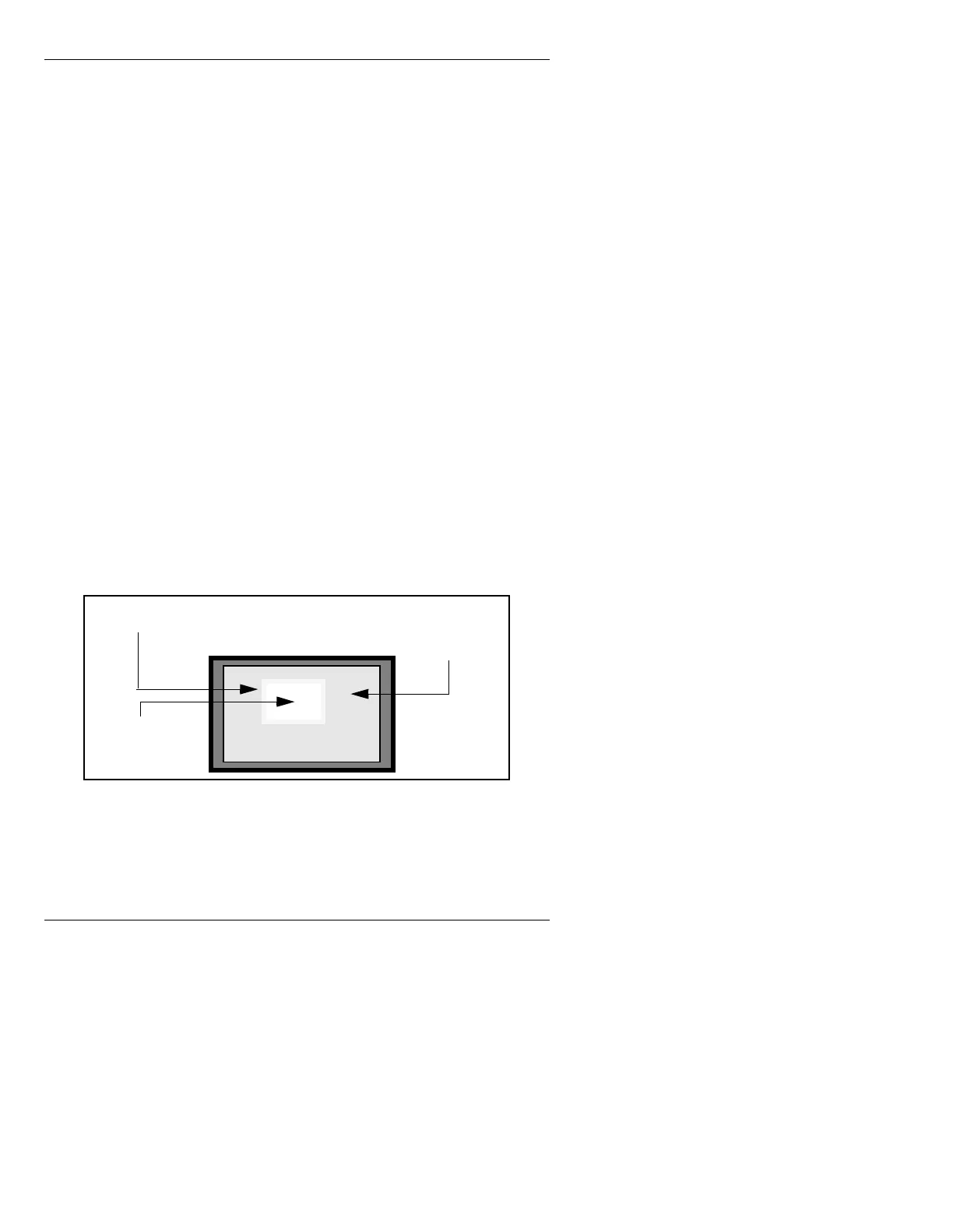
This feature, similar to Key Enable, allows you to place
the contents of a frame buffer into a soft-edged “mask”
for “laying over” the contents of another frame buffer.
The
Soft Mask has a “hole” cut through it so the contents
of the underlying buffer can be seen. Rolls and Crawls
can be executed in this window (§16.14).
Soft Mask is available to the Primary User in a three
buffer Dual User system, in a single user iNFiNiT!, or in
a two-buffer MAX!>.
Figure 16-9. Soft Mask
The size, edge softness, and location of the Soft Mask are
adjustable.
Buffer
assigned to
CHANNEL B
Soft Mask with
a Soft Edge
Buffer assigned to
CHANNEL A



 To Next Page