iNFiNiT! Family Operation Manual
Revision D 16-25 Mix Effects
NOTE
Mix Effects cannot be executed while
a Soft Mask is activated.
To set up a Soft Mask:
[ ] 1. Press
MIX, if not already in the Mix Effects
main menu.
[ ] 2. Press
CNTL M or select Soft Mask.
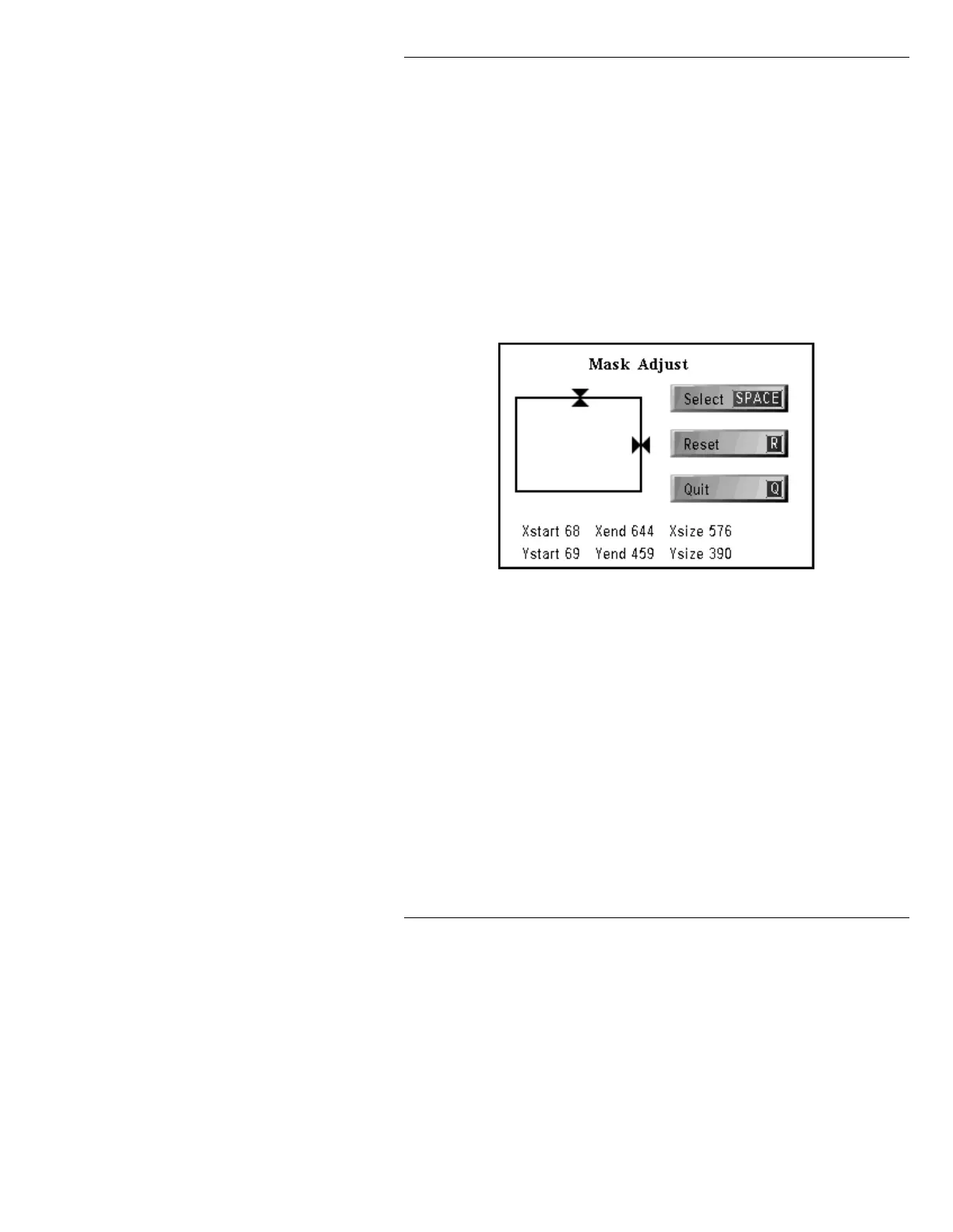
The Mask Adjust window (Figure 16-10)
appears.
Figure 16-10. Mask Adjust Window
[ ] 3. Adjust the borders as follows:
• To adjust the TOP border, use the cursor
ÎÏ keys.
• To adjust the RIGHT border: Use the cur-
sor
ÌÍ keys.
Press the
SPACE BAR or select SPACE. You
can now adjust the BOTTOM and LEFT
borders.
• To adjust the BOTTOM border, use the
cursor
ÎÏ keys.



 To Next Page