iNFiNiT! Family Operation Manual
Revision D 15-19 Advanced Read FX
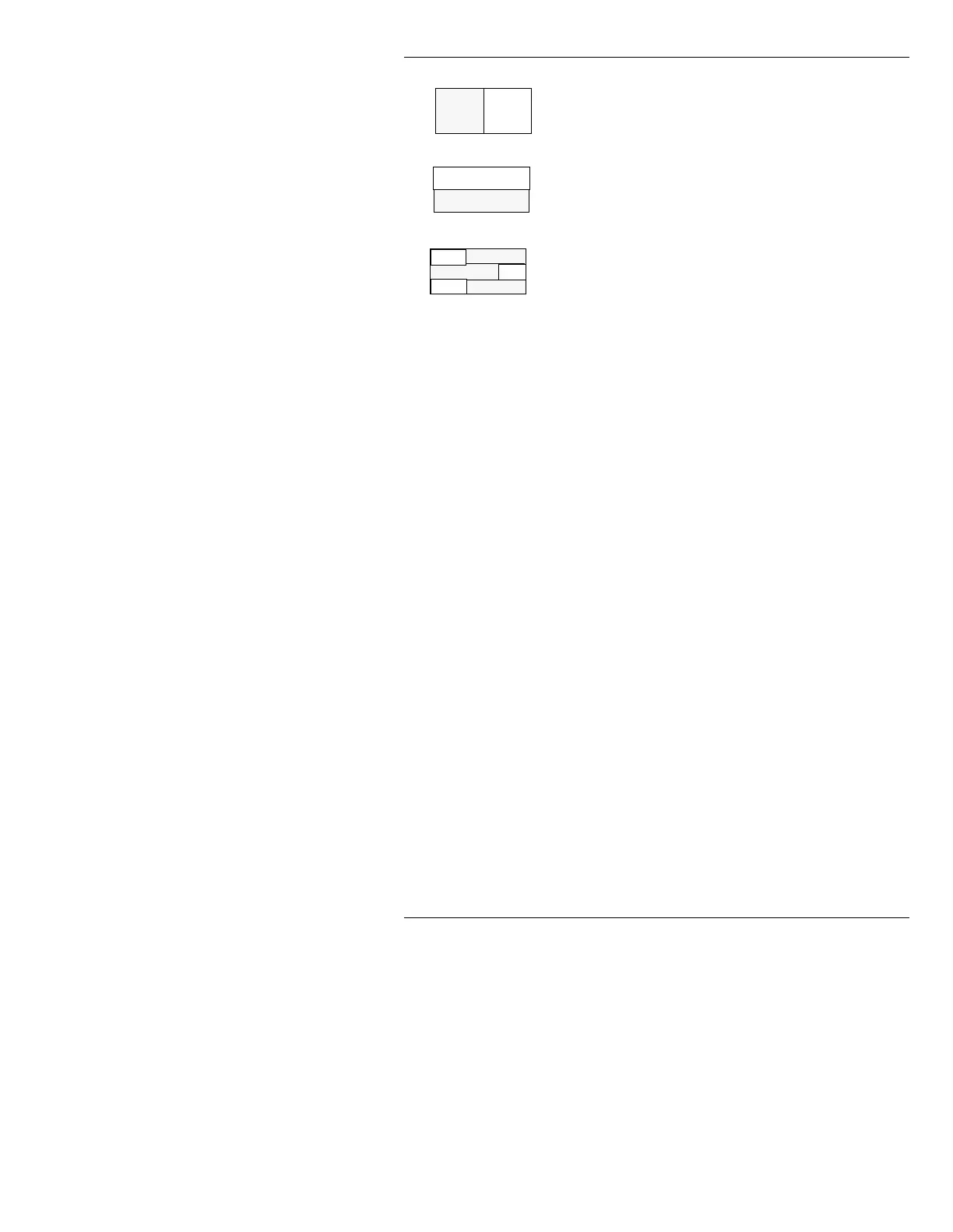
Horizontal Hide:
New image covers (hides)
the old image from the left (
Reverse: Off) or
right (
Reverse: On) edge of the screen.
Vertical Hide:
New images covers (hides) the
old image from the top (
Reverse: Off) or bottom
(
Reverse: On) edge of the screen.
Row Hide:
Allows each of up to 24 new rows
to independently cover (hide) each of the old
rows from the bottom (
Up), top (Down), Left, or
Right of the screen. A row can also be Fixed.
When the Pattern is executed, the
Fixed row
remains on screen until the transition is
complete, then the
Fixed row is instantly
replaced by the new text row. These
designations are set using the Row Menu
(§15.4). The
Reverse: Off/On field is not used
for this effect.
([HFXWLQJ5HDG(IIHFWV
Read Effects can be executed while the screen is blank,
or if there is already a message on screen. Make sure that
all of the fonts used in each message are loaded. This can
be done one of three ways:
• Load fonts manually into Font Keys (§6.6.1).
• If all of the fonts used in the Read Effects message
sequence are contained within the first message,
press
CNTL READ NEXT (§6.6.3) when reading the
first message into the Read Next buffer. This loads
the fonts for the all of the messages in the sequence.
OR...
If all of the fonts used in the Read Effects message
sequence are not contained within the first message,
press
CNTL READ NEXT (§6.6.3) instead of READ
NEXT
when reading each message into the Read
Next buffer.
A
B
F



 To Next Page