iNFiNiT! Family Operation Manual
Revision D 19-27 Disk Utilities
'LUHFWRU\6WDWXV
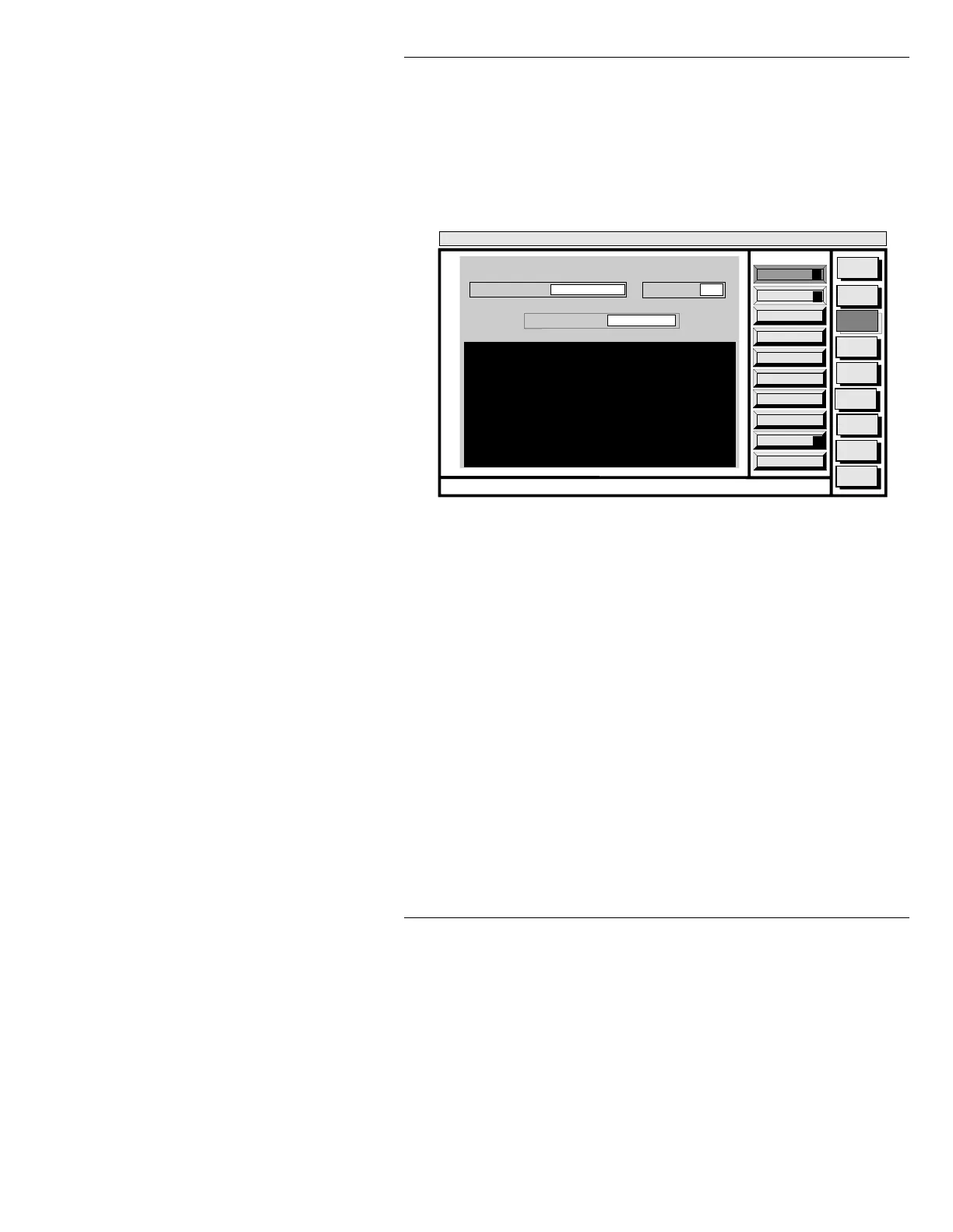
• Enter a drive letter and / in the CURRENT DIR: field,
then press
CNTL X or select Execute to display a list
similar to the one shown in Figure 19-17. Name, cre-
ation time and date, and number of files are shown.
Figure 19-17. Current Directory Listing
Select the FILE TYPE: field, then press the SPACE BAR
to toggle through the types of files in that directory. Press
CNTL X or select Execute after making your choice. A
list for an iNFiNiT! default directory is shown in Figure
19-18; this contains a MACHINE directory for Machine
Fonts and a MESSAGE directory for your messages.
If you know the actual file(s) in the directory, message ID
number and font ID number, enter the information in the
STATUS NAMES: field, then press CNTL X or select
Execute.
Quit
Q
Avail Bytes
A
Execute
X
Message
Compose
Advcd.
Font
Disk
Utils
Network
Utils
<System>
Disk Utility
< version >
15:07 5/29/95
DISK STATUS
CURRENT DIR:
FILE TYPE: ALL
A/INFINIT
STATUS NAMES: *
CNTL
DIRECTORIES
NAMES DATE TIME FILES
INFINIT 07/17/94
SYSTEM 06/29/94
16:38:26
09:41:28
2
5



 To Next Page