iNFiNiT! Family Operation Manual
Revision D 19-37 Disk Utilities
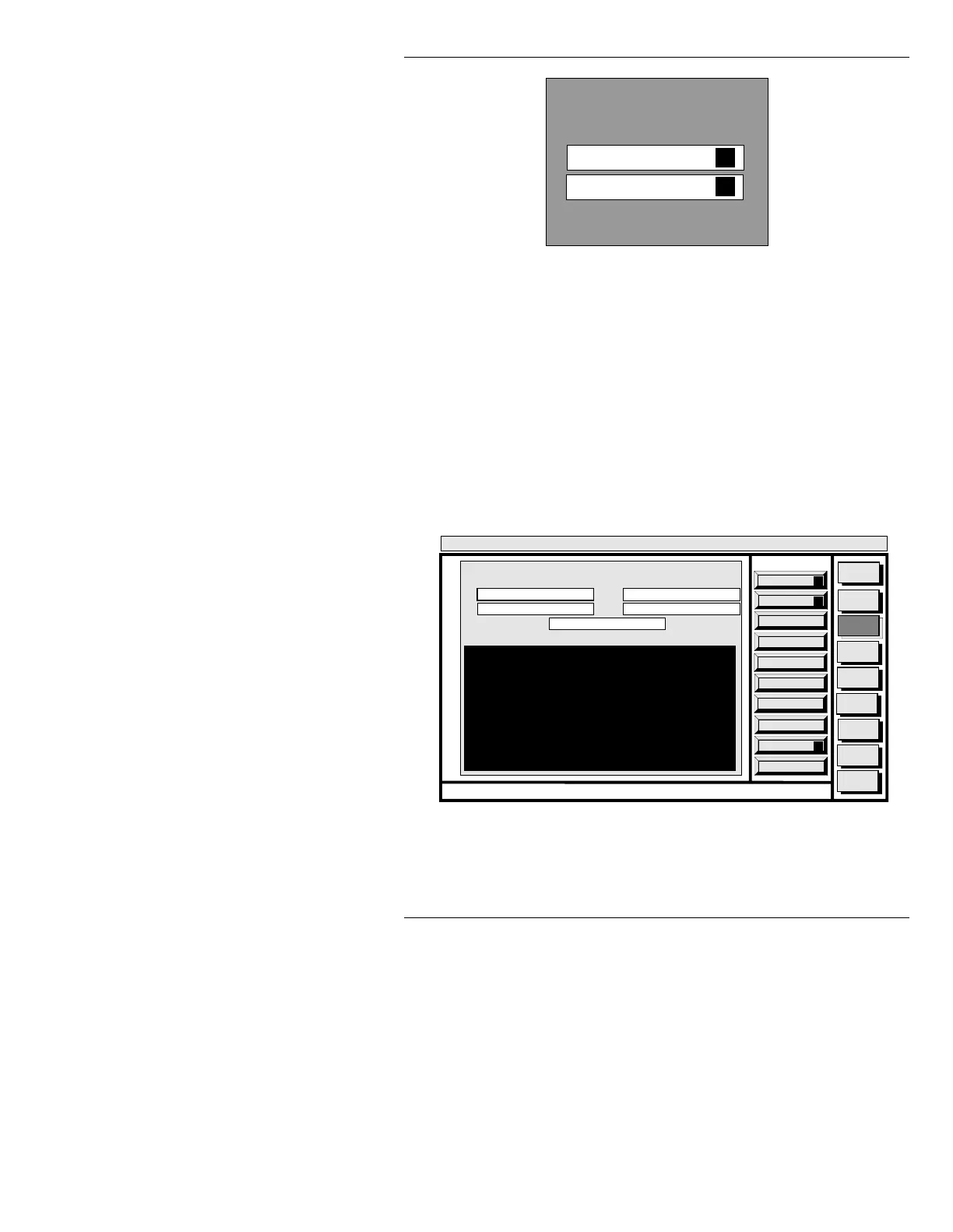
Figure 19-24. TRANSLATION Window
L 1)L1L7WR6 &5,%(7U DQVODWLRQ
To display the INFiNiT!/MAX!>/MAXINE! to SCRIBE
window (Figure 19-25):
• Press
I or select INFINIT/MAX/MAXINE to SCRIBE.
Message files, Transform messages, Machine Fonts,
and Logo Composed Master Fonts may be translated
into the SCRIBE format.
Figure 19-25. INFiNiT!/MAX!>/MAXINE! to
SCRIBE Window
TRANSLATION
MAXTO SCRIBE
SCRIBE TO MAX
I
S
Quit
Q
List
L
Execute
X
Message
Compose
Advcd.
Font
Disk
Utils
Network
Utils
Message
Compose
Codi
Create
Error
Log
<System>
Disk Utility
< version >
15:07 5/29/95
MAX!> to SCRIBE
CNTL
FILE TYPE: ALL
CONFIRM: Y
FILE NAMES: *
MAX!> DIR: C/MAX
SCRIBE DIR: A/SCRIBE
Enter a valid directory to translate from.



 To Next Page