iNFiNiT! Family Operation Manual
Revision D 13-15 Flash Font
6SDFH$GM6SDFH&KDUDFWHU$GMXVW
Space Adj (Space Character Adjust) allows you to
change the width of the space character that is typed
when the
SPACE BAR is pressed. When Space Adj is
decreased, the Space character is made narrower. When
Space Adj is increased, the Space character is made
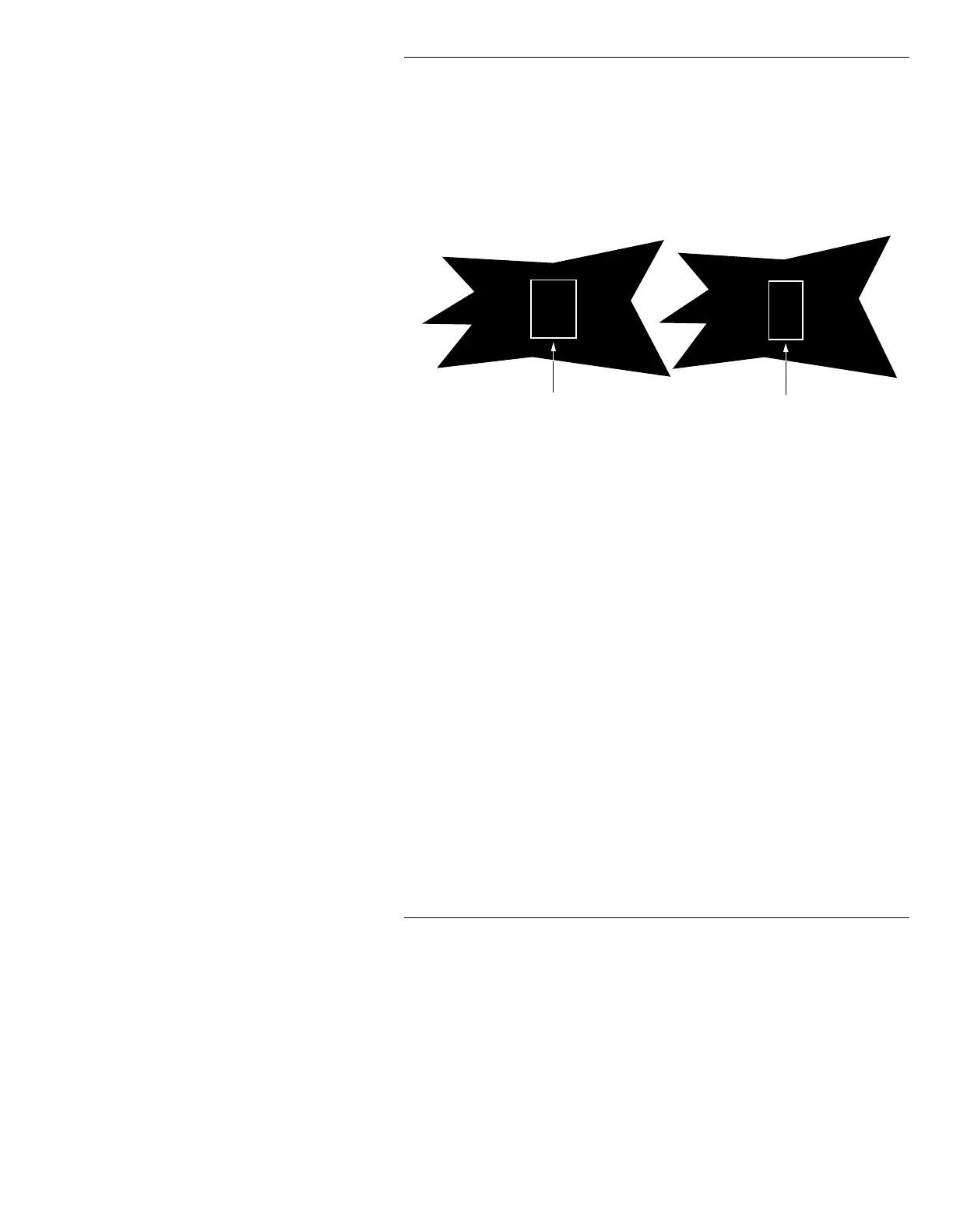
wider. Figure 13-9 illustrates an decrease in
Space Adj.
Figure 13-9. Space Adj - Decrease Space Character Size
Space Adj can be set to decrease or increase the default
width of the Space character as much as
500 pixels. Set a
negative value (
-50, for example) to decrease the width of
the Space character, or a positive value to increase it.
$VSHFW
You can indicate how wide the Flash Font characters are
in relation to the original width, without changing the
Font Size (height).
Aspect (or X Scale Factor) can be set
from
0.10 (10% of original width) to 9.90 (990% or 9.9
times the original width). The default setting is
1.00. If a
value less than
0.10 is entered, the setting defaults to
0.10. If a value greater than 10 is entered, the setting
defaults to
9.90.
For example, entering a value of
200 doubles the width
of the characters. Entering a value of
50 halves the width
of the characters. Figure 13-10 illustrates the effects of
changing
Aspect.
BE
Before Space Adjust
BE
After Space Adjust



 To Next Page