CHYRON Corporation
Directory Features 8-38 Revision D
To access Alphanumeric Mode:
• Press
CNTL 2.
Alpha-Numeric Read and Record enabled appears on
the Prompt Line.
NOTE
Messages with Alphanumeric names
cannot be accessed by Intelligent
Interface.
5HFRUGLQJ0HVVDJHZLWK
$OSKDQXPHULF1DPH
[ ] 1. If not in Alphanumeric Mode, Press CNTL 2 to
enter Alphanumeric Mode.
[ ] 2. Press
RCD.
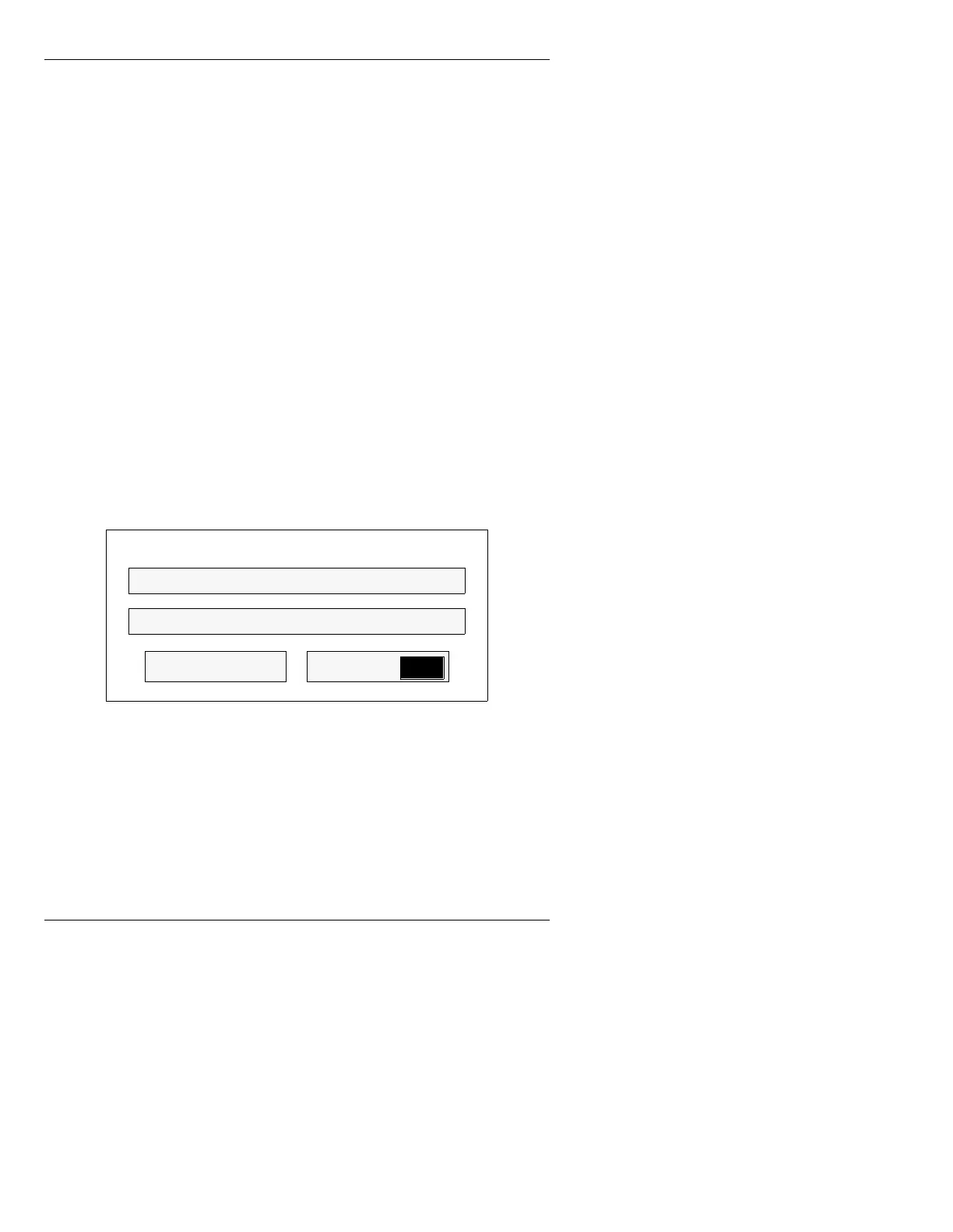
The alphanumeric Record - Drive/Directory
window (Figure 8-15) is displayed.
Figure 8-15. Alphanumeric Record -
Drive/Directory Window
[ ] 3. Enter a message name (maximum 8 characters)
in the
File: field, and if desired, a file
description (maximum 27 characters) in the
Desc.: field.
File:
RCD
RecordList
Record - Drive/Directory
Desc:



 To Next Page