iNFiNiT! Family Operation Manual
Revision D 3-43 Start-Up
XFER function (§14.5, §14.10) to swap the contents of
CHANNELS A and B, it is possible to accidentally trans-
fer a background unseen on the Third Channel Output to
CHANNEL A, where it is then displayed. By setting the
3rd Channel Output mode to
Protected, a scanline back-
ground cannot be built in the buffer assigned to CHAN-
NEL B, thus protecting CHANNEL A from an
unexpected background change.
[ ] 1. Press
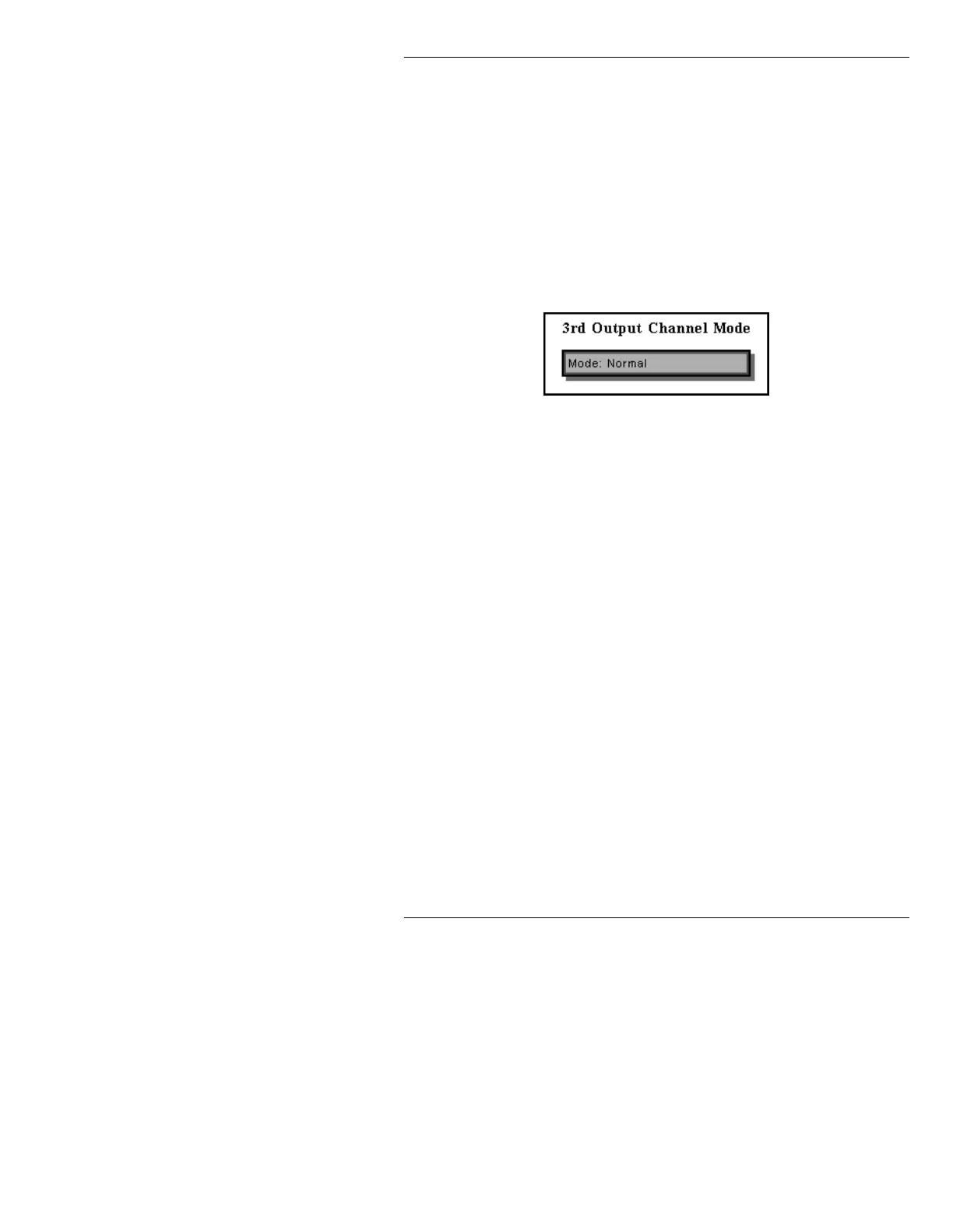
O or select 3rd Output to display the 3rd
Channel Output Mode window.
Figure 3-40. 3rd Channel Output Mode Window
[ ] 2. Press SPACE BAR to toggle between Normal
and Protected, then press CNTL to exit.
:L1)L1L7UG
&KDQQHO%HKDYLRU
If 3rd Channel Output Mode is set to Protected (Pro-
gram Loader menu
SET-UP O), and the user is working
in the buffer assigned to CHANNEL B, the
Buffer: field
in the Status area of the Message Compose main menu
displays information in reverse video as follows:
x B
AIR/PREVIEW
, where x is the number of the buffer
assigned to CHANNEL B;
B AIR specifies the CHAN-
NEL, and
PREVIEW indicates that 3rd CHANNEL Out-
put Mode is set to
Protected. For this example, Buffer 2
is assigned to CHANNEL B.



 To Next Page