iNFiNiT! Family Operation Manual
Revision D 14-15 Buffers & Channels
(QDEOLQJ3UHYLHZ2XWSXW
To enable Preview Output Option:
[ ] 1. After power-up and boot, press
SET-UP.
[ ] 2. Press
O; or select Preview in the Program
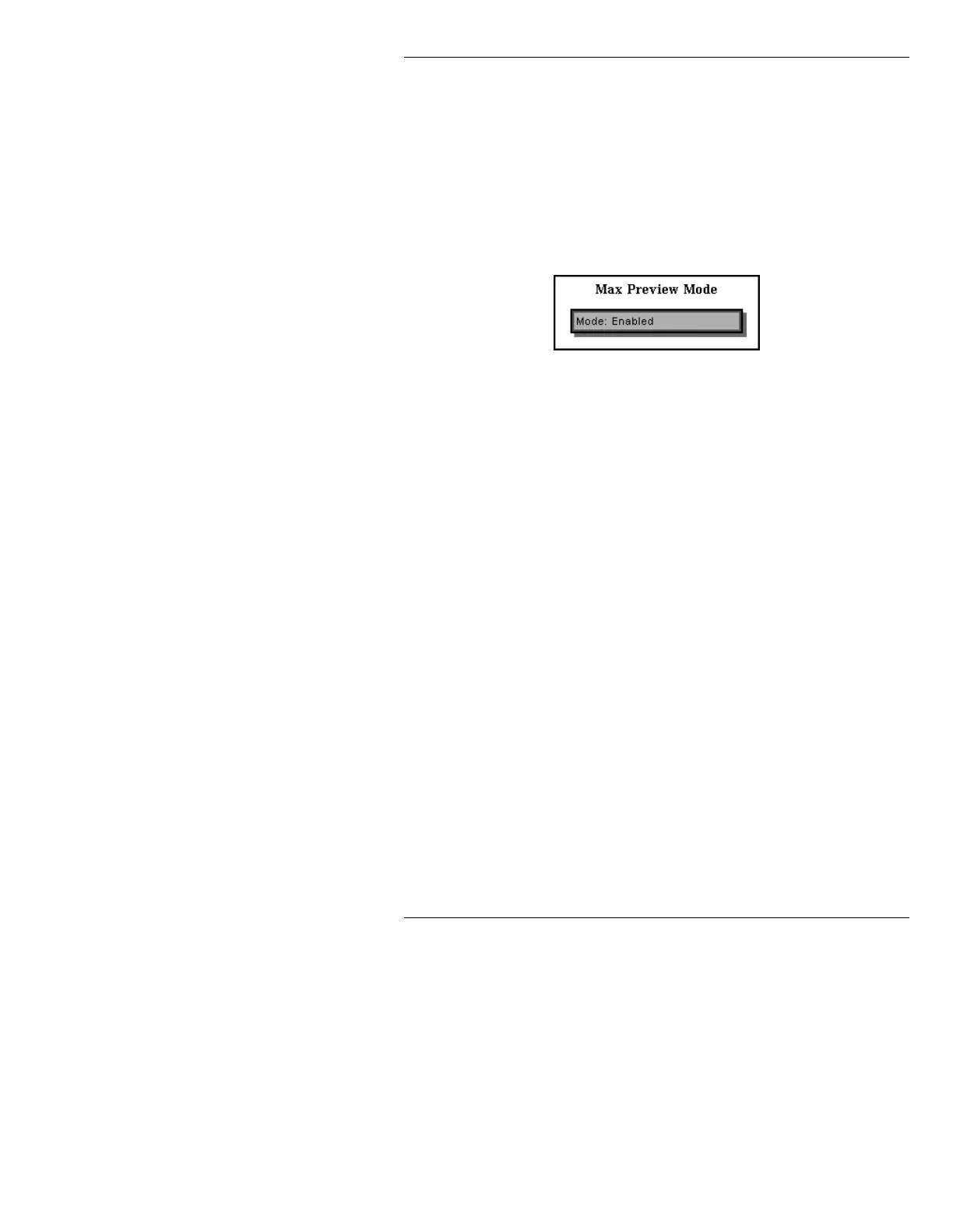
Loader Setup menu. The Max Preview Mode
window is displayed.
Figure 14-3. Max Preview Mode Window
[ ] 3. Press the SPACE BAR or click on the Mode:
field to toggle through the following choices:
Enabled: All MAX!> Preview functions
become available.
Enabled - Locked: All MAX!> Preview
functions become available. In addition the
XFER and ALT XFER function is disabled to
prevent accidental swap of the contents of the
buffer assigned to CHANNEL A and the
contents of the PREVIEW CHANNEL. See
§14.3.4.1 for details on use of
CNTL XFER
.
Disabled: MAX!> Preview is unavailable to
the system.
[ ] 4. Press
CNTL to exit. The following prompt is
displayed:



 To Next Page