CHYRON Corporation
Function Keys 12-2 Revision D
)XQFWLRQ.H\7XWRULDO
In the following tutorial, Function Key 1 is programmed
to repeatedly display the phrase
FUNCTION KEY ONE.
Each word appears in a separate row, and is displayed in
a different color.
Start the tutorial from the Message Compose main menu
or the IMAGESTOR! main menu. Make sure there is a
font loaded into Font Key
1.
6WHS .H\VWURNHV &RPPHQWV
1 CNTL F1
To access the Function Key into which the sequence is to
be stored, press
CNTL then the Function Key (F1-F5; or
SHIFT + F1-F5 to access F6-F10). For this example,
press
F1.
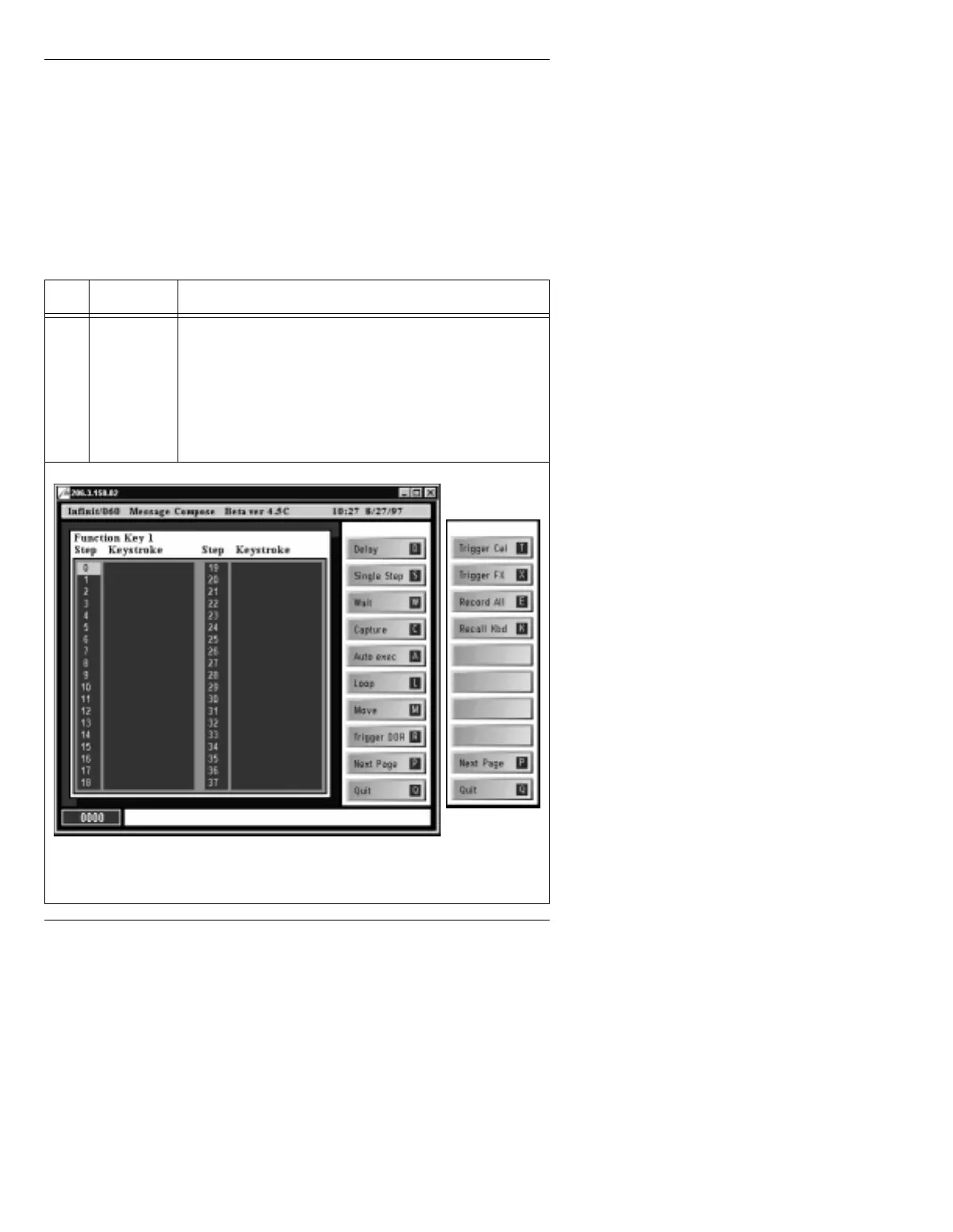
The Function Key 1 list (Figure 12-1) is displayed, show-
ing the first 38 steps.
Figure 12-1. Function Key List
Press P to
toggle between
columns.



 To Next Page