CHYRON Corporation
Directory Features 8-52 Revision D
5HFRUG7UDQVIRUP6FULSWV;
This is available on systems equipped with the Transform
option. You can record the Transform Script and all
objects used by the Transform Script.
12
To record a Transform Script:
[ ] 1. Press
CNTL RCD.
[ ] 2. Press
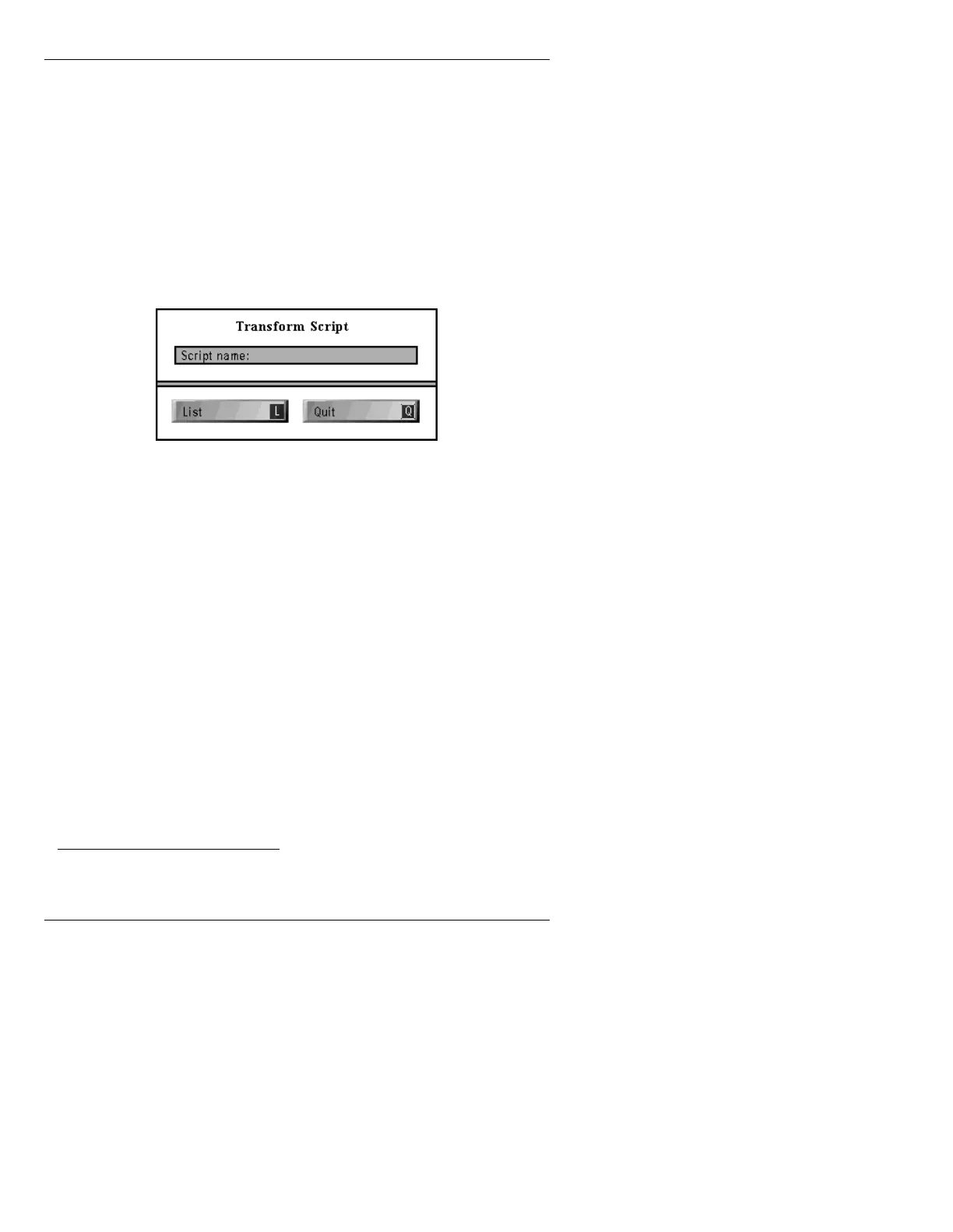
X to display the Transform Script
window.
Figure 8-20. Transform Script Window
[ ] 3. If the Script name is not already present, type
the name of the script, in
UPPER CASE
LETTERS
, in the Script Name: field, then
press
.
[ ] 4. Press
L. This lists the Transform scripts stored
in the current directory.
[ ] 5. Highlight the desired Transform Script, then
press
to place its name in the
Script Name:
field.
[ ] 6. Press
CLR, then enter a message ID number
using the Address Keypad.
[ ] 7. Press
to record the Transform Script.
12. See the Transform Option Handbook, (Pub. No. 2A01864) for more
information on this option.



 To Next Page